BioHorizons
CAD-CAM BioHorizons Ti Base
Ti-Base interface library for modeling cement- and screw-retained restorations in exocad.
Implant & Ti-Base libraries for exocad DentalCAD · 1058 libraries · 29 brands
Ti-Base interface library for modeling cement- and screw-retained restorations in exocad.
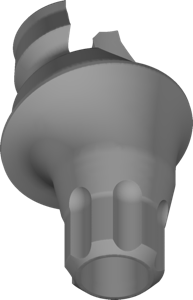
Multi-Unit geometries for copaSKY screw-retained bridges and bars in exocad.
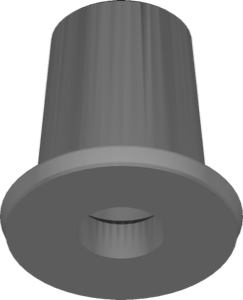
Ti-Base geometry for bridge mesostructures and frameworks on titanium bases, exocad.
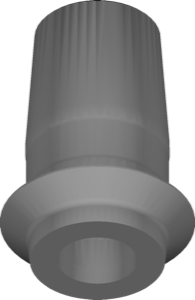
Ti-Base geometry and crown for single implant-supported restorations, CONELOG connection, exocad.
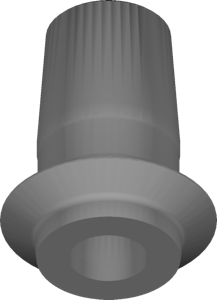
Ti-Base library for single implant crowns, conical connection platform, exocad.
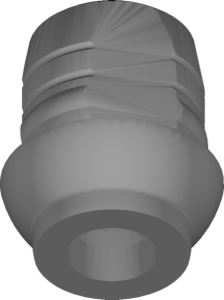
Ti-Base library for designing restorations on the iSy interface in exocad.
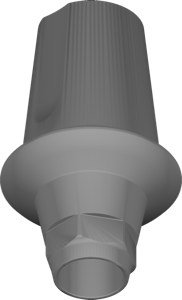
Implant library with Ti-Base and Link components, SuperLine 5510 interface, for exocad.
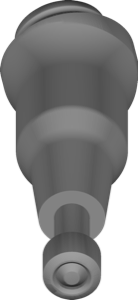
Angled BalanceBase Multi-Unit library for screw-retained bridges and full arches in exocad.
Abutment geometry for printing working models, Camlog Screw-line connection, exocad.
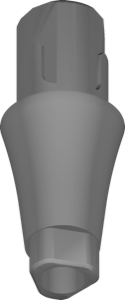
Implant library for exocad DentalCAD, Labside XBase SA interface geometry for restorations
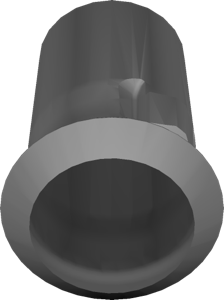
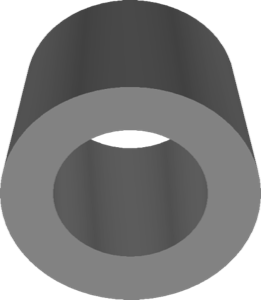
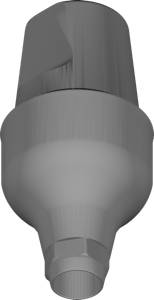
Cemented abutment component for UF Submerged platform, restoration design in exocad.
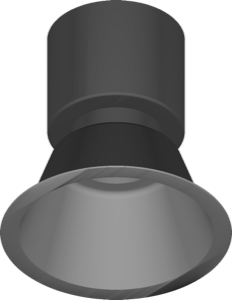
Temporary monobloc component geometry for provisional restorations on MDT interface, exocad.
exocad implant library with platform geometry for designing implant-supported restorations.
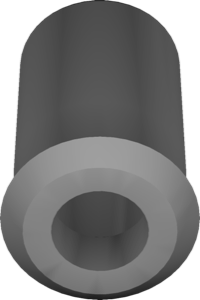
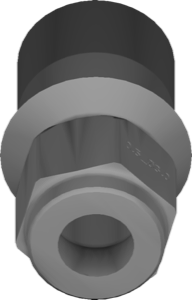
Implant library for exocad, Submerge R platform, S06 conical connection.
This library is part of PRO. Access opens downloads for all 2,983 libraries.