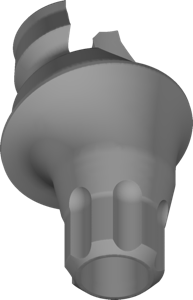
Bredent
medical copaSKY multiunit
Multi-Unit geometries for copaSKY screw-retained bridges and bars in exocad.
33 libraries · exocad DentalCAD — Implants
Bredent — 33 libraries for exocad DentalCAD — Implants in the catalog.
Bredent is a dental implant and prosthetic system whose exocad DentalCAD libraries in this catalog cover titanium bases, abutments and related geometries for designing implant-supported restorations. The collection includes 33 products, among them the Bredent Conus 30 and Bredent Internal-Hex 35 lines, giving CAD technicians references for conus and internal-hex prosthetic workflows within DentalCAD.
Multi-Unit geometries for copaSKY screw-retained bridges and bars in exocad.
Implant library with 30° conical connection geometry for exocad restoration design.
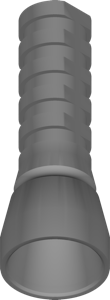
Multi-Unit support library for designing screw-retained suprastructures on MU platform in exocad.
Conical 35° and 40° geometries for designing implant-supported restorations in exocad.
Implant library for exocad with connection geometry for designing implant-supported restorations.
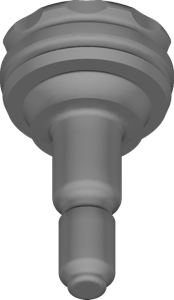
Dockloc attachment geometry library for overdentures on SKY implants, exocad
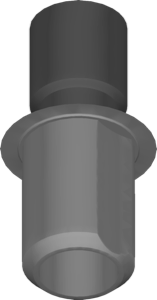
Implant geometry library for positioning restorations in exocad DentalCAD.
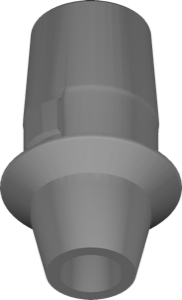
Implant library for exocad, Max NP platform, additive 3D-printing restoration workflow
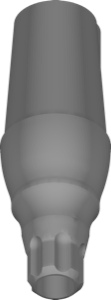
Library of stock titanium abutments with copaSKY interface for exocad restoration design.
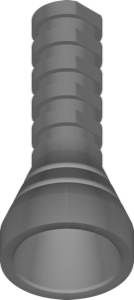
Multi-Unit reference geometry for screw-retained bridges and full-arch restorations, exocad.
Implant library for exocad, Quattro system, NP platform, implant-supported restoration design.
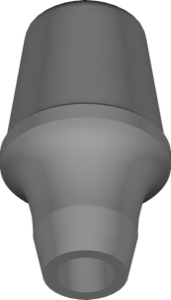
Implant library with connection interface for designing implant-supported restorations in exocad.
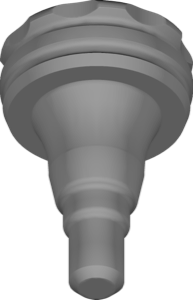
Implant library for exocad: copaSKY interface, standard Dockloc components, overdenture restorations.
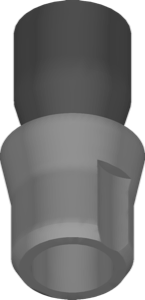
Implant library for exocad DentalCAD describing legacy copaSKY connection interface.
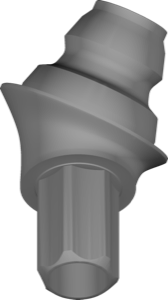
Multi-Unit SKY abutment geometry for screw-retained bridges in exocad.
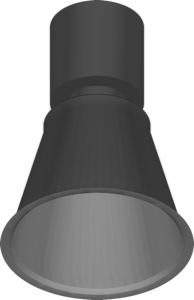
Implant library for UC S3D connection, designing implant-supported restorations in exocad.
Multi-Unit component library for photogrammetry workflows in exocad, full-arch restorations.
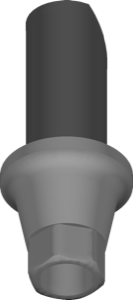
Implant library for exocad: restoration geometry on prefabricated components and interface.
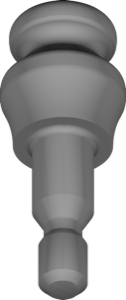
TISISNAP attachment geometry for designing overdenture and attachment restorations in exocad.
Implant library for exocad with NP platform geometry for implant-supported restorations
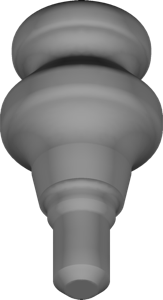
Implant library for exocad, copaSKY interface, standard TISISNAP components.
Implant Multi-Unit component library for screw-retained bridges and full-arch restorations, exocad
Implant library with internal-hex connection geometry for prosthetic modeling in exocad.
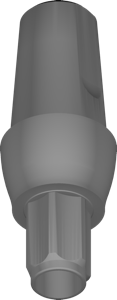
Stock titanium abutment geometry for SKY implant crown modeling in exocad.
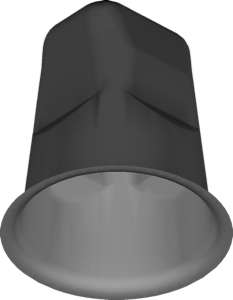
Ceramic implant references in stock configuration for modeling crowns and bridges in exocad.
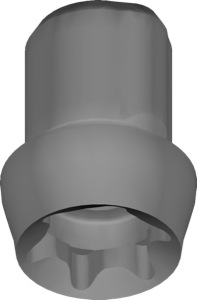
Narrow-diameter implant references for planning and modeling restorations in exocad
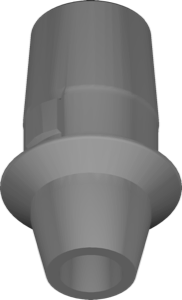
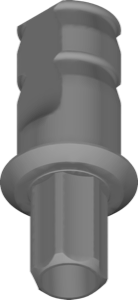
Implant library for exocad with digital geometry for implant-supported restoration design.
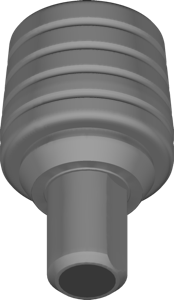
Standard revocone prosthetic interface for implant crowns and bridges in exocad.
This library is part of PRO. Access opens downloads for all 2,983 libraries.