Implant Direct
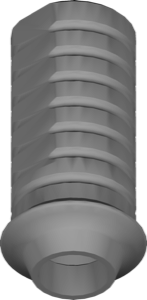
Temp Non Engaging Abutments
Temporary non-engaging abutment geometry for exocad, Non-engaging and FDA variants.
8 libraries · exocad DentalCAD — Implants
Implant Direct — 8 libraries for exocad DentalCAD — Implants in the catalog.
Implant Direct is an established implant system whose exocad DentalCAD libraries are gathered in this hub for designing implant-supported restorations on Implant Direct fixtures. The catalog holds eight product lines covering titanium bases, abutments and multi-unit geometries, including Implant Direct SmartBaseEngaging 4mm and Implant Direct DIRECTscan DIRECTarch for scan and arch-based digital workflows.
Temporary non-engaging abutment geometry for exocad, Non-engaging and FDA variants.
SmartBase cylinder geometry as support for implant-supported restorations in exocad.
Engaging SmartBase abutment geometry, 6mm height, for exocad implant restoration design
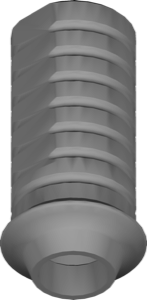
Non-engaging titanium base, 6mm height, for screw-retained restoration design in exocad.
Engaging SmartBase abutment library, 6mm modified to 4mm height, exocad.
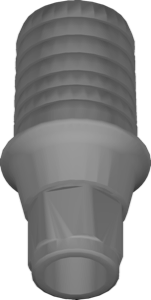
SmartBase Engaging 4mm abutment library, anti-rotational indexing for single crowns in exocad.
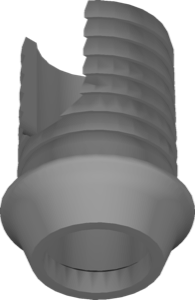
Non-engaging titanium base 4mm for implant-supported restoration design in exocad
Scan flags and full-arch workflow library for exocad, arch-level restoration design.
This library is part of PRO. Access opens downloads for all 2,983 libraries.