Thommen
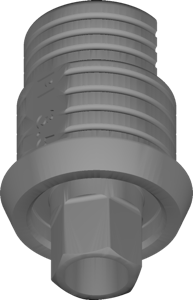
DyTi-Base PF 3 5 Coated Captive Screw
Ti-Base library, coated variant with captive screw, PF 3.5 platform, for exocad.
26 libraries · exocad DentalCAD — Implants
Thommen — 26 libraries for exocad DentalCAD — Implants in the catalog.
The Thommen hub brings together exocad DentalCAD implant libraries built around the Thommen system and its DyTi-Base components. The catalog currently lists 26 products, including lines such as the Thommen DyTi-Base PF 3 5 Coated Captive Screw and the Thommen DyTi-Base PF 3 5 PEEK Removable Screw.
The libraries cover titanium bases and related geometries used to design implant-supported restorations within the DentalCAD workflow.
Ti-Base library, coated variant with captive screw, PF 3.5 platform, for exocad.
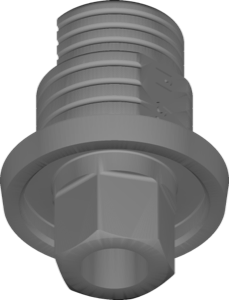
PEEK Ti-Base library, PF 5.0 platform, captive screw retains prosthetic screw, exocad.
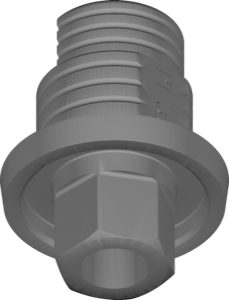
Coated Ti-Base abutment, PF 5.0 platform, captive screw, for exocad
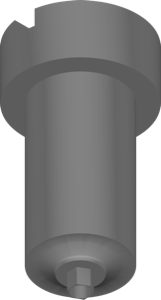
Millable abutment library for designing custom abutments on implants in exocad.
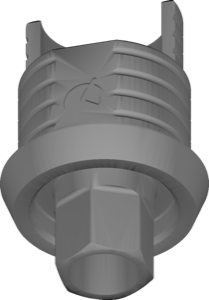
Ti-Base geometry for implant restorations on PEEK base, removable screw, exocad.
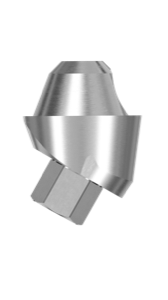
First-generation Multi-Unit library for screw-retained restorations on Gen1 platform, exocad.
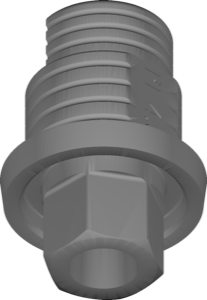
Ti-Base geometry for crowns and small bridges, PF 4.5 platform, captive screw, exocad
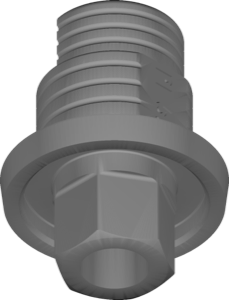
Coated Ti-Base geometry, PF 5.0 platform, removable screw, for exocad.
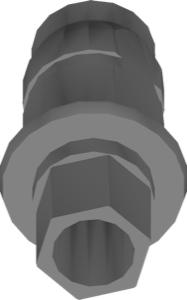
VARIOunite PF3.0 interface library for implant-supported restoration design in exocad.
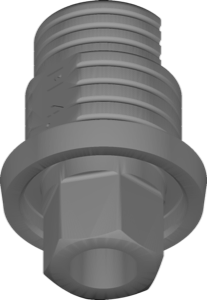
Ti-Base geometry, coated 4.5 platform, removable screw, implant crowns and bridges in exocad.
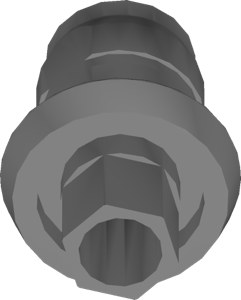
Temporary PEEK scan abutment for designing implant-supported provisional restorations in exocad.
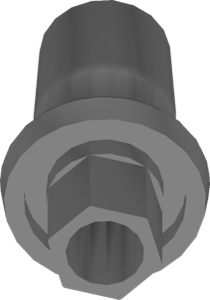
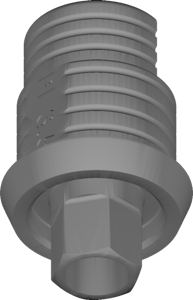
Coated Ti-Base geometry with removable screw, PF 3.5 platform, for exocad.
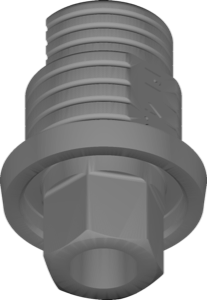
Ti-Base geometry, PF 4.5 platform, removable screw variant, for exocad.
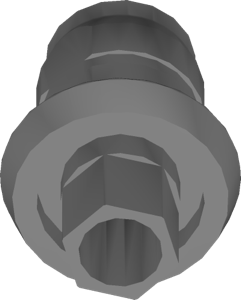
Temporary component library for designing provisional implant restorations in exocad.
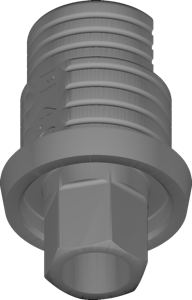
Ti-Base for 4.0 PEEK base, removable screw, crowns and bridges in exocad.
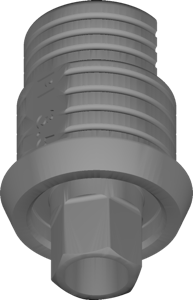
PEEK Ti-Base geometry with captive screw, PF 3.5 platform, exocad.
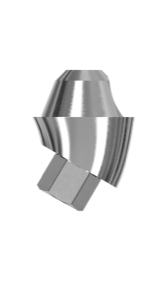
Multi-Unit Gen2 component library for screw-retained bridges and bars, exocad.
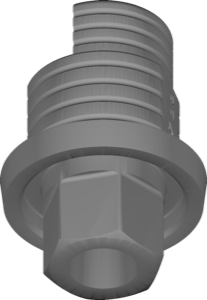
Coated 4.5 Ti-Base with captive screw for implant crowns in exocad
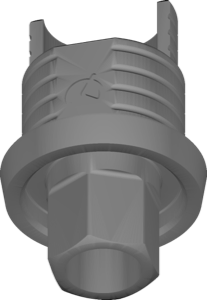
Ti-Base geometry for crowns and bridges, PF 4.0 platform, captive screw, exocad.
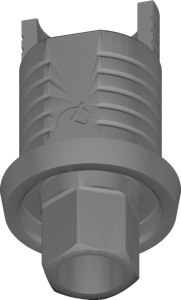
Ti-Base geometry for PEEK 4.0 variant, captive screw, implant restorations in exocad.
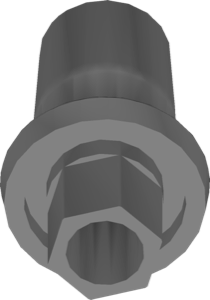
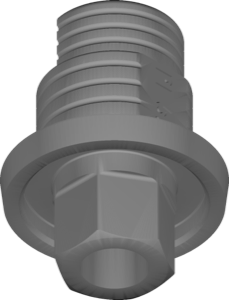
PEEK Ti-Base geometry, PF 5.0 interface, removable screw, for exocad.
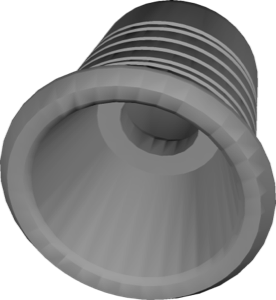
Ti-Base with Multi-Unit interface for crowns and bridges, exocad
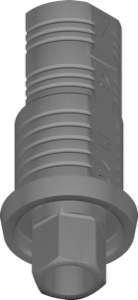
Coated 4.0 Ti-Base geometry, removable screw, crowns and bridges, exocad.
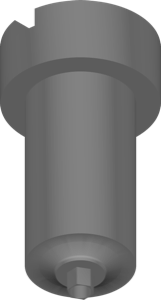
PEEK ScanAb geometry for designing custom milling abutments in exocad.
This library is part of PRO. Access opens downloads for all 2,983 libraries.