DIO
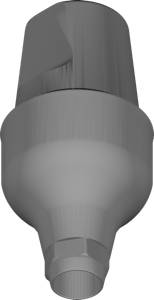
UF Sub Cemented ABT SSCA 65505
Cemented abutment component for UF Submerged platform, restoration design in exocad.
158 libraries · exocad DentalCAD — Implants
DIO — 158 libraries for exocad DentalCAD — Implants in the catalog.
DIO is an implant-system manufacturer whose exocad DentalCAD libraries in this catalog span Ti-base, abutment and Multi-Unit geometries for implant-supported restoration design. The selection includes entries such as DIO UF Sub Cemented ABT SSCA 45104 and DIO UF Sub Cemented ABT SSCA 45105, covering the DIO UF sub-cemented abutment family. With 158 product entries, this is one of the most extensive implant library hubs in the catalog.
Cemented abutment component for UF Submerged platform, restoration design in exocad.
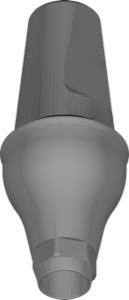
Abutment library for cement-retained restorations, UF Submerged platform, exocad.
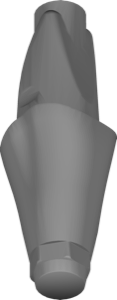
Digital abutment library for UF Submerged system, implant crown and bridge design in exocad.
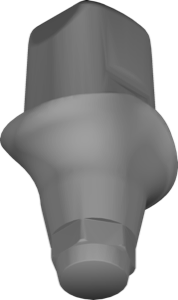
Abutment library with UF Sub Digital connection for exocad, single crowns and bridges
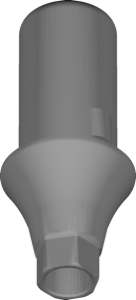
Link geometry library for hybrid abutment, UF Submerged platform, exocad.
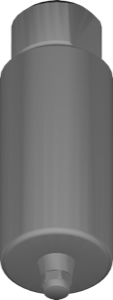
Implant library for exocad: Submerged regular platform, hexagonal engaging interface, restorations.
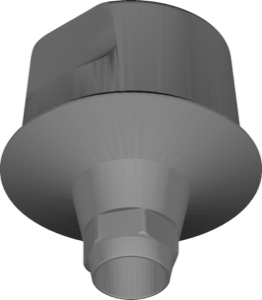
Cemented abutment geometry for designing restorations on UF Submerged platform in exocad.
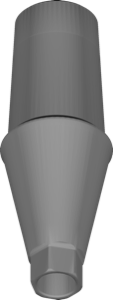
UF platform abutment geometry for cemented restorations in exocad implant module.
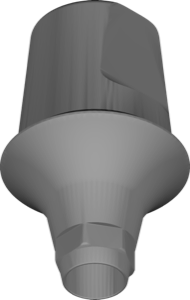
Cementable abutment library for designing crowns and bridges in exocad.
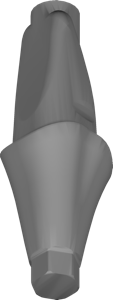
UF Submerged digital abutment library for modeling crowns and bridges in exocad
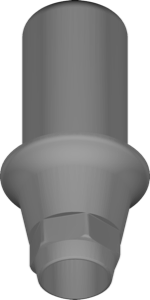
Link geometry library for seating crowns and bridges on titanium base, exocad.
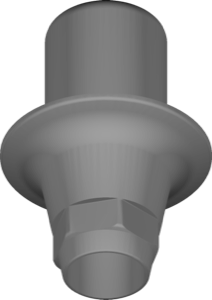
Hybrid Link geometry for modeling implant restorations on UF Sub platform, exocad.
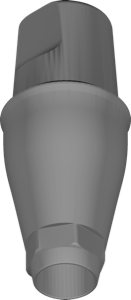
Cemented abutment geometry, UF Submerged platform, DIO interface, for exocad.
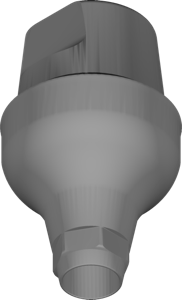
Cemented UF Submerged abutment geometry for modeling crowns and bridges in exocad.
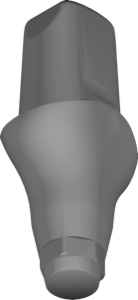
Abutment library for exocad, UF Submerged digital protocol, size 3570, implant-supported restorations.
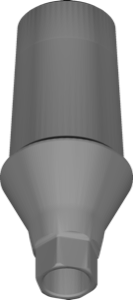
Cemented abutment CAD geometry, UF Submerged platform, implant-supported crown modeling for exocad.
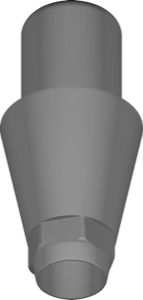
Implant library with Link geometry for modeling restorations on titanium base in exocad.
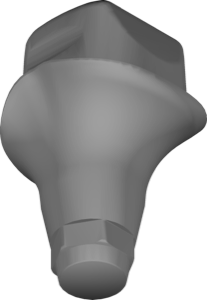
Abutment geometry, UF Submerged DMR 2540 platform, for exocad implant module.
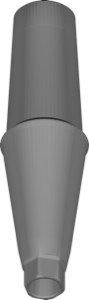
Abutment geometry for cemented restorations on UF platform in exocad.
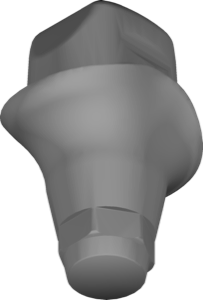
Abutment geometry with UF Sub interface for implant-based restoration design in exocad.
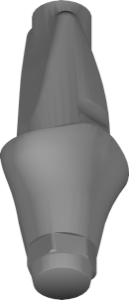
Abutment library for exocad, DIO UF Submerged connection, implant-supported crowns and bridges.
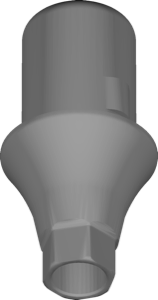
Link geometry library for hybrid abutment base, UF Submerged platform, exocad.
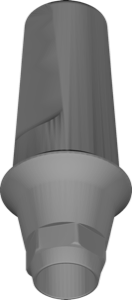
Subgingival cemented abutment; exocad library for modeling crowns on it.
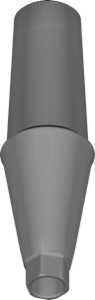
Cemented abutment library for crown modeling in exocad DentalCAD.
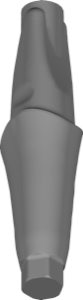
Digital abutment library for exocad, modeling crowns, bridges, custom suprastructures.
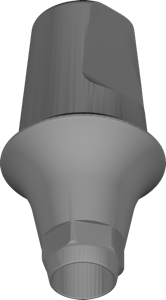
Cemented abutment library, UF Submerged platform, for restoration modeling in exocad.
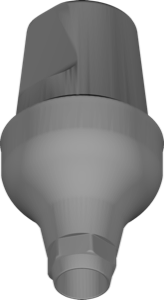
Cemented abutment geometry, UF Submerged platform, for exocad crown and bridge design
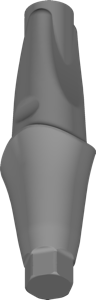
Abutment library with UF Sub connection for designing restorations in exocad
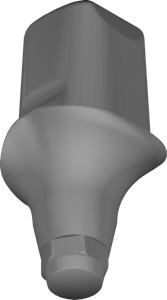
Digital submerged protocol abutment geometry, size DMR 2570, for exocad restorations.
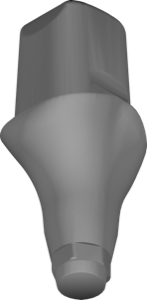
Implant library with UF Submerged abutment geometry, DMR 4570 platform, for exocad.
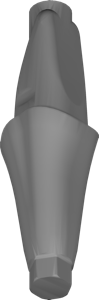
Digital abutment library with geometry for modeling implant-supported restorations in exocad.
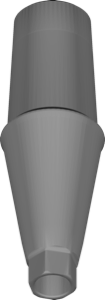
Cemented abutment geometry on UF platform for restoration design in exocad
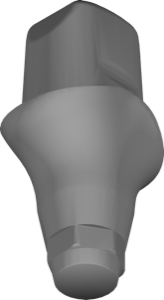
Abutment geometry, UF Sub Digital connection, article DPR 2555, single crowns and bridges, exocad.
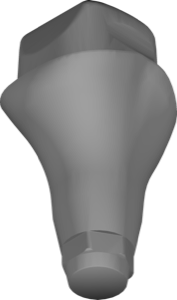
UF Submerged abutment library, DMR 4540 platform, crown and bridge modeling in exocad.
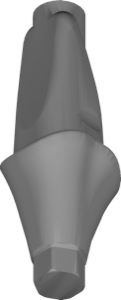
Digital abutment library for designing implant-supported restorations in exocad DentalCAD.
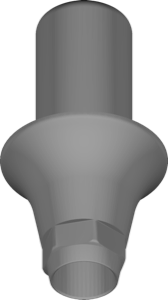
Implant library with Link geometry for UF Sub Hybrid in exocad DentalCAD.
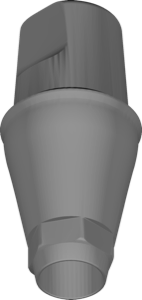
Cemented abutment geometry library, UF Submerged platform, for exocad implant CAD.
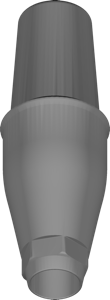
Cemented abutment library with digital geometry for restoration design in exocad.
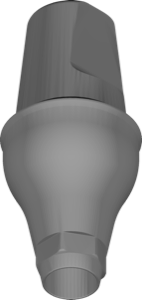
Cement-retained abutment CAD geometry, UF Submerged platform, for exocad DentalCAD.
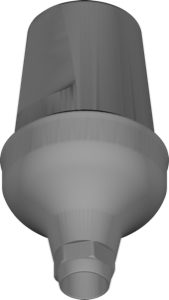
Cemented abutment library for modeling crowns and bridges in exocad, SSCA platform.
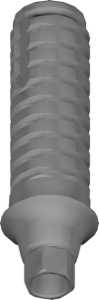
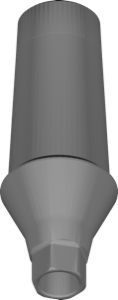
Cementable UF Submerged abutment geometry for building restorations in exocad.
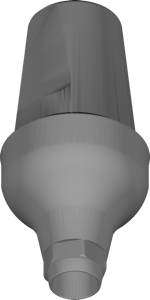
Cemented abutment geometry for UF Submerged platform; crowns and bridges in exocad.
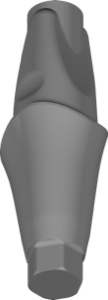
Abutment for implant-supported restorations, UF Sub platform, for exocad.
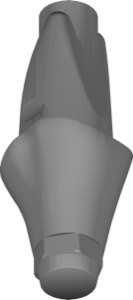
Abutment geometry, UF Submerged platform, for implant-supported restoration design in exocad.
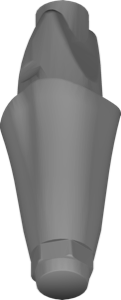
Digital abutment geometry, UF Submerged platform, configuration 5555, for exocad.
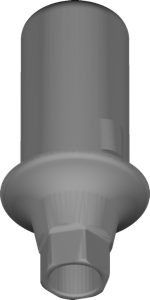
Link library for UNHl hybrid base on UF Submerged platform, exocad.
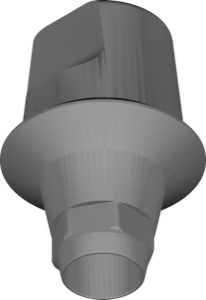
Cemented UF Submerged abutment geometry library for implant modeling in exocad.
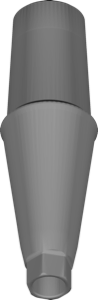
Cemented abutment component, UF platform, for restoration planning in exocad.
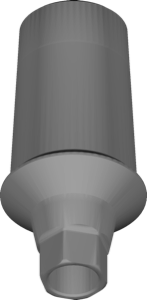
Abutment geometry for exocad, designing cemented crowns on UF Submerged implants.
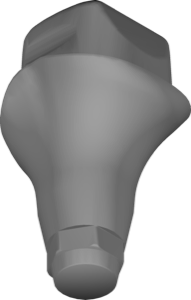
Submerged abutment library, DMR 3540 size, for modeling crowns and bridges in exocad.
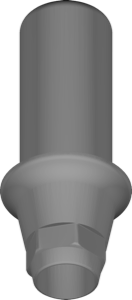
Implant library with Link geometry for modeling crowns and bridges in exocad.
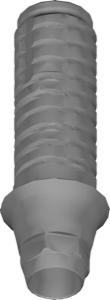
Ti-Base library with AQs UF2 interface for crowns, bridges, hybrids in exocad
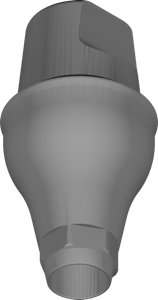
Abutment library for cement-retained restorations, UF Submerged platform, exocad.
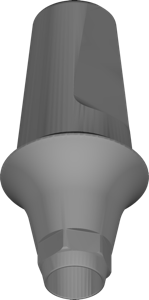
Cementable UF Submerged abutment library for designing crowns and bridges in exocad.
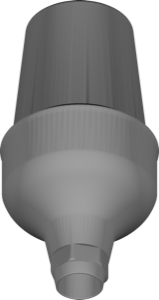
Abutment geometry for modeling cemented crowns and bridges, SSCA platform, exocad.
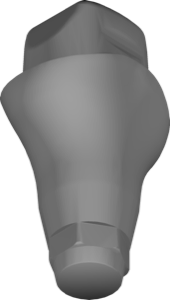
Implant library for exocad DentalCAD with submerged abutment geometry, size 3540.
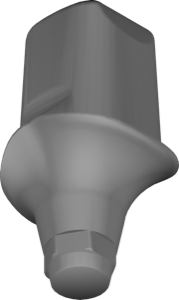
UF Submerged digital-protocol abutment geometry, size DMR 1570, for crowns and bridges, exocad.
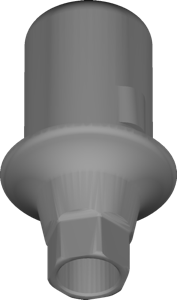
Link geometry library for hybrid restorations on UF Sub platform, exocad.
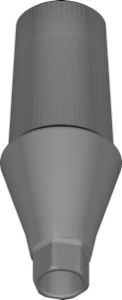
CAD form of cemented abutment, UF Submerged platform, for exocad restoration modeling.
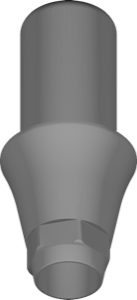
Implant library for exocad with Link geometry, modeling restorations on titanium base.
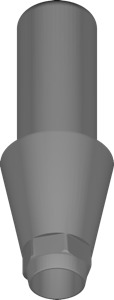
Link geometry library for exocad, designing implant-supported restorations on the matching interface.
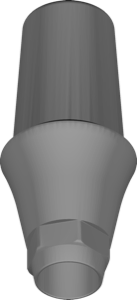
Subgingival cemented abutment, SSCA 45205 connection, abutment library for exocad DentalCAD.
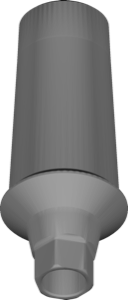
CAD abutment geometry for cemented UF Submerged connection, exocad crown modeling
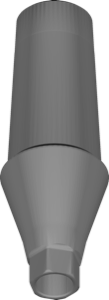
Cemented UF Submerged abutment geometry for exocad, digital fit for implant-supported restoration
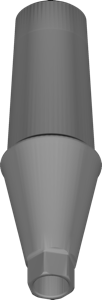
Cemented abutment for designing crowns and small bridges in exocad.
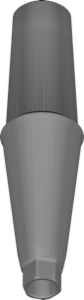
Cemented abutment library for exocad, UF Submerged platform, for crowns and bridges.
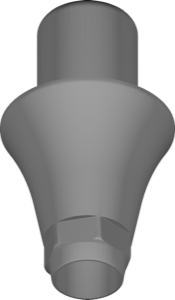
Link component geometry library for hybrid restorations on DIO interface, exocad.
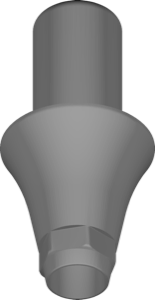
Hybrid Link geometry for scan alignment and implant restoration modeling in exocad.
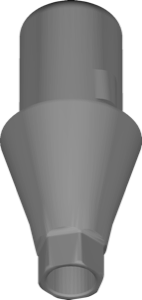
Link interface for UNHl 40403 hybrid base, UF Submerged platform, exocad.
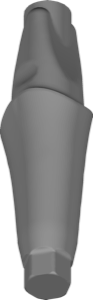
Digital abutment library for single and bridge implant-supported restorations in exocad.
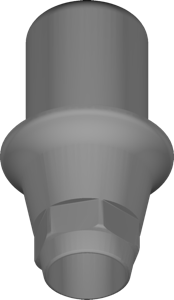
Link component for modeling hybrid superstructures on Submerged Hybrid Link connector, exocad.
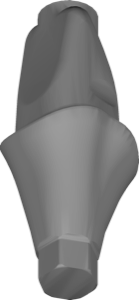
Digital UF Submerged abutment library for designing single crowns and bridges in exocad.
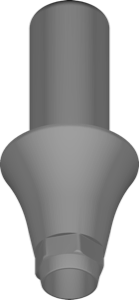
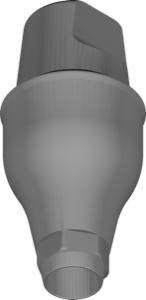
Abutment geometry for cement-retained crowns and bridges, UF Submerged platform, exocad.
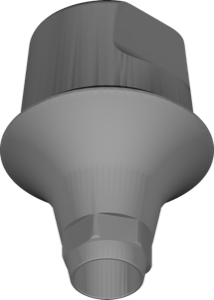
exocad library for designing crowns and bridges on cementable abutment geometry.
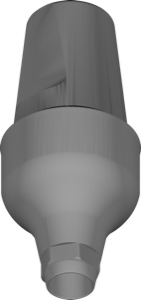
Cemented abutment geometry library, UF Submerged platform, for modeling restorations in exocad
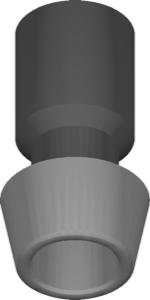
Implant library, narrow Submerged platform, non-hex non-engaging interface, for exocad.
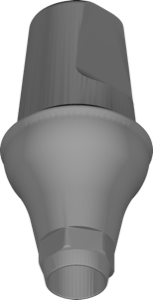
Cemented abutment library for UF Submerged platform, seating surface for exocad crowns.
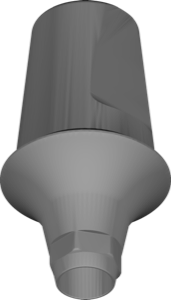
Cementable UF Submerged abutment library for designing crowns and bridges in exocad.
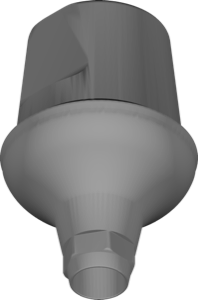
Cemented abutment SSCA 75305 library from UF Submerged line for exocad crown design.
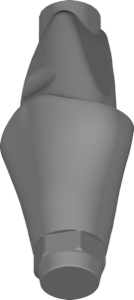
Abutment library for UF Submerged system, implant-supported restoration design in exocad.
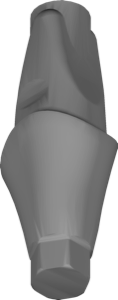
Digital abutment library for UF Sub platform, designing implant-supported restorations in exocad.
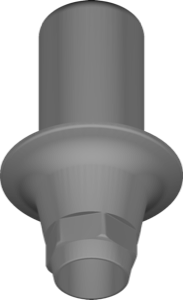
exocad implant library with Link geometry for crowns, bridges, hybrid restorations on ti-base
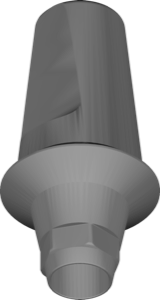
Cemented abutment geometry, UF Submerged platform, for exocad implant module.
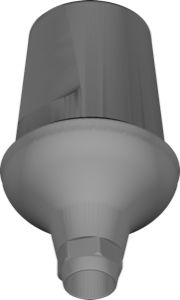
Cementable abutment SSCA 75307 library, UF Submerged line, for exocad restorations.
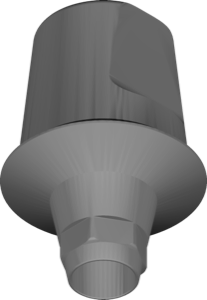
Cementable abutment geometry, UF Submerged platform, for exocad crown and bridge design
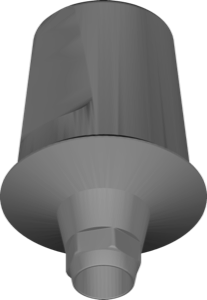
Abutment geometry for cemented restorations, UF Submerged platform, exocad
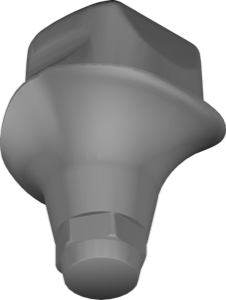
Digital abutment library, UF Sub platform, DMR 1540 connection, for exocad DentalCAD.
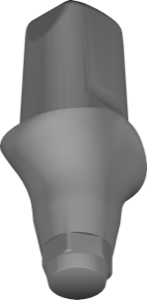
Abutment library, UF Sub Digital interface, article DPR 2570, for exocad.
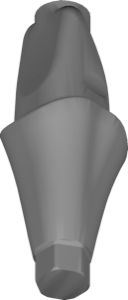
Digital abutment library, UF Submerged platform, for designing crowns and bridges in exocad.
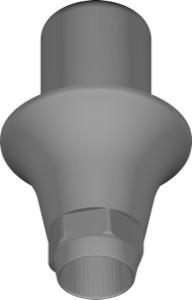
Hybrid Link geometry for implant-interface restorations in exocad DentalCAD.
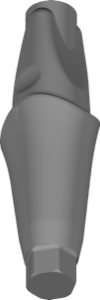
Abutment library for designing DIO implant-supported restorations in exocad.
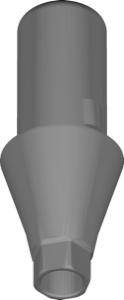
Link geometry library for hybrid base on UF Submerged platform, exocad.
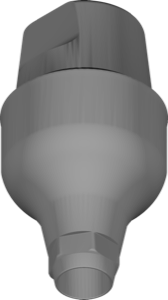
Abutment library for cemented restorations on UF Submerged platform, exocad.
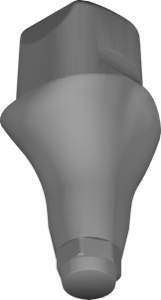
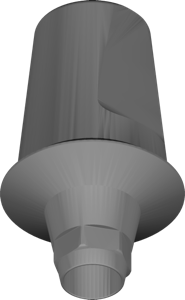
Cementable UF Submerged abutment, article SSCA 65107, for exocad restoration design.
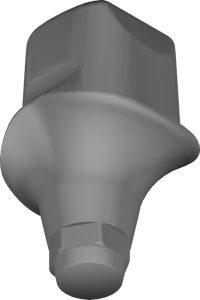
Abutment library for UF Submerged platform, superstructure modeling in exocad.
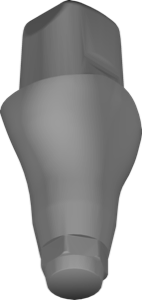
Abutment library for exocad with UF Submerged connection, DPR 4555 platform.
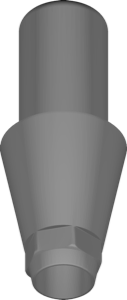
Link library for exocad: crowns, bridges, hybrid restorations on titanium base.
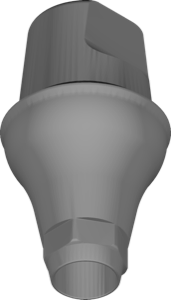
Cemented abutment library, UF Submerged platform, for crown and bridge design in exocad.
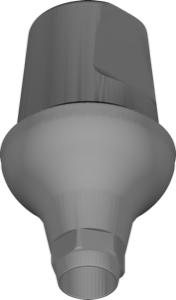
Cementable UF Submerged abutment library for modeling crowns and bridges in exocad.
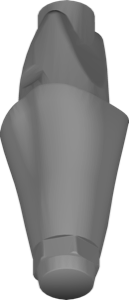
Digital UF Submerged abutment, configuration 4555, for implant-supported restorations in exocad.
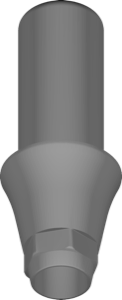
Hybrid Link library for designing implant restorations on DIO UF Sub platform in exocad.
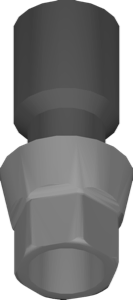
Implant library for exocad: narrow Submerged platform, engaging hex connection for restorations.
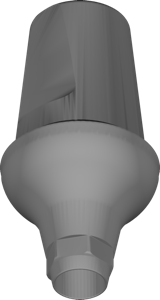
Cementable abutment geometry, UF Submerged platform, for crown and bridge design in exocad.
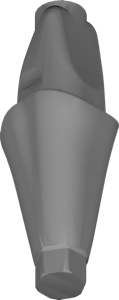
Abutment geometry for designing implant-supported restorations on UF Submerged platform in exocad.
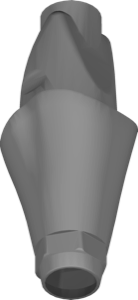
Digital UF Submerged abutment library, configuration 3555, for crown and bridge design in exocad.
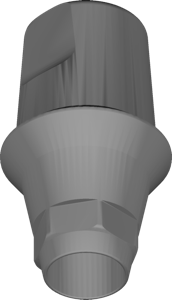
Subgingival cemented abutment geometry, SSCA 45204 variant, for exocad DentalCAD.
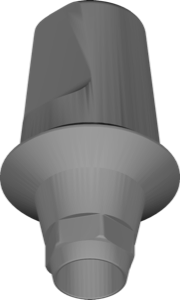
Cemented abutment geometry, UF Submerged platform, for exocad implant module.
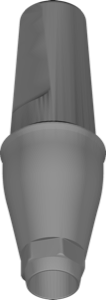
Cemented UF Submerged abutment geometry for modeling crowns and bridges in exocad.
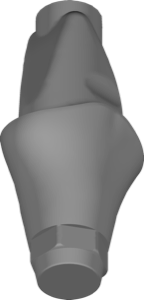
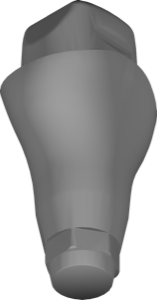
Abutment library for exocad, UF Submerged digital protocol, size 4540, prosthetic geometry.
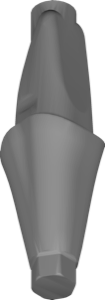
Abutment library for exocad; UF Submerged Digital platform, restoration planning.
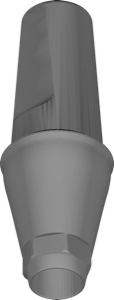
Cemented abutment library for DIO UF Submerged, restoration modeling in exocad.
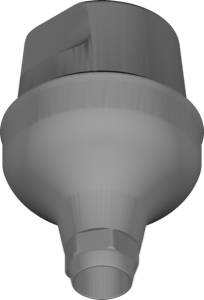
Cemented abutment geometry for modeling crowns and bridges in exocad.
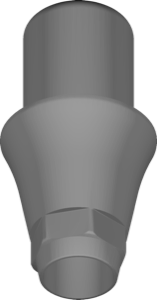
exocad implant library, Link geometry for UF Sub Hybrid interface, crowns and bridges.
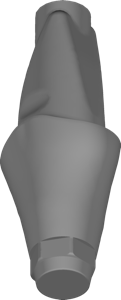
Abutment library for exocad, DIO UF Submerged connection, implant-supported restorations.
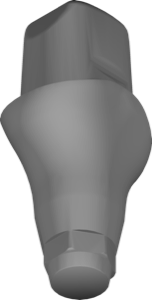
Abutment geometry library, UF Submerged platform, for exocad implant module.
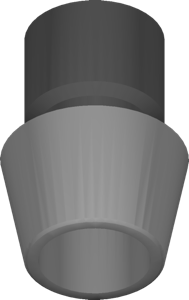
Implant library for DIO UF Submerged regular platform, non-engaging, exocad.
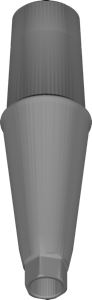
Cemented abutment library for crown and bridge design, Submerged platform, exocad
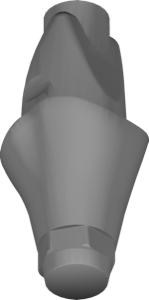
Abutment geometry for UF Submerged Digital DUR platform, exocad implant module.
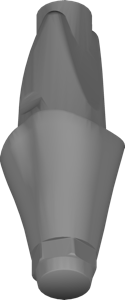
UF Submerged digital abutment library, 3570 platform, for exocad implant restorations.
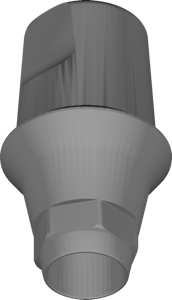
Cemented abutment geometry, SSCA 45104 platform, for exocad restoration design.
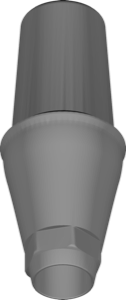
Cemented UF Submerged abutment geometry for crown and bridge modeling in exocad.
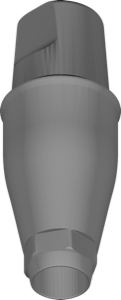
Cemented UF Submerged abutment geometry for modeling crowns and bridges in exocad.
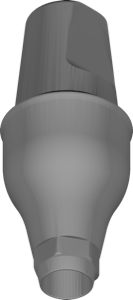
Abutment library for exocad, cement-retained restorations on UF Submerged platform
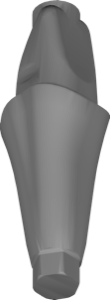
Abutment library on UF Submerged Digital platform for implant-supported restorations in exocad.
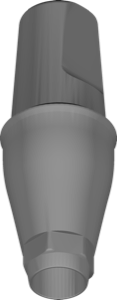
Cemented abutment library on UF Submerged platform for exocad restoration design
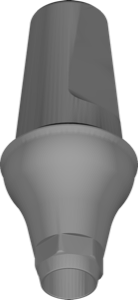
Cemented UF Submerged abutment geometry, prosthetic base for restorations in exocad.
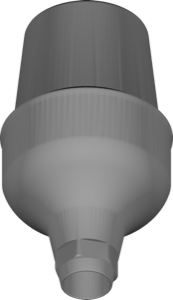
Cementable abutment CAD geometry, SSCA 75505 connection, for exocad DentalCAD.
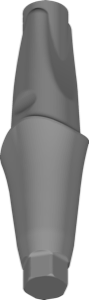
Abutment library for exocad; implant-supported crowns, bridges and hybrid restorations.
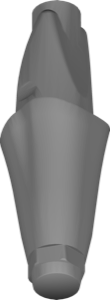
UF Submerged digital abutment library, 5570 platform, for exocad DentalCAD restorations.
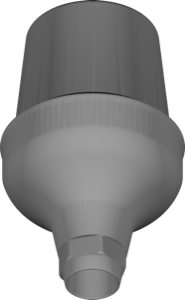
Cemented abutment geometry with SSCA 75405 connection for exocad-implant.
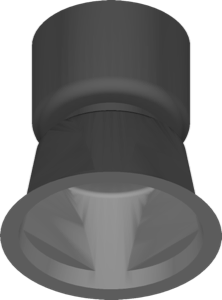
Abutment geometry for UF Submerged UV PLUS interface, implant restoration modeling in exocad DentalCAD.
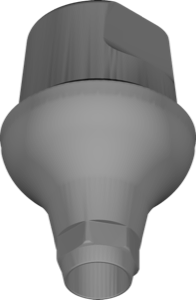
Cemented abutment geometry, UF Submerged platform, for crown modeling in exocad.
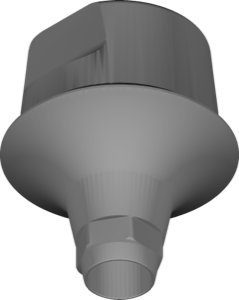
Cementable stock abutment library for UF Submerged platform, exocad crown/bridge design.
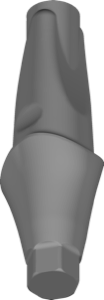
Abutment library for positioning restorations on DIO platform in exocad.
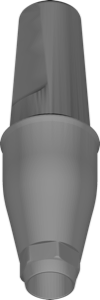
Cemented UF Submerged abutment geometry library for modeling restorations in exocad.
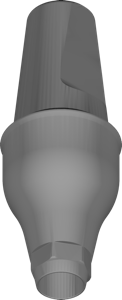
Abutment CAD geometry for cement-retained crowns and bridges, UF Submerged platform, exocad.
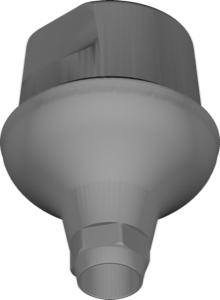
Cementable stock abutment library for exocad, restoration modeling on UF Submerged platform.
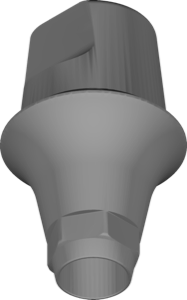
Abutment library for exocad, UF Submerged platform, cemented crowns and bridges.
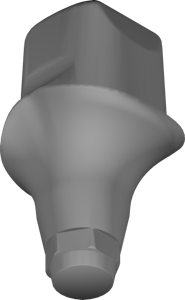
UF Submerged Digital abutment library, size DMR 2555, for implant crown and bridge design in exocad.
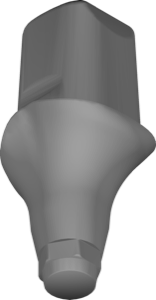
Abutment library, DMR 3570 size, UF Submerged connection, for exocad.
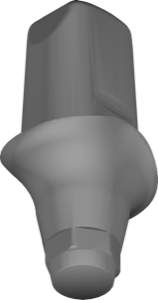
Abutment geometry library, article DPR 1570, UF Sub Digital interface, for exocad.
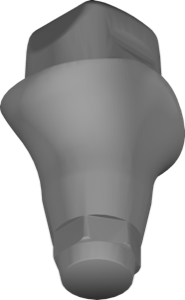
Abutment library with UF Sub Digital interface, article DPR 2540, for exocad.
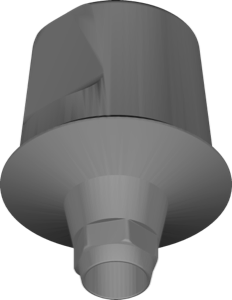
Cemented abutment component for UF Submerged platform in exocad implant module.
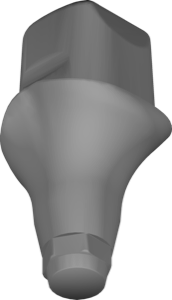
Abutment library, UF Submerged DMR 3555, for crowns and bridges in exocad.
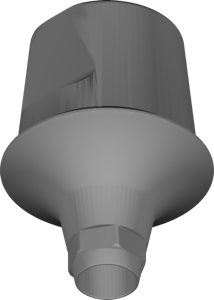
Cementable stock abutment SSCA 75205 library for restoration modeling in exocad.
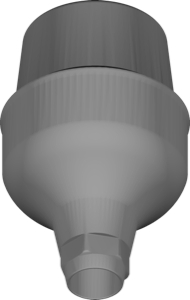
Cemented abutment SSCA 75504 geometry for exocad implant module modeling.
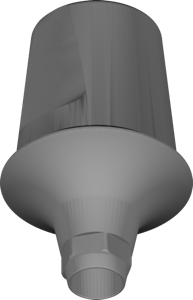
Cementable stock abutment, UF Submerged geometry for crowns and bridges in exocad.
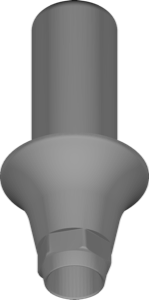
Link geometry library for implant-supported restorations on UF Sub Hybrid platform in exocad.
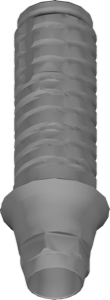
Ti-Base geometry for V4mkr platform, UF2 interface, restoration modeling in exocad.
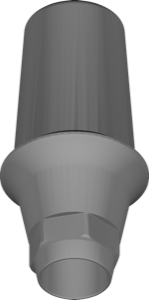
Abutment library for cemented restorations on UF Sub platform, exocad.
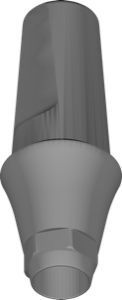
Subgingival cemented abutment geometry, UF connection, for exocad DentalCAD.
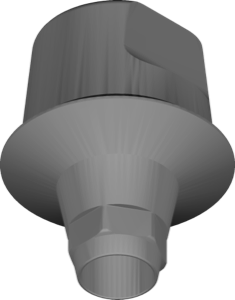
Abutment geometry for cemented restorations on UF Submerged platform, exocad.
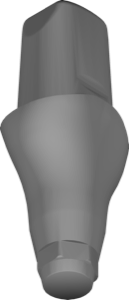
Abutment library, UF Submerged DPR 4570 platform, for prosthetic design in exocad.
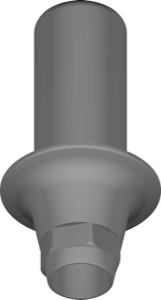
Implant library with Link geometry for modeling restorations in exocad.
This library is part of PRO. Access opens downloads for all 2,983 libraries.