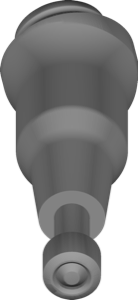
Dentsply Sirona
Ankylos BalanceBase angled multiunit
Angled BalanceBase Multi-Unit library for screw-retained bridges and full arches in exocad.
200 libraries · exocad DentalCAD — Implants
Dentsply Sirona — 200 libraries for exocad DentalCAD — Implants in the catalog.
Dentsply Sirona is one of the largest dental manufacturers, and its exocad DentalCAD implant libraries cover titanium bases, abutments, Multi-Unit components and related geometries for systems such as Astra Tech, Xive and Ankylos. The catalog currently lists 200 Dentsply Sirona products, including lines like Dentsply Sirona Hybrid-Astra EV SEV, Dentsply Sirona Hybrid-Astra OsseoSpeed AO and Dentsply Sirona Hybrid-Dentsply Xive DX, giving technicians ready geometries for implant-supported restorations.
Angled BalanceBase Multi-Unit library for screw-retained bridges and full arches in exocad.
Abutment geometry for printing working models, Camlog Screw-line connection, exocad.
Abutment geometries for printed models, Zimmer Screw-Vent connection, for exocad.
CoCr pre-milled blanks with Dentium connection for exocad implant modeling.
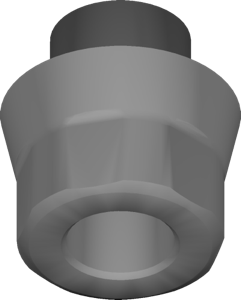
Pre-milled titanium blanks for Active interface, AtlantisFLO workflow, exocad implant module.
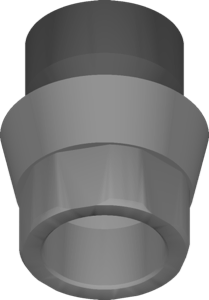
Pre-milled titanium blanks library for Active connection with rotational reference, for exocad.
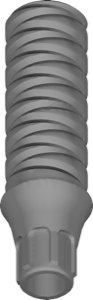
Temporary abutment library for exocad, EV platform, provisional implant-supported restorations design.
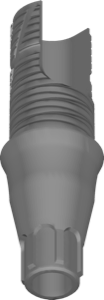
Titanium base EV ASA XS, 3mm gingiva height, for exocad restorations.
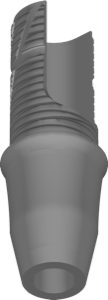
Ti-Base geometry, non-engaging variant, EV connection, ASA XS 4mm platform, for exocad.
Implant library with Hybrid-Astra OsseoSpeed AO connection interface for exocad DentalCAD.
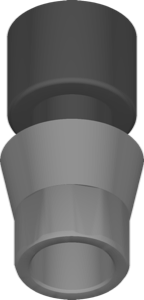
CoCr pre-milled blanks for custom Astra TX implant suprastructures in exocad.
Pre-milled titanium blank library for custom abutments, Bego Ti compatibility, exocad.
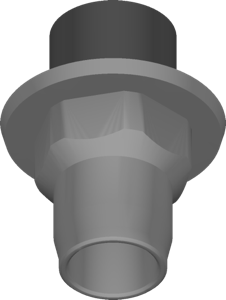
Titanium pre-milled blanks for Biomet 3i Certain interface, AtlantisFLO workflow in exocad.
Pre-milled CoCr blanks for implant restorations on Medentis connections in exocad.
Pre-milled titanium blank library for restorations on Nobel Biocare Active interface, exocad.
CoCr pre-milled blanks with Replace connection for implant restorations in exocad.
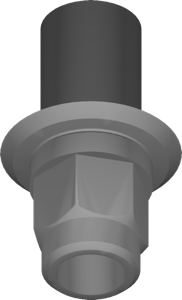
CoCr pre-milled blanks for Xive S connection, AtlantisFLO workflow, exocad.
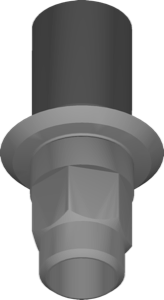
Pre-milled titanium blank geometry for designing custom implant restorations in exocad.
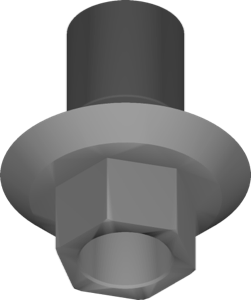
Cobalt-chromium pre-milled blank geometry for restorations on Zimmer connections in exocad.
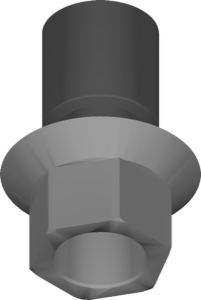
Pre-milled titanium blanks on Zimmer connection for designing custom restorations in exocad.
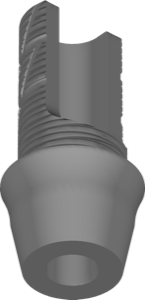
CAD library for EV ASA XL titanium base, 2 mm, non-engaging, exocad
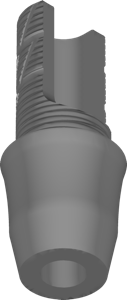
Titanium base with 4 mm gingival height, non-anti-rotational, for exocad.
Atlantis abutment geometry for model printing, Ankylos connection, exocad.
Abutment geometry for model printing, MIS C1 interface, exocad DentalCAD
Abutment library for Model Printing, Straumann BLX interface, exocad implant module.
Abutment geometry for printed model, Straumann Bone Level interface, exocad.
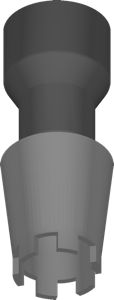
Titanium pre-milled blanks library, Ankylos CX connection, AtlantisFLO geometry, for exocad.
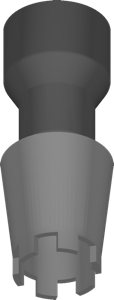
Pre-milled titanium blanks library, Ankylos CX connection, implant restorations for exocad
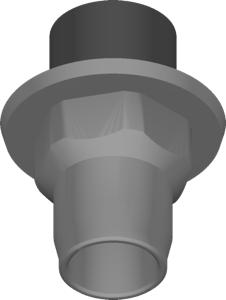
Pre-milled blank library for Biomet 3i Certain titanium interface, AtlantisIO-FLO workflow in exocad.
Titanium pre-milled blanks for Dentium connection, custom implant restorations in exocad
Pre-milled CoCr blank library with interface geometry for implant restorations in exocad.
Titanium pre-milled blanks with Replace connection for implant-supported restorations in exocad.
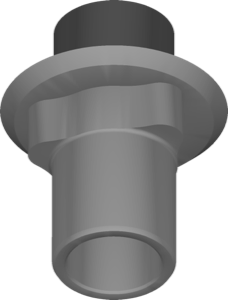
Pre-milled titanium blanks for AtlantisIO-FLO workflow, defining blank geometry in exocad.
Titanium pre-milled blanks for implant restorations on Straumann Bone Level platform, exocad
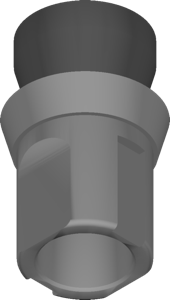
Titanium pre-milled blank library for Atlantis restorations on Bone Level implants, exocad.
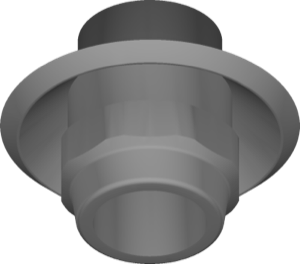
Pre-milled CoCr blank geometries for Tissue Level platform, AtlantisFLO protocol, exocad restorations.
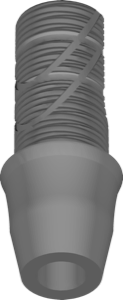
Titanium base EV ASA L, 3mm gingiva, non-indexed, splinted multi-unit work, exocad.
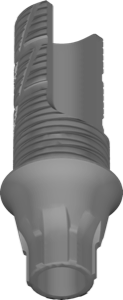
Titanium base EV ASA M, 1mm gingival height, anti-rotation, exocad DentalCAD.
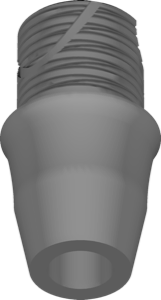
Titanium base library, Astra Tech EV, size M, 3 mm gingiva, non-rotating, exocad
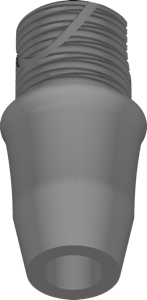
Titanium base Astra Tech EV ASA M, 4mm gingiva, non-rotational, exocad.
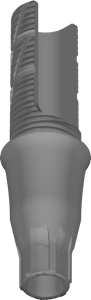
Ti-base library with EV connection, engaging, for single restorations in exocad.
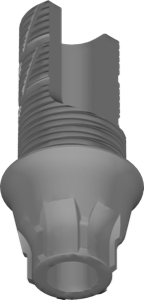
Ti-base library, EV connection, angulated screw channel, 1mm gingival height, for exocad.
Abutment geometry for printed models, Straumann Standard interface, exocad implant workflow.
Pre-milled CoCr blanks for designing components, BioHorizons External connection, exocad
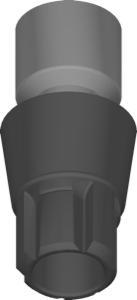
Pre-milled CoCr blank library with Conelog connection for implant-supported restorations in exocad.
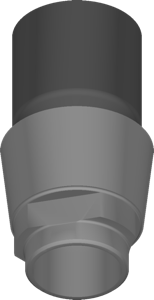
Pre-milled titanium blanks, MIS V3 connection, AtlantisIO-FLO geometry, for exocad.
Titanium pre-milled blanks for Nobel Biocare Brånemark connection, implant restorations in exocad.
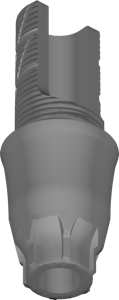
Titanium base, 4 mm cuff height, for modeling implant restorations in exocad.
Abutment geometry for printing working models, EV connection, exocad
Abutment library for model printing, NobelReplace connection, for exocad implant module.
Implant library with hybrid Xive DX interface for designing crowns and bridges in exocad.
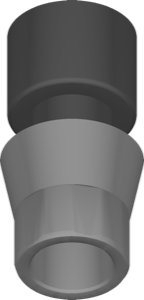
Titanium pre-milled blanks for custom Ti abutments on AtlantisIO-FLO interface, exocad.
CoCr pre-milled blanks for implant restorations, Osseotite interface, exocad
Titanium pre-milled blanks with Osseotite connection for implant restorations in exocad.
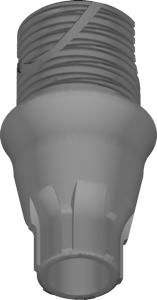
Titanium base library, medium platform, 2 mm gingival height, anti-rotation, for exocad.
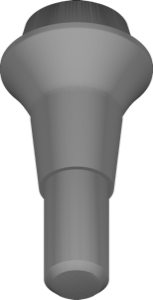
Straight Multi-Unit BalanceBase library for screw-retained bridges on Ankylos implants, exocad.
Abutment geometry for printed models, BioHorizons Internal connection, exocad.
Abutment geometry for printed working models, OsseoSpeed TX interface, exocad.
Atlantis abutments for printed models, Osstem-Hiossen TS interface, exocad.
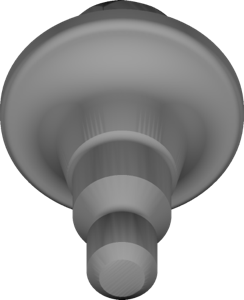
Straight abutment with Multi-Unit interface for screw-retained EV implant prostheses, exocad.
Pre-milled CoCr blank geometry for custom abutments, Ankylos CX connection, exocad.
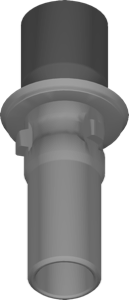
Library of CoCr AtlantisFLO pre-milled blanks with Camlog connection for exocad.
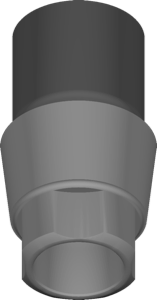
Pre-milled titanium blank library with MIS C1 interface for custom abutments, exocad.
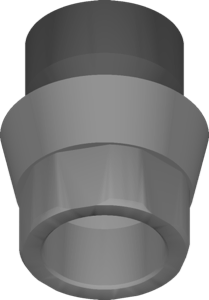
Pre-milled CoCr Atlantis blanks for implant restorations, Nobel Biocare Active connection, exocad.
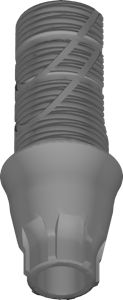
Titanium base for Astra Tech EV, 2 mm gingiva, indexed, crowns, exocad.
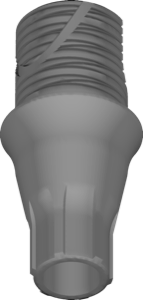
Titanium base for Astra Tech EV platform, 2mm gingiva, engaging, exocad.
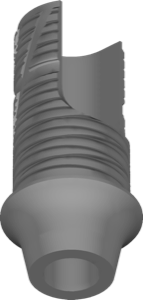
Titanium base EV ASA XS, 1mm gingiva, non-anti-rotational, for exocad restorations
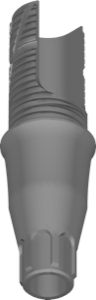
Ti-base abutment, EV platform, angulated screw access, geometry for exocad DentalCAD.
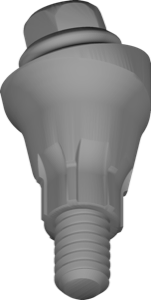
Angled MultiBase abutment with Multi-Unit geometry, EV connection, screw-retained restorations, exocad.
Pre-milled CoCr blank with Biomet 3i Certain connection for abutments in exocad.
Pre-milled CoCr blanks for Conelog connection, implant restoration modeling in exocad.
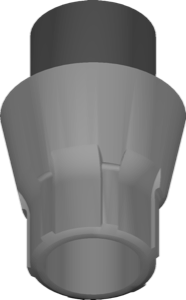
CoCr pre-milled blank library, EV Connection interface, for exocad implant-supported custom restorations.
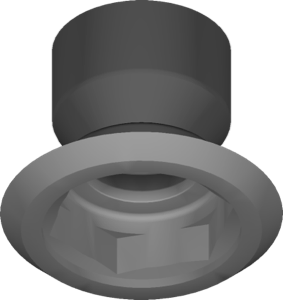
Pre-milled blank geometry for custom abutments, Brånemark Ti connection, exocad.
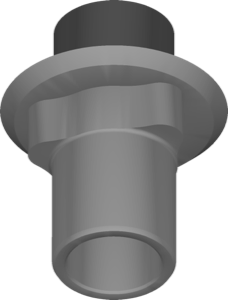
Pre-milled titanium blanks, Replace connection, AtlantisFLO format, for custom implant-supported restorations in exocad.
CoCr pre-milled blanks for Straumann Tissue Level implant restorations in exocad.
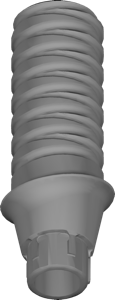
Implant library with Profile temporary abutment, EV connection, for exocad DentalCAD.
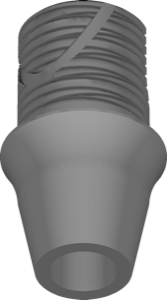
Non-engaging Ti-base library, EV connection, for implant-supported restoration design in exocad.
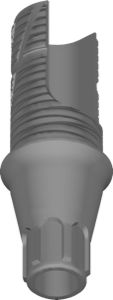
Titanium base, EV connection, 2 mm gingiva, for implant restorations in exocad.
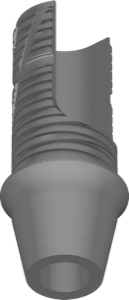
Titanium base EV ASA XS geometry, 2 mm gingiva, non-anti-rotational fit, exocad.
Cuttable Ti-Base titanium base geometry, Astra connection, crowns and bridges in exocad.
CoCr pre-milled blank geometry for custom implant structures on Bego interface, exocad.
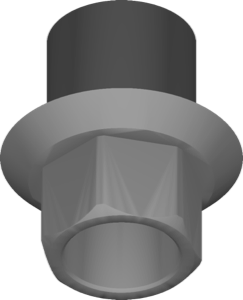
Pre-milled titanium blank for BioHorizons Internal connection, IO-FLO workflow, exocad.
Titanium pre-milled blanks for restorations on Biotech KONTACT interface, exocad.
CoCr pre-milled blanks library with Camlog connection for implant restorations in exocad
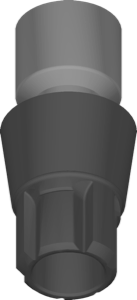
Titanium pre-milled blanks with Conelog connection for custom restorations in exocad.
Titanium pre-milled blanks with EV Connection interface for custom restorations in exocad.
Pre-milled titanium blanks for implant restorations on Medentis connections, exocad.
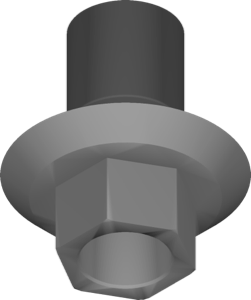
Pre-milled titanium blanks with AtlantisIO-FLO geometry, MIS SEVEN connection, for exocad.
CoCr pre-milled blanks with Neodent connections for custom abutments in exocad.
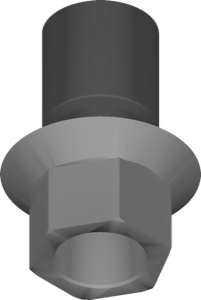
Pre-milled titanium blanks with Zimmer interface for restoration design in exocad.
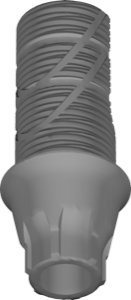
Ti-base library with angulated screw channel (ASA), EV connection, 1mm gingiva, exocad.
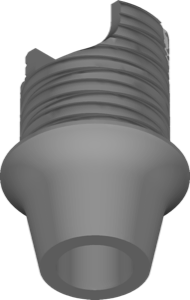
Titanium base library, Astra Tech EV ASA size S, 1mm gingiva, non-rotational, for exocad.
Abutment geometry for model printing, Biomet3i Certain connection, exocad
Abutment geometry for model printing, Nobel Biocare Brånemark interface, exocad.
Titanium pre-milled blanks for Ankylos CX connection, designing implant restorations in exocad.
Titanium pre-milled blanks library with Anthogyr implant connections for exocad restorations.
Pre-milled titanium blanks, BioHorizons External connection, custom Ti components in exocad.
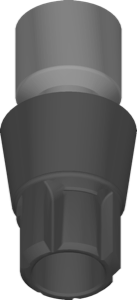
Titanium pre-milled blank geometry with Conelog connection for exocad
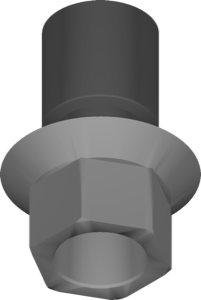
Pre-milled CoCr blank library for MIS SEVEN connection restorations in exocad
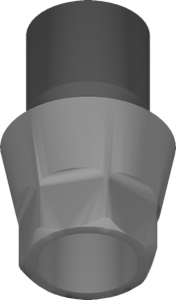
Pre-milled CoCr blanks for Osstem and Hiossen implants, AtlantisIO-FLO workflow in exocad.
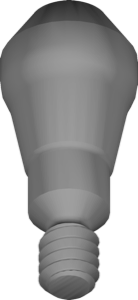
Straight multiunit EV abutment for screw-retained bridges and full-arch restorations, exocad.
MultiBase abutment library for Astra Tech EV, designing cemented or screw-retained restorations in exocad.
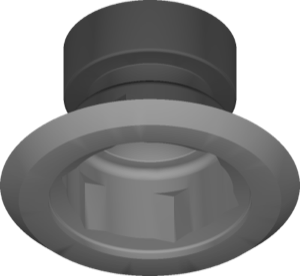
Pre-milled titanium blank library for BioHorizons External connection, AtlantisFLO version, exocad.
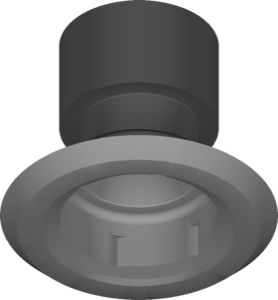
CoCr pre-milled blanks with Osseotite interface for AtlantisFLO workflow in exocad
CoCr pre-milled blank library for Megagen connections, custom abutments in exocad
Titanium pre-milled blanks for BLX connection, custom abutment design in exocad.
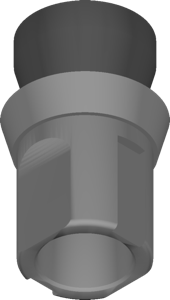
CoCr pre-milled blank library, Straumann Bone Level connection, AtlantisFLO format, exocad.
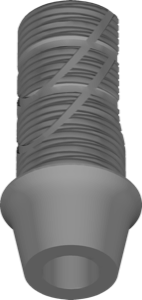
Astra Tech EV ASA L Ti-base geometry, 1 mm gingiva, non-indexed, for restoration design in exocad.
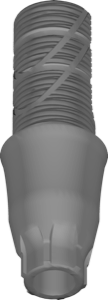
Astra Tech EV titanium base, indexed, 4mm gingival height, for exocad
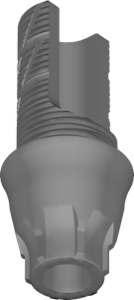
CAD library for EV ASA XL 2 mm titanium base, EV connection, exocad
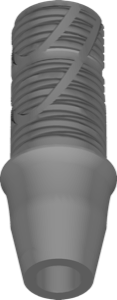
TiBase geometry with EV connection for designing implant restorations in exocad.
Suprastructure library for designing implant-supported restorations in exocad DentalCAD.
Pre-milled CoCr blanks for implant-supported restorations, Astra Tech TX connection, exocad.
Titanium pre-milled blank library for Certain connection, custom abutment design in exocad.
Pre-milled titanium blank library with SEVEN connection geometry for exocad implant restorations.
CoCr pre-milled blanks for NobelActive connection, custom abutments and restorations in exocad.
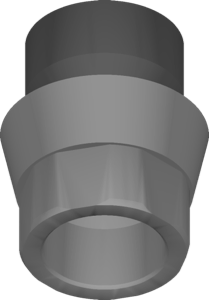
CoCr pre-milled blanks for custom abutments on NobelActive connection, AtlantisFLO workflow, exocad.
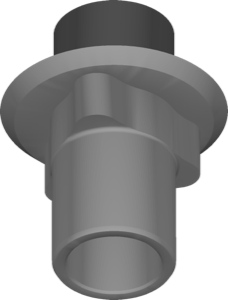
CoCr pre-milled blanks for custom abutments, Nobel Biocare Replace connection, exocad.
CoCr blanks for milled implant restorations on Osstem and Hiossen platforms, exocad.
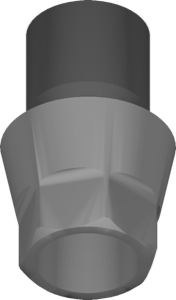
Pre-integrated CoCr blanks Osstem and Hiossen, AtlantisFLO workflow for exocad.
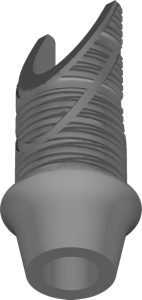
Titanium base EV ASA M, 1mm gingival height, non-anti-rotational, for exocad.
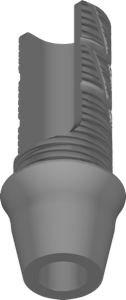
Titanium base EV ASA M, 2 mm gingiva, non-engaging, for exocad.
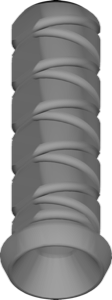
Multi-Unit component for multi-support prosthetics, UniAbutment EV connection, for exocad.
Abutment library for model printing, NobelActive connection, for exocad.
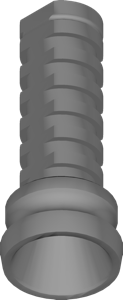
Abutment library with Multi-Unit configurations for screw-retained full-arch restorations in exocad
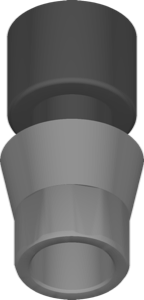
Pre-milled CoCr blank library for custom structures on Atlantis interface in exocad.
Titanium pre-milled blank for custom structures on Astra TX interface, exocad.
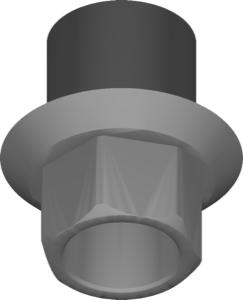
Pre-milled titanium blank for BioHorizons Internal connection, designing custom abutments in exocad.
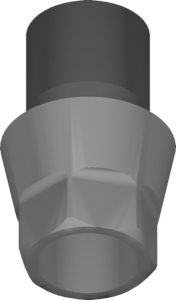
Titanium AtlantisFLO pre-milled blanks for Osstem and Hiossen connections, custom abutment design in exocad.
Pre-milled CoCr blank library for designing BLX-connection implant suprastructures in exocad
Pre-milled titanium blanks for Straumann Tissue Level abutments, exocad
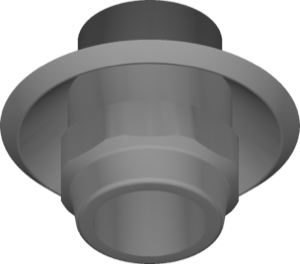
Ti pre-milled blanks for Straumann Tissue Level connection, AtlantisFLO workflow, exocad.
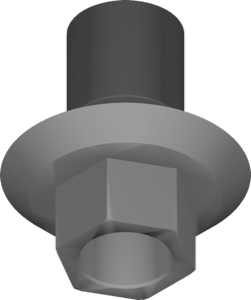
Cobalt-chromium pre-milled blank library for Zimmer connection restorations in exocad
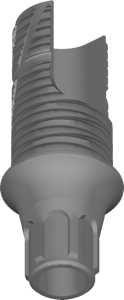
Titanium base geometry, EV connection, ASA XS platform, 1 mm gingival height, exocad.
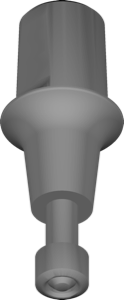
Implant geometry with conical connection for designing restorations in exocad.
Implant library for exocad DentalCAD, EV SEV interface, implant-supported restorations.
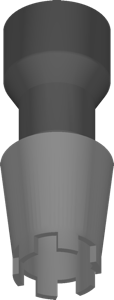
Pre-milled CoCr blank library, Ankylos CX connection, AtlantisIO-FLO format, for exocad.
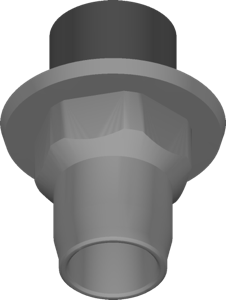
CoCr pre-milled blank geometry for custom abutments, Biomet 3i Certain interface, exocad.
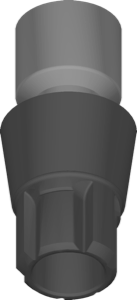
Cobalt-chromium pre-milled blank library with Conelog connection for implant-supported restorations in exocad.
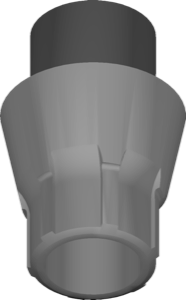
Pre-milled titanium blanks with EV Connection interface for exocad implant restorations.
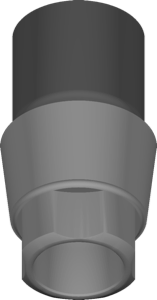
Pre-milled blanks for MIS C1 Ti connection, AtlantisIO-FLO geometry, exocad restoration design.
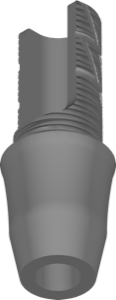
Ti-base library, EV connection, 4 mm gingival height, non-anti-rotational, for exocad.
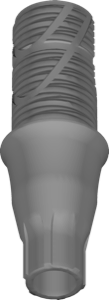
Ti-base geometry EV ASA S 3mm, engaging, single restorations, exocad.
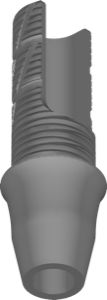
exocad library for Ti-base, non-engaging, free rotation for multi-unit restorations.
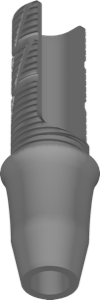
Ti-base EV ASA S 4mm library, non-engaging, for bridges, exocad
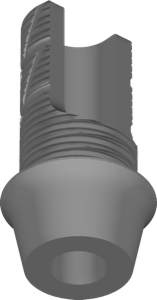
TiBase library, EV connection, 1 mm non-engaging, for implant-supported restorations in exocad.
Abutment geometry for printing working models, MIS Seven interface, exocad.
Titanium Ti-Base library for Astra interface, bonding crowns and bridges in exocad.
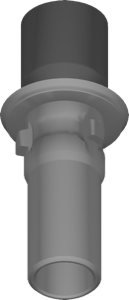
CoCr pre-milled blanks with Camlog connection for implant restorations in exocad.
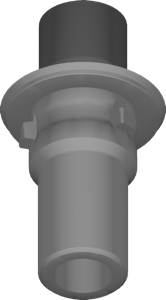
Library of titanium pre-milled blanks AtlantisIO-FLO with Camlog connection for exocad.
CoCr pre-milled blanks, Astra Tech EV connection, for exocad implant module.
Library of pre-milled cobalt-chromium blanks with Brånemark interface for exocad.
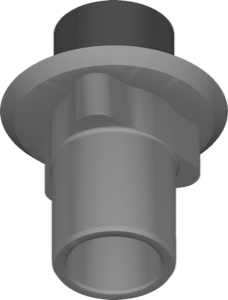
CoCr pre-milled blanks for Nobel Biocare Replace connection, custom abutments in exocad.
Pre-milled CoCr blanks for Xive S connection, implant restoration design in exocad.
Scanbody geometry for digitizing implant position during scanning in exocad.
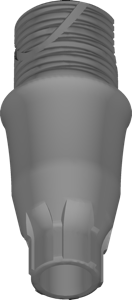
Titanium base, Astra Tech EV ASA, size M, 4mm gingiva, engaging, exocad.
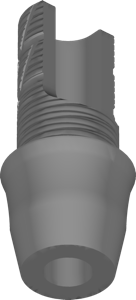
CAD library for EV titanium base, 3 mm cuff, non-engaging, exocad
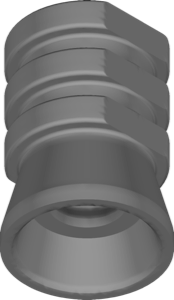
Multi-Unit geometry for screw-retained restorations on BalanceBase platform, exocad.
Abutment geometry for model printing, EV Profile interface, exocad.
Angle-corrected Astra Ti-Base geometry redirecting screw channel axis for exocad
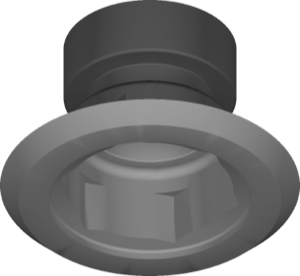
CoCr pre-milled blanks, BioHorizons External connection, AtlantisFLO variant, for exocad.
Titanium pre-milled blanks, BioHorizons Internal connection, custom components for exocad.
Titanium pre-milled blanks with Camlog connection interface for exocad DentalCAD.
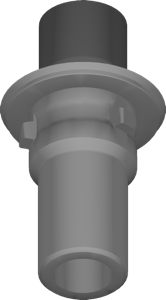
Titanium pre-milled blank library with Camlog connection for exocad implant restorations.
Titanium pre-milled blanks library with Conelog connection for implant-supported restorations in exocad.
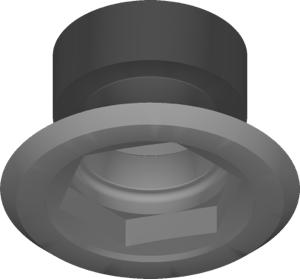
Pre-milled CoCr blank geometry for Brånemark connection, for restoration modeling in exocad.
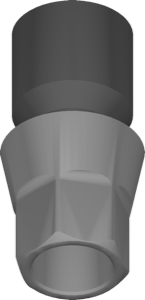
Pre-milled titanium blanks for Osstem and Hiossen connections, AtlantisIO-FLO format, exocad.
Pre-milled CoCr blanks, Bone Level connection, custom abutments and screw-retained restorations, exocad
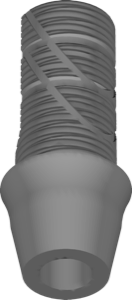
Titanium base for Astra Tech EV, 2mm gingiva, non-indexed, splinted restorations, exocad.
Abutment geometry for printing working models, Neodent GM interface, exocad.
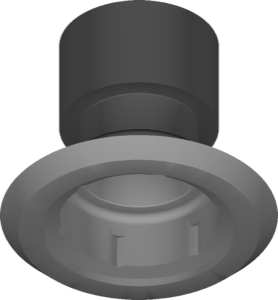
Titanium pre-milled blanks for Osseotite interface, AtlantisFLO workflow in exocad-implant.
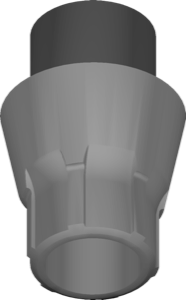
Pre-milled titanium blanks with EV Connection geometry for exocad
Pre-milled titanium blanks for designing custom abutments on C1 connection in exocad.
Pre-milled titanium blanks with reference geometry for designing implant-supported structures in exocad.
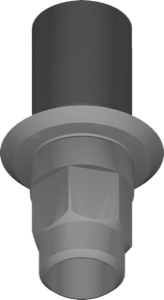
Pre-milled CoCr blanks for Xive S connection, AtlantisIO-FLO workflow, exocad implant restorations.
Library of pre-milled CoCr blank geometry with Zimmer connection for exocad.
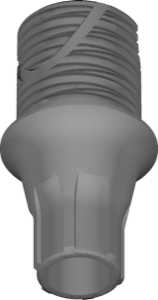
Titanium base library, Astra Tech EV, size S, 1 mm gingiva, engaging connection, exocad.
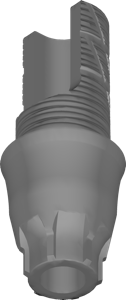
Titanium base library, EV connection, 3 mm gingiva height, for exocad.
Abutment geometry for designing crowns and bridges on EV connection, exocad
Abutments for model printing with Xive interface, exocad.
Abutment geometry for printed model, MIS V3 interface, exocad.
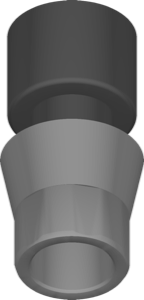
Titanium pre-milled blanks for custom Ti structures on Atlantis FLO interface, exocad.
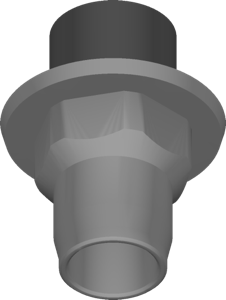
CoCr pre-milled blank library for Biomet 3i Certain interface, exocad, IO-FLO.
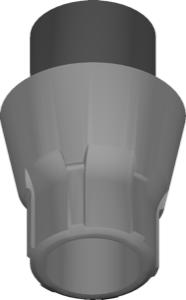
Cobalt-chromium pre-milled blanks, Astra Tech EV connection, custom restorations for exocad.
Pre-milled titanium blanks for designing restorations on V3 connection in exocad.
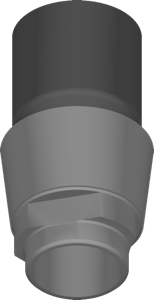
Pre-milled titanium blanks with AtlantisFLO geometry for MIS V3 connection, exocad.
Titanium blanks for custom abutments and screw-retained restorations on Neodent platforms, exocad.
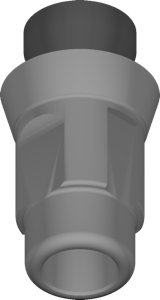
Pre-milled CoCr blank library for Straumann Bone Level restorations, AtlantisIO-FLO protocol, exocad.
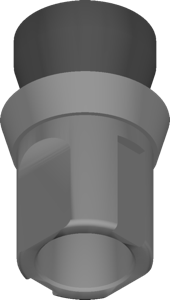
Titanium pre-milled blanks for Straumann Bone Level restorations, AtlantisIO-FLO protocol, exocad.
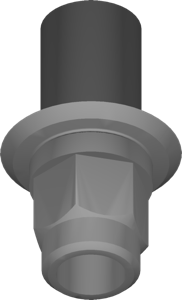
Titanium pre-milled blanks for custom restorations on Xive S implant platform, exocad.
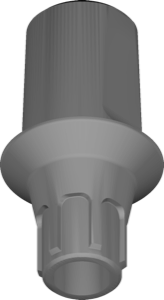
Ti-base library with Astra Tech EV connection for exocad, cement or screw-retained restorations.
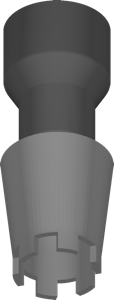
Pre-milled blank geometry for custom abutment milling, Ankylos CX CoCr connection, exocad.
Pre-milled CoCr blanks for designing implant-supported restorations in exocad.
Titanium pre-milled blanks for Megagen connections, custom abutments in exocad.
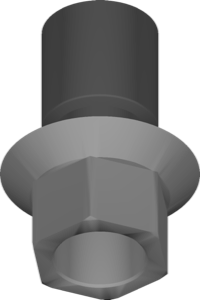
Pre-milled CoCr blank library with MIS SEVEN connection for exocad.
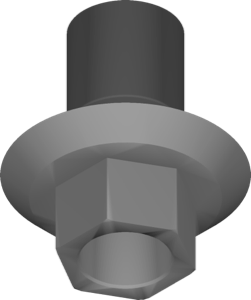
Pre-milled titanium blank library for MIS SEVEN AtlantisFLO restorations in exocad.
Pre-milled titanium blanks for Xive S connection, custom abutment design in exocad.
Pre-milled titanium Zimmer blanks for custom abutments in exocad implant module.
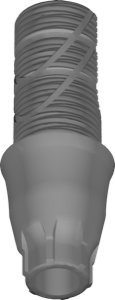
Titanium base for Astra Tech EV ASA L, 3mm gingiva, indexed, exocad.
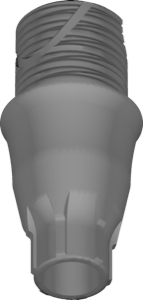
Titanium base EV, medium platform, 3 mm gingiva, anti-rotational; for exocad DentalCAD.
This library is part of PRO. Access opens downloads for all 2,983 libraries.