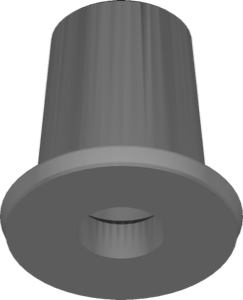
Camlog
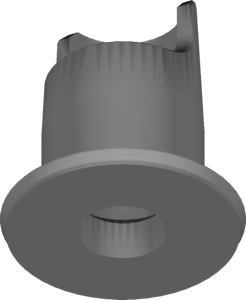
CAMLOG ti-base CADCAM bridge
Ti-Base geometry for bridge mesostructures and frameworks on titanium bases, exocad.
51 libraries · exocad DentalCAD — Implants
Camlog — 51 libraries for exocad DentalCAD — Implants in the catalog.
Camlog is a dental implant system whose exocad DentalCAD libraries in this catalog cover titanium bases, abutments and multi-unit geometries for designing implant-supported restorations. The collection includes 51 products, among them the Camlog CAD-CAM Camlog Ti Base and Camlog CAMLOG COMFOUR multiunit lines, giving CAD technicians references for screw-retained and multi-unit full-arch workflows within DentalCAD.
Ti-Base geometry for bridge mesostructures and frameworks on titanium bases, exocad.
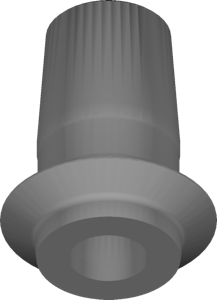
Ti-Base library for single implant crowns, conical connection platform, exocad.
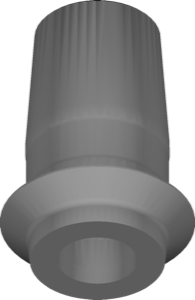
Ti-Base geometry and crown for single implant-supported restorations, CONELOG connection, exocad.
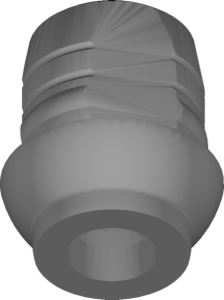
Ti-Base library for designing restorations on the iSy interface in exocad.
Ti-Base geometry for crowns and small bridges on Camlog connection, exocad.
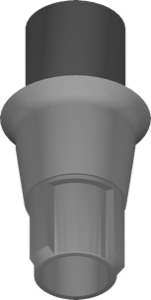
CoCr abutment geometry, SmartShape interface, CONELOG connection, modeling in exocad.
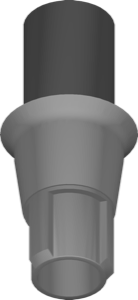
Gingiva former geometry on CONELOG interface, 6-cam indexing, for exocad.
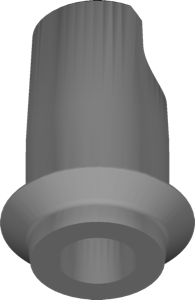
Ti-Base geometry, free orientation, CONELOG connection, splinted restorations, for exocad
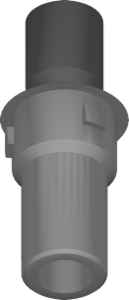
One-piece abutment geometry with custom emergence profile for exocad.
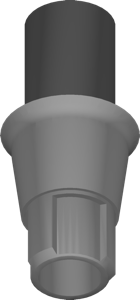
Gingiva former for milling on CONELOG conical connection, ME variant, exocad.
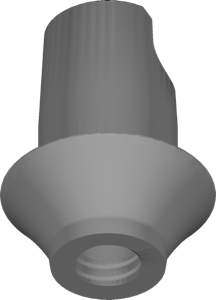
Ti-Base with free-form crown for single iSy restorations, exocad
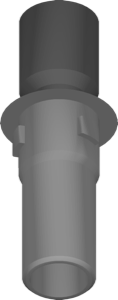
Abutment geometry on ti-blank for custom milled titanium abutments in exocad.
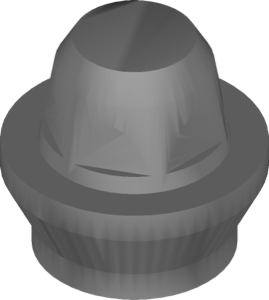
Multi-Unit COMFOUR components for screw-retained full-arch bridges, exocad geometry.
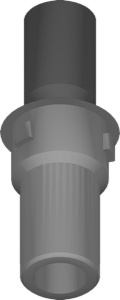
Gingiva former library on CAM titanium blank, IAC ME connection, for exocad.
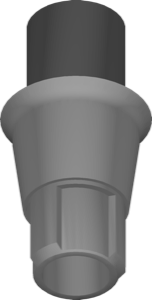
One-piece abutment geometry on CONELOG connection for custom single restorations in exocad.
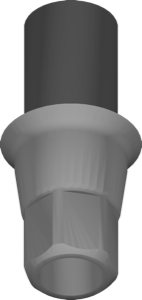
iSy scanbody for implant positioning, IAC ME platform, exocad library
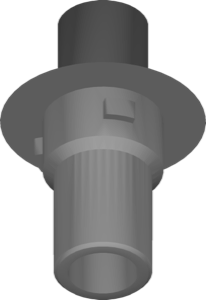
One-piece milled abutment, Camlog connection, CoCr type ME blank, for exocad.
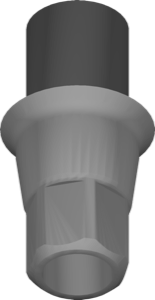
One-piece abutment geometry for CAM Ti Blank type IAC ME, exocad.
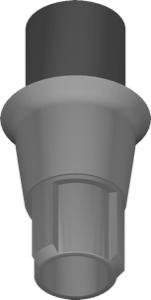
CAM Ti-blank IAC ME abutment, CONELOG connection, hexagonal 6-cam positioning, exocad.
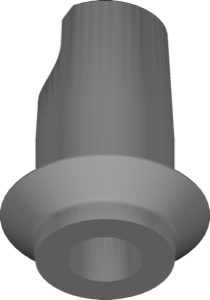
Ti-base and free crown geometry with conical connection for exocad implant module.
Prosthetic interface references for designing restorations on Hybrid-Camlog connection in exocad-implant.
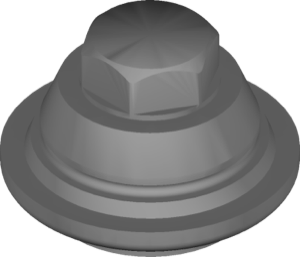
Multi-Unit geometry library for screw-retained bridges and full-arch frameworks, exocad DentalCAD
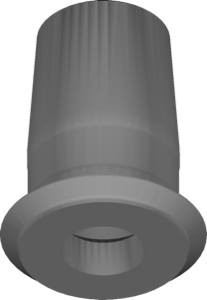
Ti-Base and coping library for single crowns on CAMLOG interface, exocad.
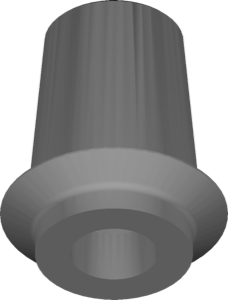
Ti-Base geometry for designing multi-unit bridge frameworks on implants in exocad.
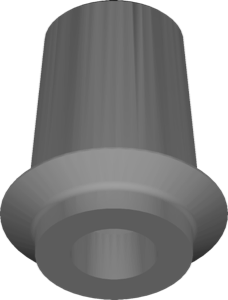
Ti-Base geometry for splinted screw-retained bridges on CONELOG connection, 6-cam interface, exocad.
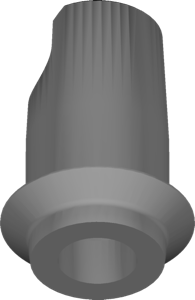
Ti-Base and free-form crown component, single CONELOG cases, exocad.
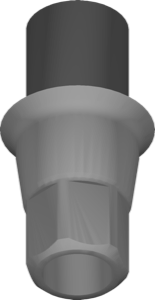
Monoblock CoCr abutment from ME-type blank, scanbody, iSy interface, exocad.
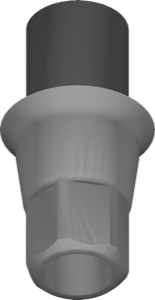
Scanbody and one-piece CAM Ti Blank abutment geometries for iSy interface design in exocad
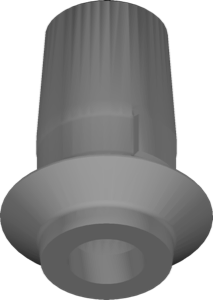
Ti-Base library for iSy-based crowns and bridges design in exocad
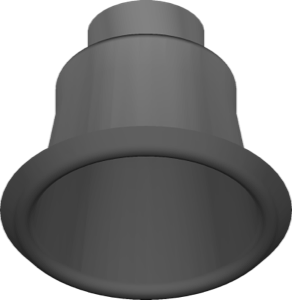
Abutment and Multi-Unit geometries for screw-retained COMFOUR suprastructures in exocad.
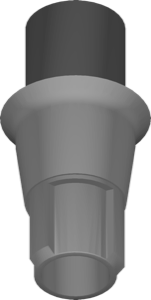
Abutment library with hexagonal index for milling custom abutments on CONELOG platform in exocad
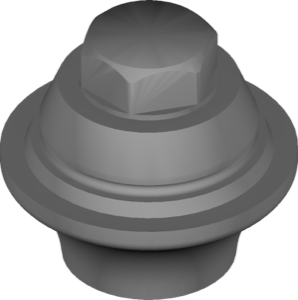
Multi-Unit component for screw-retained bridges and full-arch restorations in exocad.
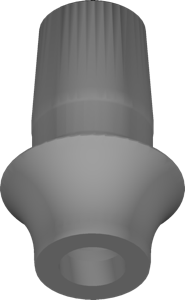
Scanbody and titanium base for implant position registration, exocad.
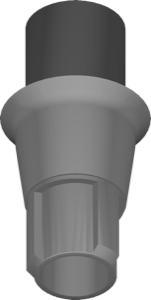
Millable CoCr abutment geometry, CONELOG conical connection, ME platform, exocad.
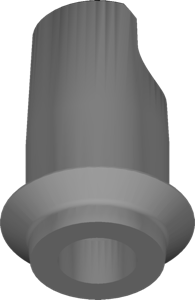
Ti-base geometry with crown, 6-cam connection, emergence profile modeling, for exocad
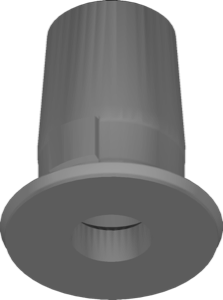
Ti-Base geometry for designing custom crowns on titanium bases, exocad.
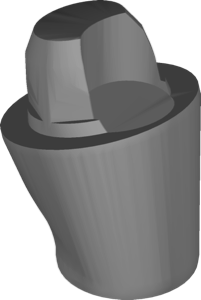
Multi-Unit component for conical connection to design screw-retained restorations in exocad.
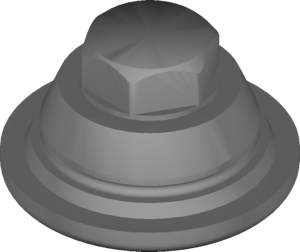
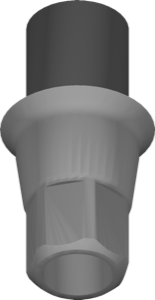
Abutment library for exocad, iSy one-piece connection, emergence profile design
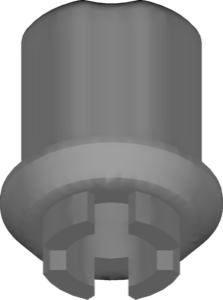
Ti-Base bonding base geometry for CERALOG-PL ceramic implant system, exocad suprastructure modeling.
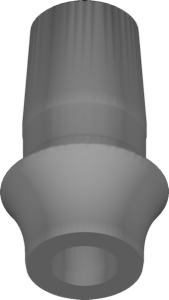
Ti-Base geometry on CONELOG connection for crowns and bridges in exocad.
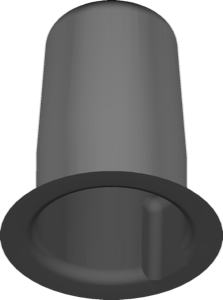
Titanium base for modeling crowns, bridges and hybrid restorations in exocad.
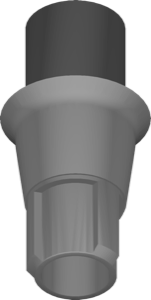
Abutment geometry for designing custom titanium abutments on CONELOG connection in exocad.
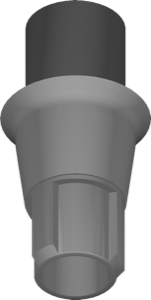
One-piece abutment geometry, CONELOG connection, CoCr blank type ME, for exocad.
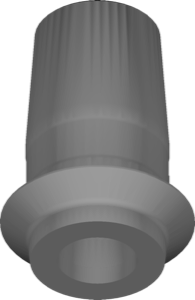
Ti-Base geometry with crown component, CONELOG connection, SmartShape interface, for exocad.
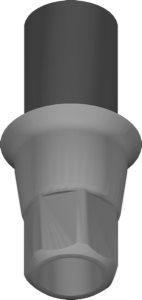
Gingiva former on titanium CAM blank, IAC ME connection, for exocad.
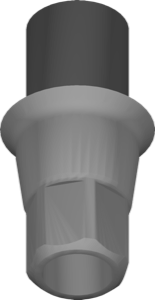
One-piece abutment geometry, CoCr blank type ME, iSy multi cap interface, exocad.
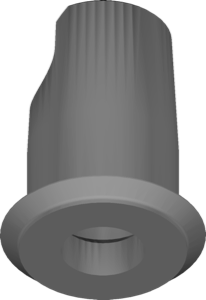
Ti-Base library with crown for modeling angulated single restorations in exocad.
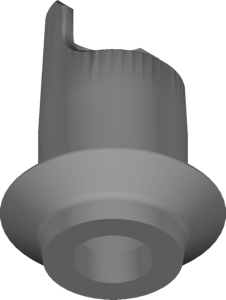
Ti-Base library for iSy titanium-base restorations modeling in exocad
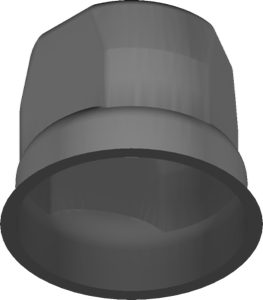
Scanbody and Ti-Base implant library for iSy platform in exocad DentalCAD.
Ti-Base library with CAMLOG connection for exocad, free-space clearance around titanium base
This library is part of PRO. Access opens downloads for all 2,983 libraries.