Nucleoss
T6 Premil Yenamak
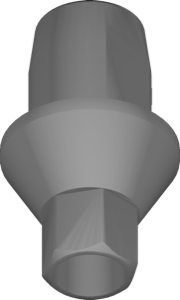
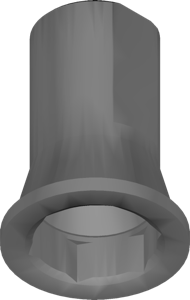
CAD library for exocad DentalCAD: premill titanium blank geometry, T6 implant system, prosthetic superstructures.
7 libraries · exocad DentalCAD — Implants
Nucleoss — 7 libraries for exocad DentalCAD — Implants in the catalog.
Nucleoss is a dental implant system whose exocad DentalCAD libraries in this catalog provide the titanium-base, angled Ti-base, multi-unit and pre-milled abutment geometries used to design implant-supported restorations. The collection brings together seven product lines, including Nucleoss Angled TiBase, Nucleoss MU TiBase and Nucleoss T6 Premil Yenamak, giving CAD technicians the reference shapes for screw-retained restorations on Nucleoss fixtures.
CAD library for exocad DentalCAD: premill titanium blank geometry, T6 implant system, prosthetic superstructures.
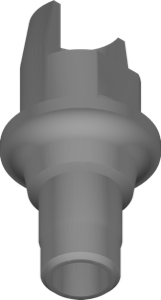
Angled Ti-Base geometries for designing crowns and small bridges with angle correction in exocad.
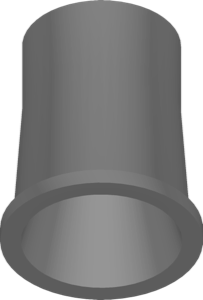
Multi-Unit and Ti-Base geometries for single crowns and screw-retained bridges in exocad.
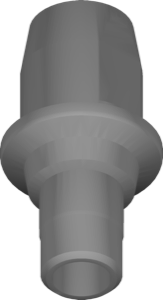
Ti-Base with short scanbody for exocad; single crowns, small bridges, limited space.
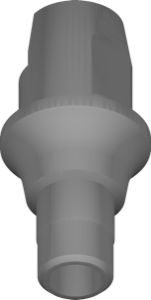
Angled Ti-Base and short scanbody library for angled screw-channel restorations in exocad.
Implant library with Multi-Unit and Ti-Base components for screw-retained restorations in exocad.
This library is part of PRO. Access opens downloads for all 2,983 libraries.