BEGO exocad library
98 libraries · exocad DentalCAD — Implants
BEGO — 98 libraries for exocad DentalCAD — Implants in the catalog.
BEGO is an implant and prosthetic system whose exocad DentalCAD libraries in this catalog span titanium bases, CADAbut abutments and related geometries for implant-supported restorations. The collection holds 98 product lines, including BEGO CAD-CAM BegoSemados Ti Base and the BEGO CADAbut 0 1 D, BEGO CADAbut 0 1 F and BEGO CADAbut 0 1 NH variants, covering the Semados and CADAbut workflows.
BEGO
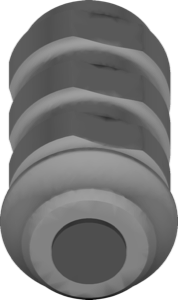
Esthetic TTiA NH SCSCXRSRSXRI stock
Implant library for exocad, restoration design on Esthetic connection interface.
BEGO
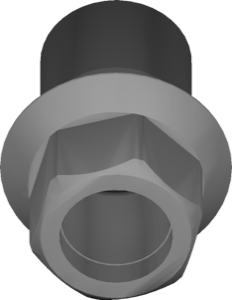
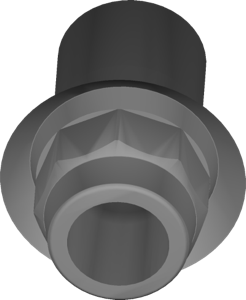
CADAbut 1 1 F
Abutment interface library for designing implant-supported restorations in exocad.
BEGO
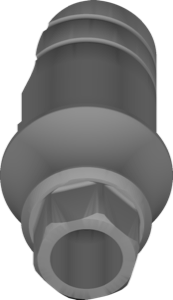
Esthetic CADCAM SCSCXRSRSXRI
Implant library for exocad DentalCAD, SCSCXRSRSXRI interface geometry for restoration design.
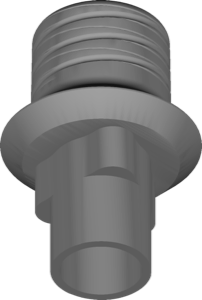
BEGO
CADAbut 3 2 D
Abutment geometry library for designing restorations on this interface in exocad DentalCAD.
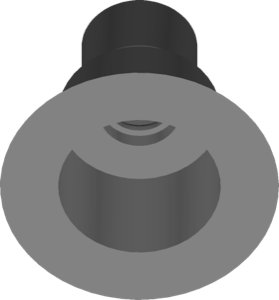
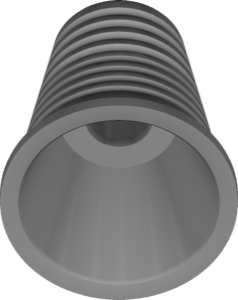
BEGO
MultiPlus System SSCSCXRSRSXRI
Implant library for MultiPlus platform with CAD geometries for implant-supported restorations in exocad.
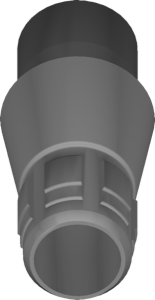
BEGO
CADAbut 0 7 F
Preformed abutment library for designing implant-supported restorations in exocad.
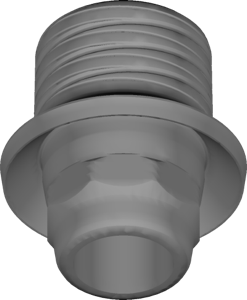
BEGO
CADAbut 1 1 D
Implant library for exocad with abutment geometry for modeling implant-supported restorations.
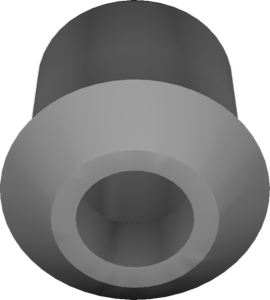
BEGO
CADAbut 0 1 NH
Implant geometry for designing cement- and screw-retained restorations in exocad
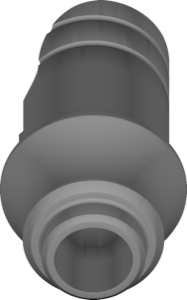
BEGO
Esthetic CADCAM NH SCSCXRSRSXRI
Implant library for exocad DentalCAD, Esthetic CADCAM NH interface, platforms SC, SCX, RS, RSX, RI.
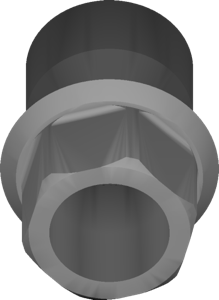
BEGO
Semados Pre-milled SCSCXRSRSXRI
Pre-milled blank library for designing custom abutments and screw-retained restorations in exocad.
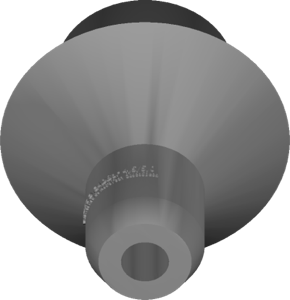
BEGO
CADBar 5 1
Implant library for exocad with geometry for designing implant-supported restorations.
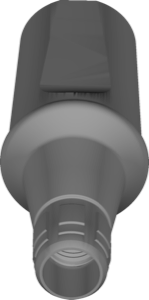
BEGO
Conical TiA SCRSX CC stock
Implant library with conical connection for restoration modeling in exocad DentalCAD.
BEGO
scanbody BEGO-SCRC 113small
Scanbody library for exocad, defines digital implant position reference, 113 small variant.
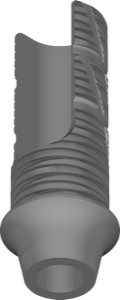
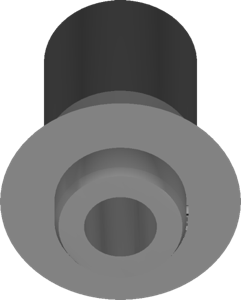
BEGO
CADBar 8 1
Implant library for exocad DentalCAD, geometry for designing implant-supported restorations.
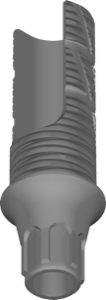
BEGO
CADAbut 5 2 D
Abutment library for exocad DentalCAD, CADAbut 5.2 D interface, implant restoration design.
BEGO
CADBar 17 1 AN
Implant interface library for exocad, anti-rotational geometry for single-tooth restorations
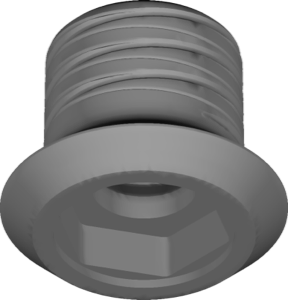
BEGO
CADAbut 3 3 D
Implant library for exocad, 3.3 D platform geometry, designing crowns and bridges
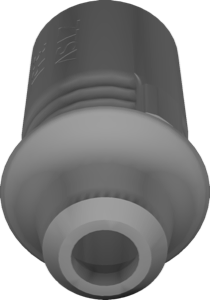
BEGO
CADAbut 0 5 D
Abutment geometry library for planning implant-supported crowns and bridges in exocad.
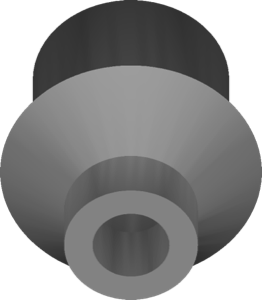
BEGO
CADBar 16 1
Implant library for exocad, BEGO CADBar 16 connection geometry for prosthetic restorations.
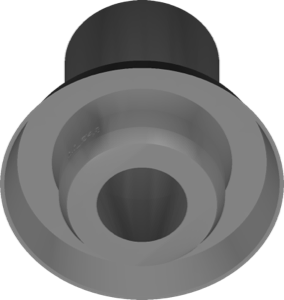
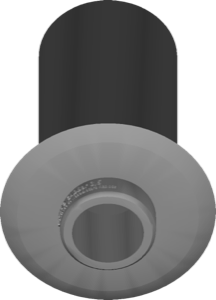
BEGO
CADBar 3 2
Bar geometries for implant restorations in exocad DentalCAD, BEGO implant interface.
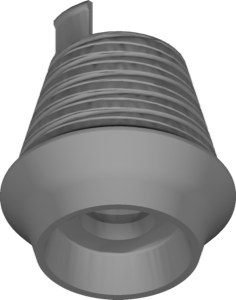
BEGO
CADAbut 3 3 NH
Implant library for exocad DentalCAD: abutment geometry, non-hex connection, restoration design.
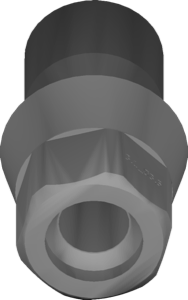
BEGO
CADAbut 3 1 F
Abutment library for exocad DentalCAD, 3.1 F platform, designing implant-supported restorations.
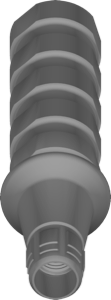
BEGO
Conical TTiA SCRSX CC stock
Implant library for exocad, BEGO Conical connection, for crown and bridge design.
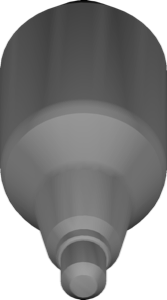
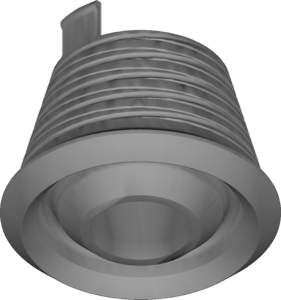
BEGO
CADAbut 1 1 NH
Abutment geometry library for designing implant-supported restorations in exocad.
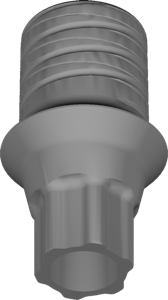
BEGO
CADAbut 3 1 D
Implant library for exocad DentalCAD, interface geometry for implant-supported restorations
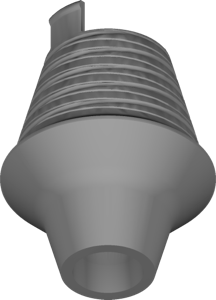
BEGO
CADAbut 1 2 NH
Abutment library with non-rotating connection for modeling implant restorations in exocad.
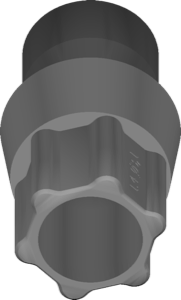
BEGO
CADAbut 1 4 F
Abutment library for exocad: positioning crowns and bridges on implant interface.
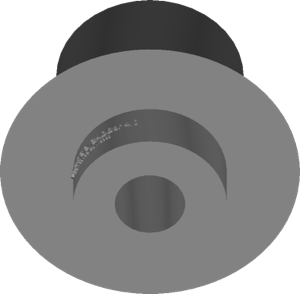
BEGO
CADBar 11 1
Implant library with CADBar geometry for implant-supported restorations in exocad DentalCAD.
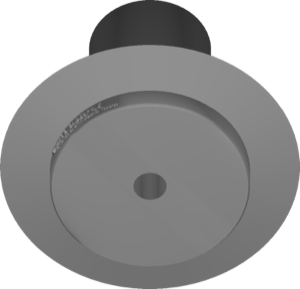
BEGO
CAD-CAM BegoSemados Ti Base
Ti-Base geometries for implant-supported crowns and bridges, BegoSemados connection, exocad.
BEGO
CADBar 6 1
Implant library for exocad DentalCAD with connection geometry for bar-supported restorations.
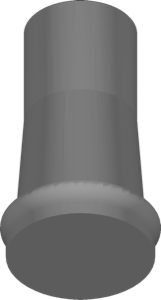
BEGO
CADAbut 16 1 NH
Implant library for exocad with abutment geometry for implant-supported restorations.
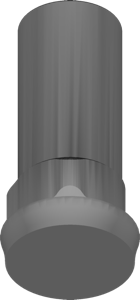
BEGO
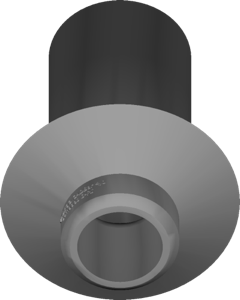
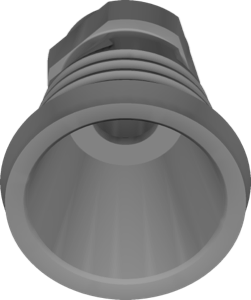
MultiPlus multiunit support
Auxiliary Multi-Unit geometries for screw-retained restorations on multi-unit abutments, exocad.
BEGO
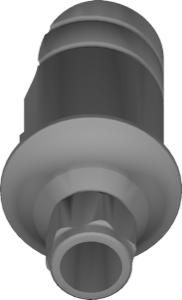
CADAbut 0 6 D
Abutment geometry library for exocad implant module, modeling restorations on the component.
BEGO
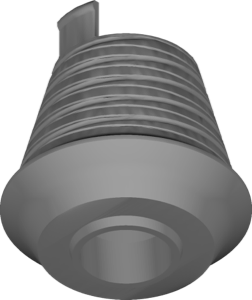
CADAbut 3 2 NH
Abutment interface geometry library, 3.2 NH platform, restoration design in exocad.
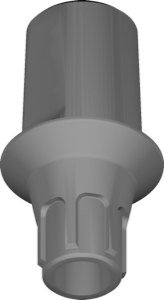
BEGO
CADAbut 5 2 DO
Abutment geometry library for CADAbut 5.2 DO interface, implant restorations, exocad DentalCAD.
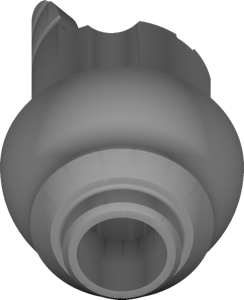
BEGO
PS CADCAM NH SCSCXRSRSXRI
Implant library for Semados PS connection, non-engaging CAD/CAM variant, for exocad
BEGO
scanbody BEGO 20big
Digital scanbody reference defining implant axis and orientation for exocad
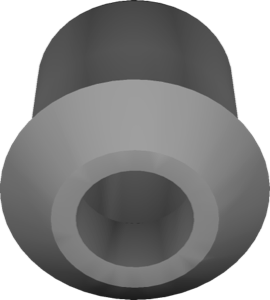
BEGO
SubTec CADCAM NH S
CAD/CAM component library, NH S configuration, for implant-supported restoration design in exocad.
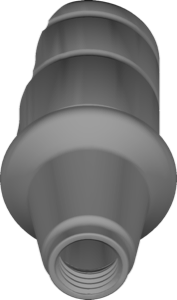
BEGO
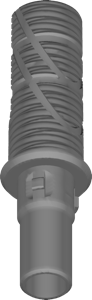
CADAbut 0 7 NH
Abutment library for exocad, designing implant-supported restorations on non-hex connection geometry.
BEGO
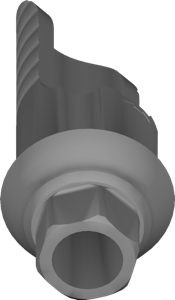
PS CADCAM SCSCXRSRSXRI
Implant library for exocad DentalCAD, PS connection, CAD/CAM restoration geometries.
BEGO
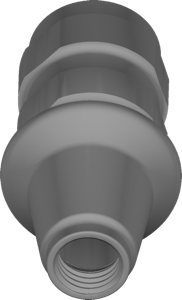
Conical TTiA NI SCRSX CC stock
exocad implant library: stock titanium base, conical connection, non-rotating configuration.
BEGO
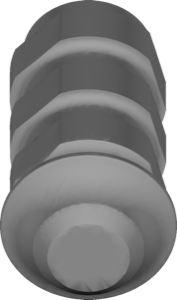
Esthetic TTiA SCSCXRSRSXRI stock
Implant library for exocad DentalCAD, BEGO Esthetic interface, stock abutment restorations.
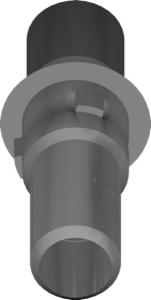
BEGO
CADAbut 8 1 F
Titanium base library for exocad, modeling implant-supported restorations with precise fit.
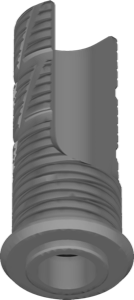
BEGO
CADAbut 8 1 NH
Abutment library for designing implant-supported restorations in exocad, non-engaging connection.
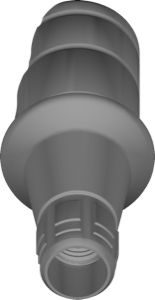
BEGO
Conical CADCAM SCXRSX CC
Implant library for exocad: conical connection, engaging SCX/RSX CC configuration.
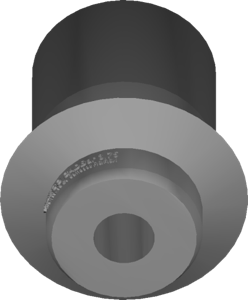
BEGO
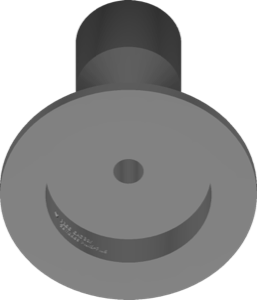
CADBar 0 3 AN
CADBar library with AN geometry for designing implant-supported restorations in exocad.
BEGO
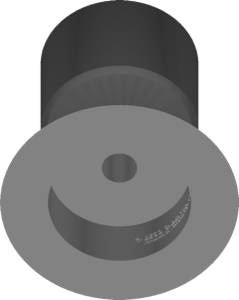
CADBar 3 3
Implant library with platform geometry for designing implant-supported restorations in exocad.
BEGO
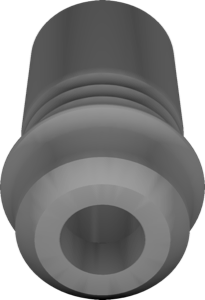
PS TiB NH SCSCXRSRSXRI
Ti-base library without hexagon for crown and bridge modeling in exocad DentalCAD.
BEGO
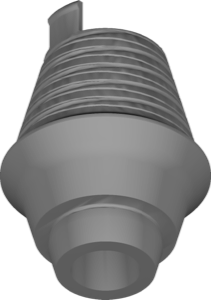
scanbody BEGO 20small
Scanbody geometry capturing implant position and indexation for BEGO in exocad
BEGO
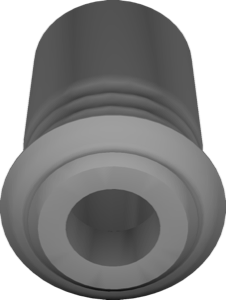
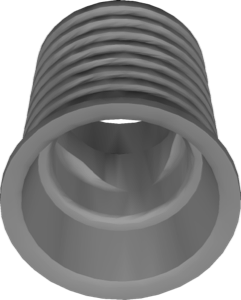
CADAbut 0 7 MultiPlus
Abutment library for exocad, designing implant-supported restorations on the MultiPlus interface.
BEGO
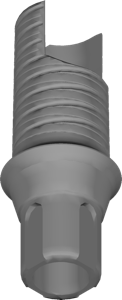
CADAbut 1 2 D
Abutment library for designing implant-supported restorations in exocad DentalCAD.
BEGO
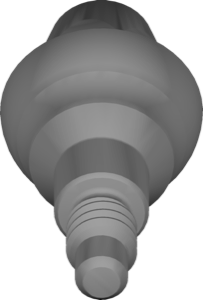
MultiPlus multiunit
Multi-Unit geometries for screw-retained bridges and full-arch restorations in exocad.
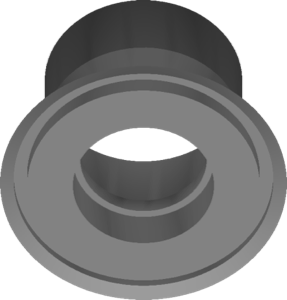
BEGO
CADBar 1 4
Implant geometry library for designing implant-supported restorations in exocad DentalCAD.
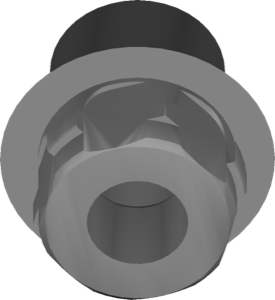
BEGO
CADAbut 11 1 F
Abutment geometry library with implant interface for designing restorations in exocad.
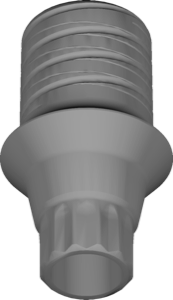
BEGO
CADAbut 5 1 D
Abutment geometry library for positioning implant-supported restorations on interface in exocad.
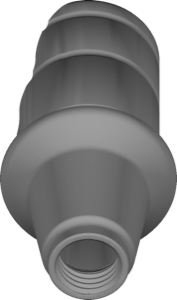
BEGO
Conical CADCAM NI SCXRSX CC
Implant library for exocad: non-rotational interface, conical connection SCX/RSX CC geometry.
BEGO
CADAbut 3 2 F
Implant library defining 3.2 F interface geometry for modeling suprastructures in exocad.
BEGO
CADAbut 5 1 F
CAD library of abutment geometry, 5.1 F interface, for implant restorations in exocad.
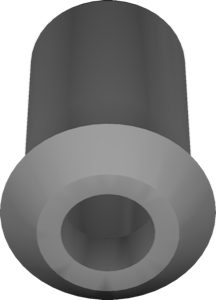
BEGO
SubTec CADCAM S
Component library, S configuration, for designing implant-supported restorations in exocad.
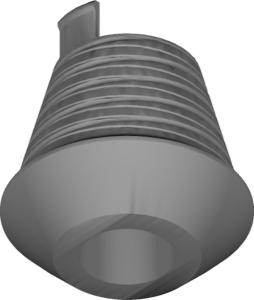
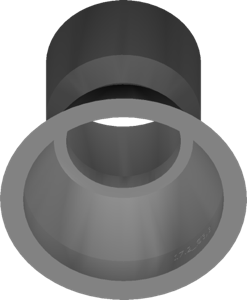
BEGO
CADBar 17 2 AN
Implant library for exocad; anti-rotational AN interface for single restorations.
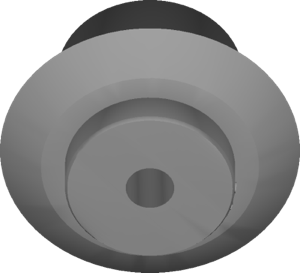
BEGO
CADBar 3 1
Geometry configuration from series group three for designing implant restorations in exocad.
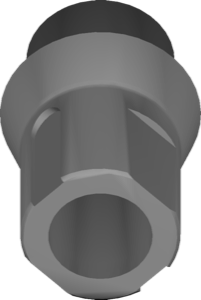
BEGO
CADAbut 1 2 F
Implant interface library for designing implant-supported restorations in exocad.
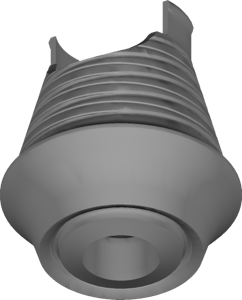
BEGO
CADAbut 1 4 NH
Abutment geometry library for designing implant-supported crowns and bridges in exocad.
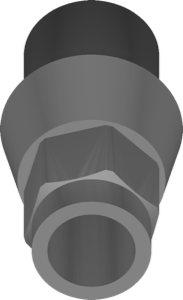
BEGO
CADAbut 16 1 F
Abutment geometry library for designing implant-supported restorations in exocad.
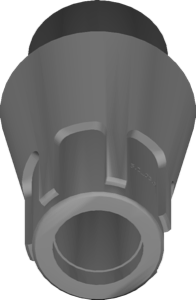
BEGO
CADAbut 5 2 F
CAD library for exocad defining abutment geometry, 5.2 F platform, implant-supported restorations.
BEGO
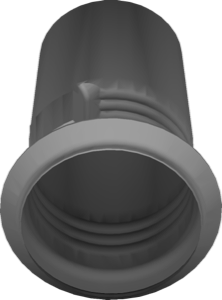
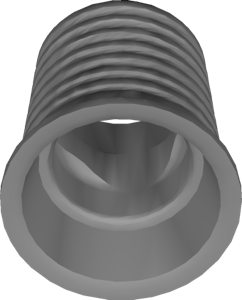
Conical MultiPlus SCXRSX CC
Implant library for exocad with conical MultiPlus interface, SCX/RSX CC configuration.
BEGO
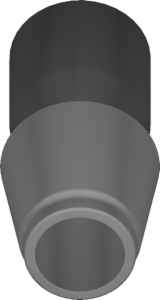
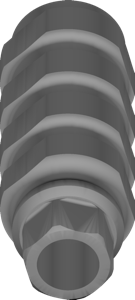
Provisorischer Aufbau stock
Standard temporary abutment library for designing provisional restorations in exocad.
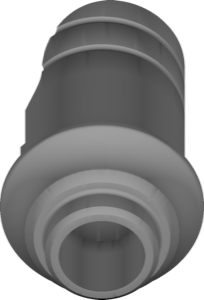
BEGO
CADAbut 0 6 NH
Abutment library with NH connection for designing custom restorations in exocad.
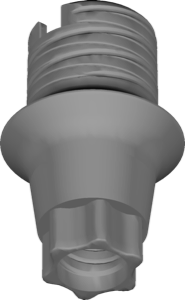
BEGO
CADAbut 1 4 D
Abutment library for exocad: digital base for designing implant-supported crowns and bridges.
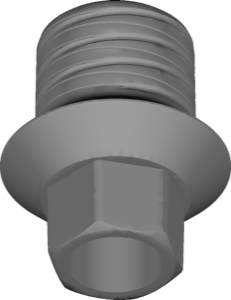
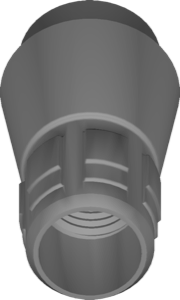
BEGO
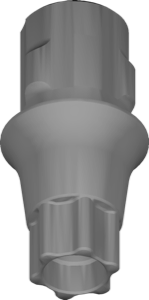
Conical PMB SCRSX CC
Implant library for the conical PMB interface, SCR/SX CC configuration, exocad.
BEGO
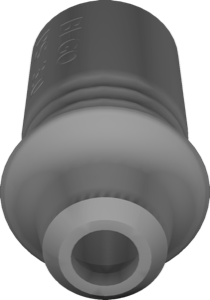
PS TiB SCSCXRSRSXRI
Implant library with PS interface for designing crowns and bridges in exocad.
BEGO
scanbody bridge BEGO 06
Scanbody geometry for multi-implant bridge restorations in exocad DentalCAD
BEGO
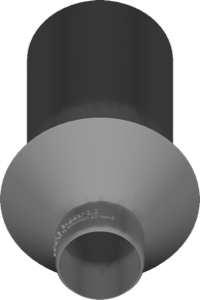
CADBar 1 2
Implant bar geometries with interface data for designing implant-supported restorations in exocad.
BEGO
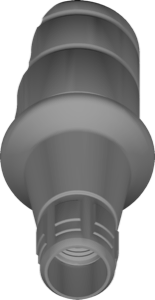
CADAbut 0 7 D
Abutment geometry for modeling restorations in the exocad DentalCAD implant module.
Nothing found
FAQ — BEGO
How do I install a BEGO library in exocad DentalCAD?
After signing in, click Download to get the file, unzip it and place the library folder into the exocad DentalCAD implant library directory, or add it via exocad Library Manager, then restart the program.
How many BEGO libraries are in the catalog?
The catalog holds 98 BEGO libraries, including BEGO CAD-CAM BegoSemados Ti Base and the BEGO CADAbut 0 1 D, BEGO CADAbut 0 1 F and BEGO CADAbut 0 1 NH variants.
What are these libraries used for in the DentalCAD workflow?
They provide the titanium-base and CADAbut abutment geometries used in DentalCAD to design implant-supported crowns, bridges and multi-unit restorations on BEGO Semados and compatible fixtures.
What format and compatibility do the libraries have?
Each library comes as a ZIP archive for exocad DentalCAD, matching the implant library structure and manageable through exocad Library Manager.