BioHorizons
CAD-CAM BioHorizons Ti Base
Ti-Base interface library for modeling cement- and screw-retained restorations in exocad.
28 libraries · exocad DentalCAD — Implants
BioHorizons — 28 libraries for exocad DentalCAD — Implants in the catalog.
BioHorizons is a dental implant system whose exocad DentalCAD libraries in this catalog cover titanium bases, abutments and multi-unit geometries for designing implant-supported restorations. The collection includes 28 products, among them the BioHorizons CAD-CAM BioHorizons Ti Base and BioHorizons CAD-CAM BioHorizons Cuttable Ti Base, giving CAD technicians references for screw-retained and hybrid prosthetic workflows within DentalCAD.
Ti-Base interface library for modeling cement- and screw-retained restorations in exocad.
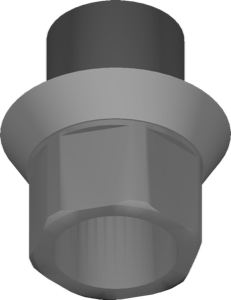
One-piece titanium abutment library for milling from IAC Ti-blank, exocad
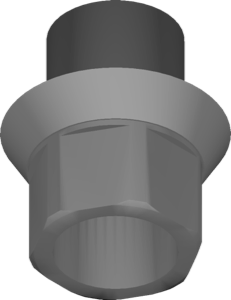
One-piece titanium abutment geometry for CAM milling from ME blank in exocad.
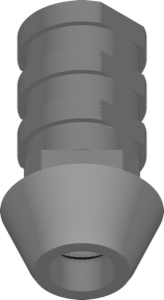
Non-hexed temporary Ti component library for provisional implant restorations in exocad
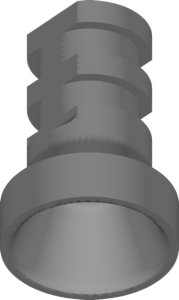
Titanium coping and Multi-Unit abutments for screw-retained crowns and bridges in exocad.
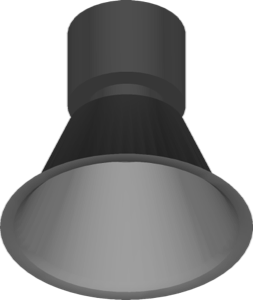
Multi-Unit library for designing bar structures on multi-unit abutments in exocad.
Implant library for exocad with titanium geometry, restoration design on matching interface
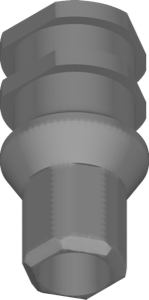
Temporary PEEK abutment library with anti-rotational hexagon for single crowns, exocad.
Titanium Laser-Lok Vulcan abutments for designing crowns and bridges in exocad.
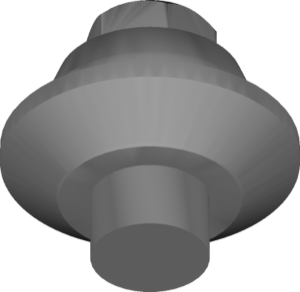
Multi-Unit geometry for screw-retained bridges and full-arch restorations in exocad.
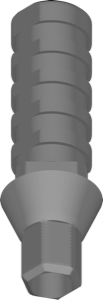
Indexed temporary component for screw-retained provisional crowns on implants, exocad.
ASC titanium base library for designing implant-supported restorations in exocad.
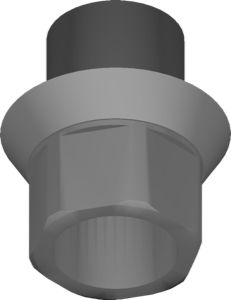
Library of one-piece abutments for milling from CoCr blank type ME, exocad
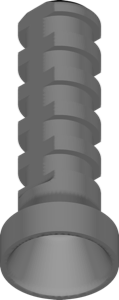
Multi-Unit component library for screw-retained restorations and full-arch frameworks in exocad
Ti-Base geometry with angular correction of implant axis for exocad implant module.
Titanium base library for exocad, Engaging and Non-engaging variants, crowns and bridges.
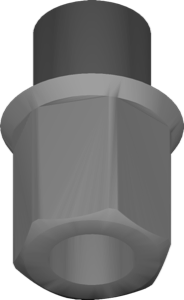
Healing abutment geometry library for designing restorations in exocad.
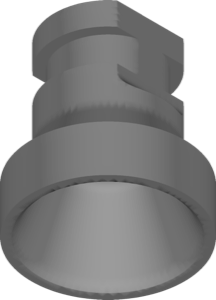
Library of titanium copings for multi-unit abutments, designed in exocad.
Titanium healing abutment library for shaping gingival profile in exocad implant module.
Implant library for exocad with cuttable titanium Ti-Base geometry; modeling crowns and bridges.
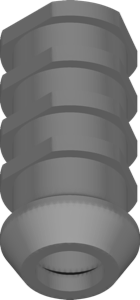
PEEK temporary abutment library without anti-rotation hex for exocad multi-unit restorations
Titanium abutment geometry as support interface for crowns and bridges, exocad.
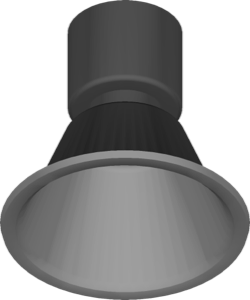
Geometry for designing restorations on Multi-Unit (MU) abutments in exocad.
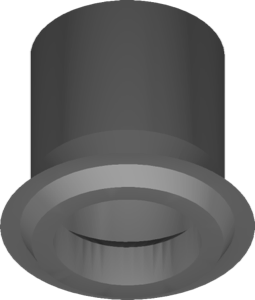
Reference geometry for designing splinted implant-level bar structures in exocad.
Library for designing bridges on multi-unit abutments in exocad DentalCAD.
Implant library with hybrid prosthetic interface for exocad DentalCAD.
Ti-Base library with titanium bases for designing crowns and bridges in exocad.
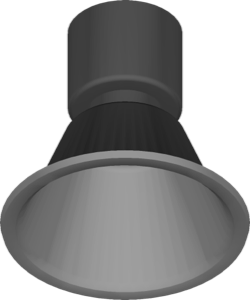
Elos Scanbody library for designing Multi-Unit implant-supported restorations in exocad.
This library is part of PRO. Access opens downloads for all 2,983 libraries.