Bicon
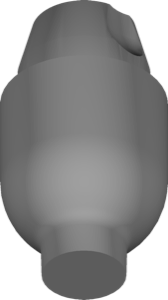
SHORT FDUA ImplantLevel
Implant-level reference geometry for restorations with FDUA components in exocad.
13 libraries · exocad DentalCAD — Implants
Bicon — 13 libraries for exocad DentalCAD — Implants in the catalog.
Bicon is an implant system whose exocad DentalCAD libraries in this catalog cover abutment-level and implant-level geometries for implant-supported restorations. The collection contains 13 product lines, including Bicon SHORT FDUA AbutmentLevel, Bicon SHORT FDUA Copings, Bicon SHORT FDUA ImplantLevel and Bicon SHORT FDUA Stock, providing CAD technicians with ready geometries for the SHORT FDUA workflow inside DentalCAD.
Implant-level reference geometry for restorations with FDUA components in exocad.
Stock Universal Abutment geometry for restorations on standard UA in exocad.
Library for designing custom low-profile abutments for SHORT implants in exocad.
Implant library with stock FDUA geometry for restoration positioning in exocad.
Small 2.2 scanbody library aligning scans with implant position in exocad.
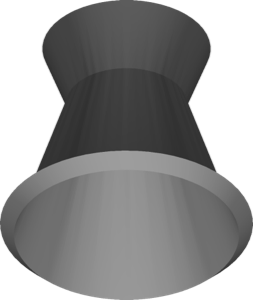
Scanbody library for fixed-detachable Multi-Unit protocol, Standard and FDA variants, exocad.
exocad library for fixed-detachable bridges at implant level, Multi-Unit component
Stock scannable abutment geometry for cemented and screw-retained restorations in exocad.
Abutment-level library with reference geometry for designing restorations in exocad.
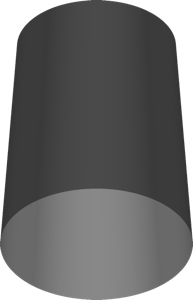
Castable component for Multi-Unit fixed-detachable, Standard and FDA variants, exocad.
Coping geometry on SHORT FDUA abutment for single crowns and bridges, exocad.
This library is part of PRO. Access opens downloads for all 2,983 libraries.