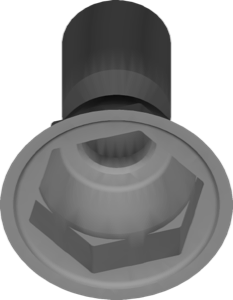
Adin
Dir Con To Implant
Direct-to-implant connection geometries for crowns, abutments and hybrids in exocad.
12 libraries · exocad DentalCAD — Implants
Adin — 12 libraries for exocad DentalCAD — Implants in the catalog.
Adin is an implant system manufacturer whose exocad DentalCAD libraries in this catalog provide titanium-base, abutment and multi-unit geometries for implant-supported restorations. The collection holds 12 product lines, including Adin DirConToImplant and Adin TMA-MU, giving CAD designers the reference geometry needed to model screw-retained single crowns, bridges and full-arch structures on Adin fixtures within DentalCAD.
Direct-to-implant connection geometries for crowns, abutments and hybrids in exocad.
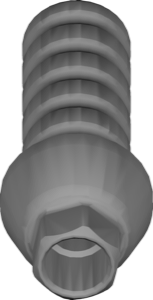
Temporary component library for provisional restorations on implants, exocad DentalCAD
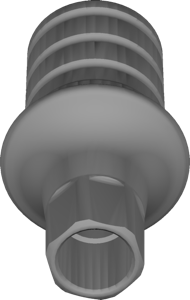
Ti-Base geometry with CloseFit UNP-NP interface for crowns and bridges in exocad.
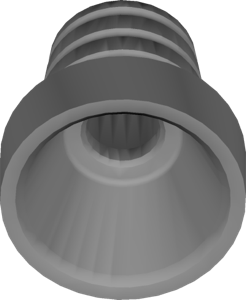
Multi-Unit geometry library for TMA platform, screw-retained restorations in exocad.
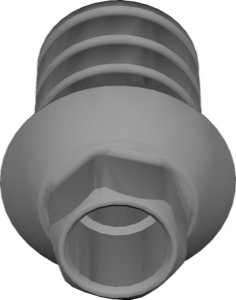
Ti-Base geometry with Internal Hex Coni-Con connection for crowns and bridges on titanium base, exocad.
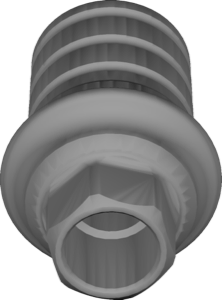
Ti-Base interface geometry for modeling implant crowns and bridges in exocad.
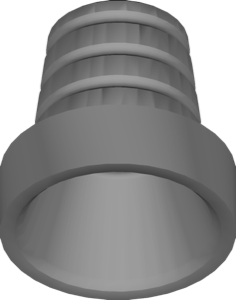
Multi-Unit geometry library for modeling superstructures on MU abutments in exocad.
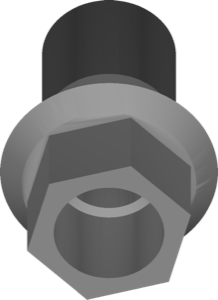
Ti-blank library for exocad with Internal Hex and Coni-Con connections
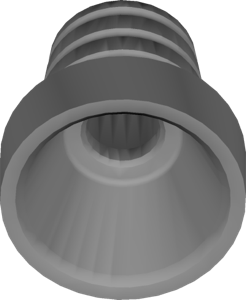
Multi-Unit platform library for screw-retained bridges and full-arch restorations in exocad
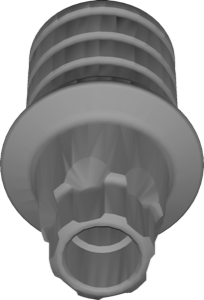
Ti-Base geometry for Touareg-Unifit UF connection, implant crowns and bridges, exocad
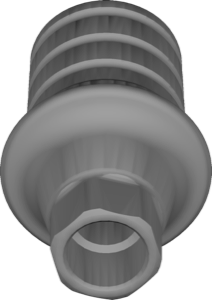
Ti-Base components for CloseFit interface, RP and WP platforms, cement or screw-retained restorations in exocad.
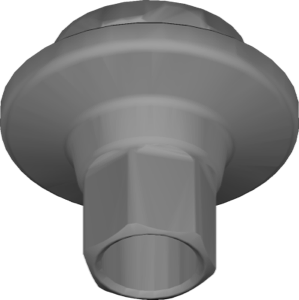
Multi-Unit components for designing screw-retained restorations on multi-unit abutments in exocad.
This library is part of PRO. Access opens downloads for all 2,983 libraries.