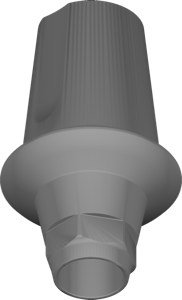
Dentium
SuperLine Ti-Base Link 5510
Implant library with Ti-Base and Link components, SuperLine 5510 interface, for exocad.
18 libraries · exocad DentalCAD — Implants
Dentium — 18 libraries for exocad DentalCAD — Implants in the catalog.
Dentium is a dental implant system whose exocad DentalCAD libraries in this catalog cover titanium-base and custom-abutment geometries for designing implant-supported restorations. The collection includes 18 products, among them Dentium Implantium Custom Abutment 34s and the Dentium NR Line Custom Abutment Standard, Wide and 30s variants, giving CAD technicians ready references for abutment and screw-retained workflows within the DentalCAD implant module.
Implant library with Ti-Base and Link components, SuperLine 5510 interface, for exocad.
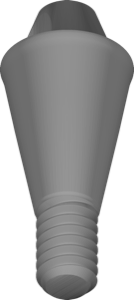
Screw abutment geometry, external connection 4.3 mm platform, for exocad restoration design.
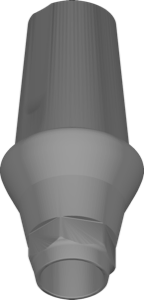
Implant library with Ti-Base and Link geometries for exocad DentalCAD.
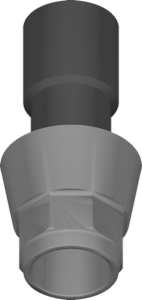
Custom abutment library for exocad, NR Line connection, standard configuration design.
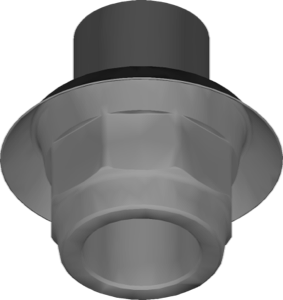
Abutment geometry for 4.8 mm internal connection, custom abutment design in exocad.
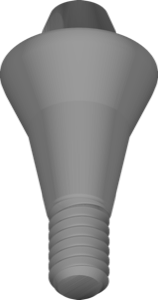
Screw abutment 5.2mm, external connection, for designing restorations in exocad.
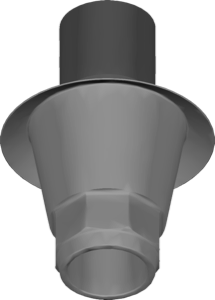
Abutment geometry for custom abutments on wide implant platform; exocad, wider emergence
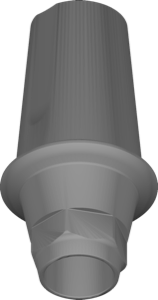
Ti-Base and Link library for exocad with cemented or screw-retained fixation.
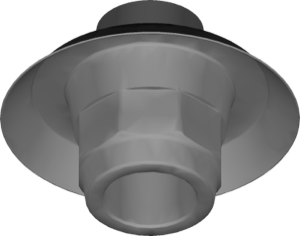
Custom abutment geometry, internal 6.5 mm connection, for exocad DentalCAD design.
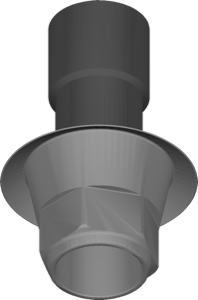
Custom abutment geometry with SE connection for individual implant modeling in exocad
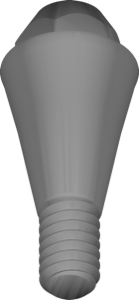
Geometry of screw abutment 4.5mm for restorations on SuperLine implants, exocad.
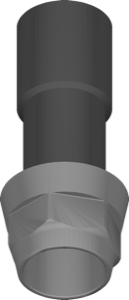
Abutment geometry library for Implantium 34s connection; design custom abutments in exocad.
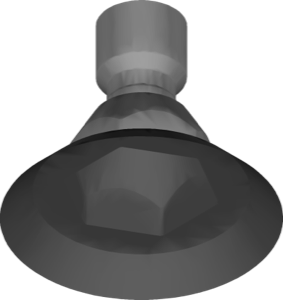
Screw abutment geometry, 6.5 mm height, for implant restoration modeling in exocad.
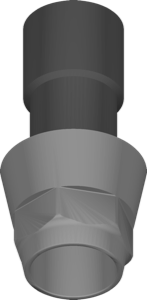
SW-variant custom abutment geometry for designing individual restorations in exocad.
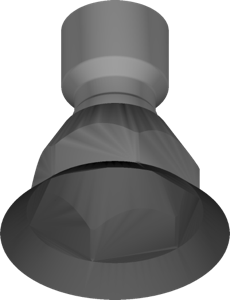
Screw abutment geometry, 4.8 mm, for designing crowns and bridges in exocad.
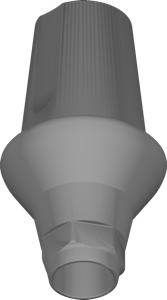
Ti-Base and Link geometries for SuperLine 5520 connection in exocad.
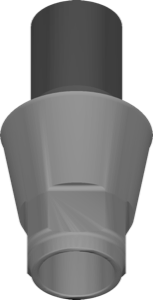
Custom abutment library for modeling restorations on NR Line connection in exocad.
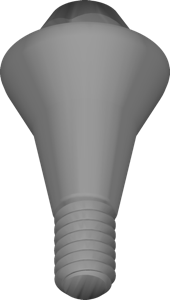
Screw abutment geometry, 5.5 mm diameter, SuperLine implants, for exocad
This library is part of PRO. Access opens downloads for all 2,983 libraries.