Glidewell/Hahn
EV LABDP
Implant library for exocad, EV LABDP connection, implant-supported prosthetic design geometry.
24 libraries · exocad DentalCAD — Implants
Glidewell/Hahn — 24 libraries for exocad DentalCAD — Implants in the catalog.
The Glidewell/Hahn hub brings together the implant libraries for the Glidewell/Hahn system in the exocad DentalCAD catalog. The collection covers Titanium Base, abutment, Multi-Unit and related geometries for implant-supported restorations, with 24 products listed.
Lines include Glidewell/Hahn ANK, Glidewell/Hahn AS, Glidewell/Hahn CL and Glidewell/Hahn EV IOSDP, giving CAD technicians a ready reference for this implant family.
Implant library for exocad, EV LABDP connection, implant-supported prosthetic design geometry.
Implant library for exocad with NB-AC interface, single and bridge restorations.
Implant library with IOSSA connection geometry for designing implant-supported restorations in exocad.
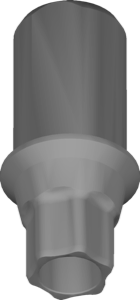
Tapered-connection implant library for designing prosthetic restorations in exocad
Implant library for exocad DentalCAD with ZI connection geometry for restorations.
Implant library for exocad DentalCAD, NEO connection, designing implant-supported restorations.
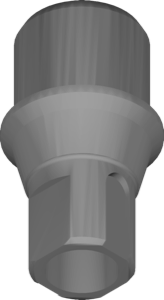
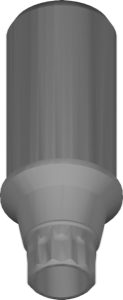
Implant geometry for designing implant-supported restorations on the AS platform in exocad.
Bar geometry library on NB-RP interface for implant-supported bar restorations in exocad.
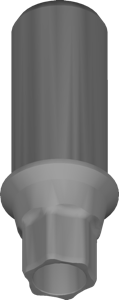
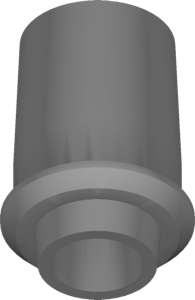
Implant library, ANK configuration, for designing implant-supported restorations in exocad.
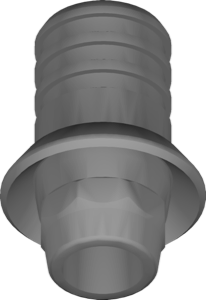
Implant library with STR-SYN connection for exocad, planning crowns and bridges.
exocad implant library with iii-CE connection for implant-supported crowns and bridges.
Multi-Unit NB-RP interface library for exocad, restorations on Multi-Unit abutments.
Implant library with HIO connection geometry for restorations in exocad DentalCAD.
Implant library for designing implant-supported restorations in exocad DentalCAD.
Implant library with MG-AR interface for implant-supported restorations in exocad.
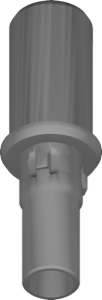
Implant library for exocad with PR-CNX connection geometry for implant-supported restorations
Implant library with IOSSA scanbody geometry for implant-supported restoration design in exocad.
Multi-Unit abutment library for screw-retained restorations on angled and straight platforms, exocad.
Implant library for exocad with system geometry, for designing implant-supported restorations.
This library is part of PRO. Access opens downloads for all 2,983 libraries.