Megagen exocad library
39 libraries · exocad DentalCAD — Implants
Megagen — 39 libraries for exocad DentalCAD — Implants in the catalog.
Megagen is an established implant system whose exocad DentalCAD libraries are gathered in this hub for designing implant-supported restorations. The catalog lists thirty-nine product lines covering custom abutments, hybrid geometries and multi-unit components, including Megagen AR Cust Abt 13mm and Megagen Hybrid-Megagen MA across the AR and hybrid abutment ranges.
Megagen
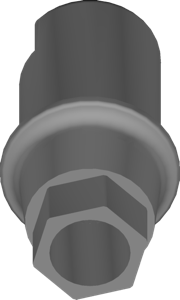
AR Octa1 NC Cust Abt 13mm
Custom abutment on 13mm blank, Octa1 NC narrow interface, for exocad.
Megagen
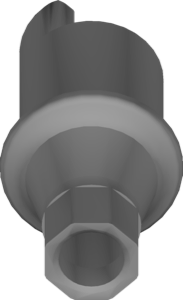
MUA S Type EZpost-Cylinder multiunit support
Multi-Unit support geometry for S type EZpost cylinder, screw-retained restorations in exocad.
Megagen
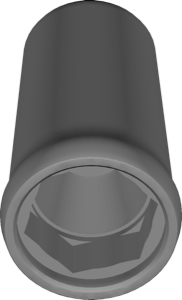
AR Octa1 RC Cust Abt 13mm
Customizable abutment blank, 13 mm height, cement or screw retention, exocad
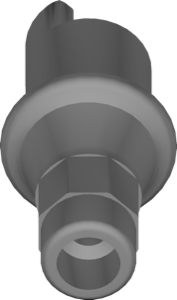
Megagen
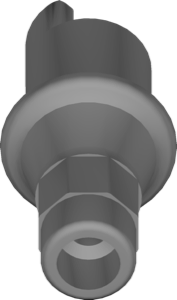
AR Octa1 SHA R Cust Abt H Height 5mm
Customizable abutment geometry, Octa1 SHA R connection, 5mm gingival height, for exocad.
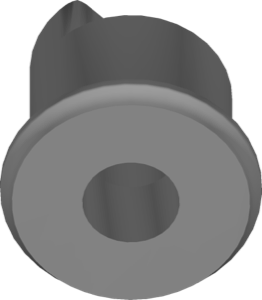
Megagen
MUA N Type Bar 13mm
Multi-Unit bar geometry for N type abutments, 13mm height, screw-retained constructions, exocad.
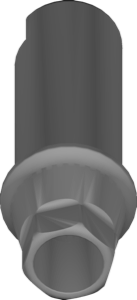
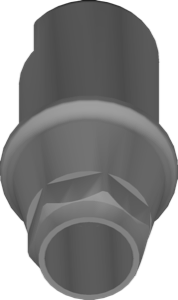
Megagen
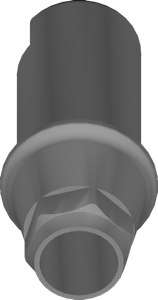
AY Cust Abt 9mm
Customizable 9mm abutment, AnyOne interface, for implant crown modeling in exocad.
Megagen
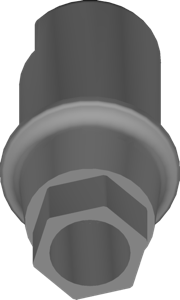
AY SHA Cust Abt H Height 5mm
Customizable abutment library with 5mm gingival height for exocad DentalCAD.
Megagen
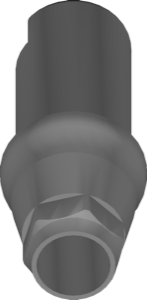
AR SHA Cust Abt H Height 4mm
Customizable abutment, 4 mm height, AnyRidge SHA interface, for exocad.
Megagen
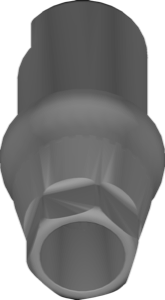
AY Cust Abt 13mm
Customizable 13mm abutment for crown design in exocad, AnyOne connection interface.
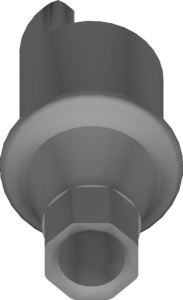
Megagen
AR Octa1 SHA N Cust Abt H Height 4mm
Customizable abutment geometry, Octa1 SHA N connection, 4mm gingival height, exocad.
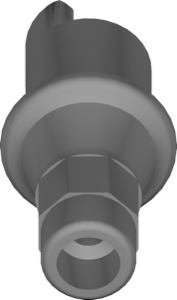
Megagen
AR Octa1 SHA R Cust Abt H Height 7mm
Customizable abutment geometry, 7mm height, AnyRidge Octa1 interface, for exocad
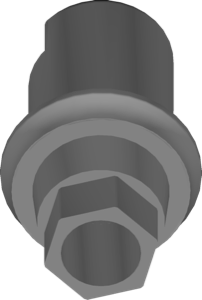
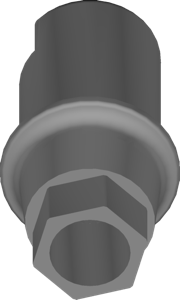
Megagen
AR SHA Cust Abt H Height 7mm
Customizable abutment geometry, 7 mm height, AnyRidge SHA interface, for exocad.
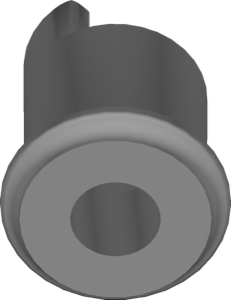
Megagen
AY Ext S Cust Abt 13mm
Custom abutment library, external AY S connection, 13 mm height, exocad.
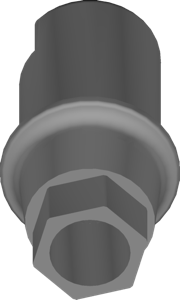
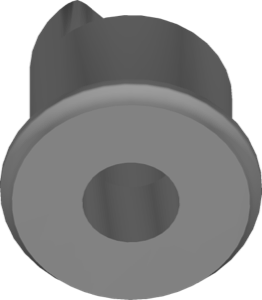
Megagen
AY Ext W Cust Abt 13mm
Custom abutment geometry for external connection, W platform, 13mm version, exocad.
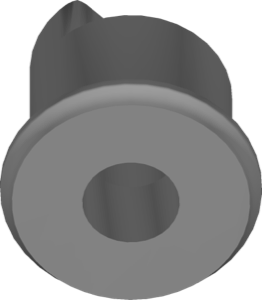
Megagen
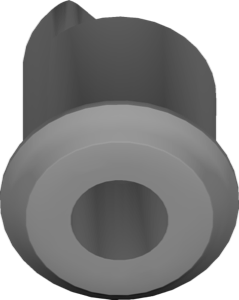
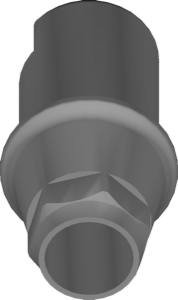
AY Ext W Cust Abt 9mm
Custom abutment library, external AY W connection, 9 mm height, for exocad.
Megagen
AY SHA Cust Abt H Height 7mm
Customizable abutment blank library, 7mm gingival height, AY SHA connection, for exocad
Megagen
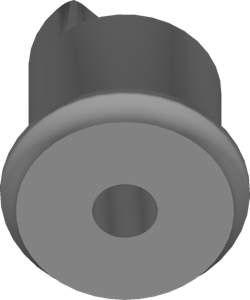
MUA N type Cust Abt
Custom abutment geometry on N type multi-unit for cement/screw retention, exocad.
Megagen
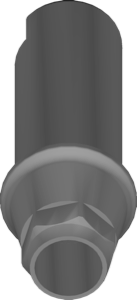
AY SHA Cust Abt H Height 4mm
Customizable abutment blank, gingival height 4 mm, for exocad implant projects.
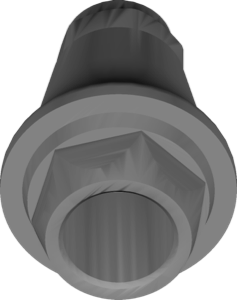
Megagen
MUA S Type EZpost-Cylinder multiunit
Multi-Unit cylinder for S type EZpost interface, screw-retained crowns and bridges, exocad.
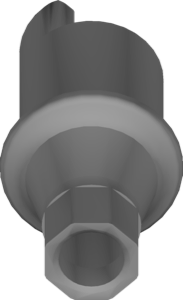
Megagen
AR Octa1 SHA N Cust Abt H Height 7mm
Customizable abutment geometry, 7 mm gingival height, for exocad.
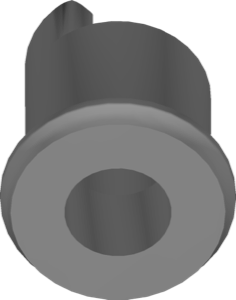
Megagen
AY Ext R Cust Abt 13mm
Custom abutment for AY Ext R platform, 13mm, external connection, exocad.
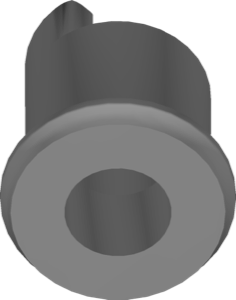
Megagen
AY Ext R Cust Abt 9mm
Custom abutment library with external connection, 9 mm version, for exocad.
Megagen
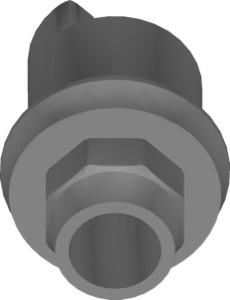
Hybrid-Megagen MA
Implant interface library for designing implant-supported restorations in exocad.
Megagen
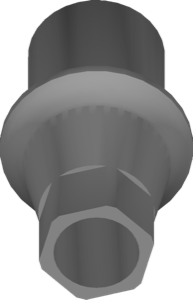
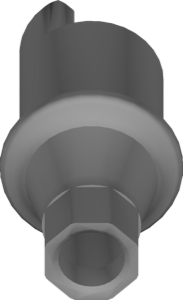
AY Onestage Cust Abt 10mm
Customizable abutment geometry, 10 mm height, for individual modeling in exocad
Megagen
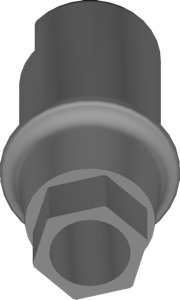
AR Octa1 SHA N Cust Abt H Height 5mm
Customizable abutment, Octa1 SHA N connection, 5 mm gingival height, for exocad.
Megagen
AR SHA Cust Abt H Height 5mm
Customizable abutment, 5 mm height, AnyRidge SHA interface, for exocad crowns.
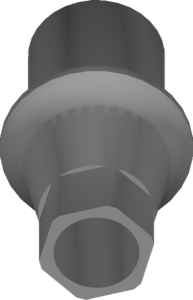
Megagen
MN Cust Abt 13mm
Customizable abutment library, 13mm height, MN connection, for exocad implant workflow.
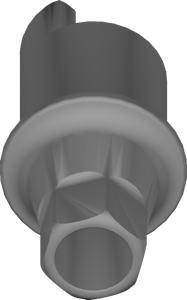
Megagen
STR S Cust Abt 13mm
Customizable abutment library, STR S interface, 13 mm height, for exocad.
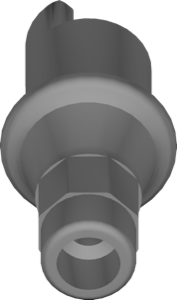
Megagen
AR Octa1 SHA R Cust Abt H Height 4mm
Customizable abutment geometry, AnyRidge Octa1 SHA R connection, 4mm gingival height, for exocad.
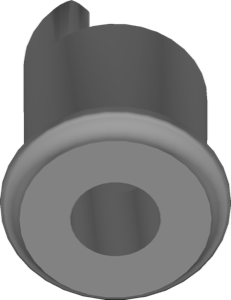
Megagen
AY Ext S Cust Abt 9mm
Custom abutment geometry for external connection platform, 9mm variant, for exocad.
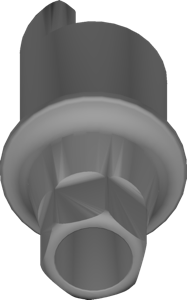
Megagen
STR S Cust Abt 9mm
Customizable abutment, STR S interface, 9 mm height, for exocad implant crowns and bridges
Nothing found
FAQ — Megagen
How do I install a Megagen library in exocad DentalCAD?
After signing in, click Download to receive the file. Unzip the archive and place the library folder into the exocad DentalCAD implant library directory, or add it via exocad Library Manager, then restart DentalCAD.
How many Megagen libraries are in the catalog?
The catalog contains thirty-nine Megagen product lines, including Megagen AR Cust Abt 13mm, Megagen AR Cust Abt 9mm and Megagen Hybrid-Megagen MA.
What are Megagen libraries used for in DentalCAD?
They deliver the custom-abutment, hybrid and multi-unit geometries needed to design screw-retained and cementable restorations on Megagen implants within the exocad DentalCAD workflow.
What format do Megagen libraries come in?
Megagen libraries are delivered as ZIP archives for exocad DentalCAD, compatible with the implant library system and added through exocad Library Manager.