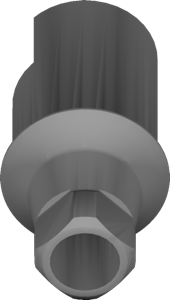
Straumann
Bone Level SP
Geometries for designing crowns, bridges and superstructures on implants in exocad.
53 libraries · exocad DentalCAD — Implants
Straumann — 53 libraries for exocad DentalCAD — Implants in the catalog.
Straumann is one of the most widely used implant systems worldwide, and its exocad DentalCAD libraries cover titanium bases, abutments and multi-unit geometries across the Straumann platform. The catalog currently lists 53 Straumann product lines, including the Straumann IS Hybrid Straumann-BLX and the Straumann Hybrid-Straumann SynOcta SS, giving CAD technicians a broad set of references for Bone Level, BLX and synOcta connections within DentalCAD.
Geometries for designing crowns, bridges and superstructures on implants in exocad.
Hybrid synOcta connection interface library for digital restoration modeling in exocad.
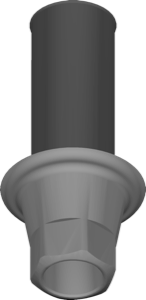
Implant library with s 2gen interface for single and bridge restorations in exocad.
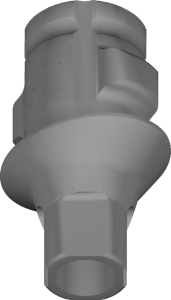
Implant restoration library on Variobase components for local milling, exocad DentalCAD.
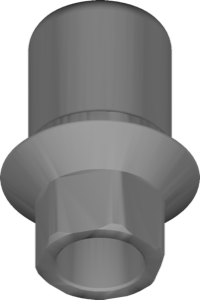
Geometry library for designing implant-supported restorations, BS 2gen connection, for exocad.
Abutment geometry library for exocad, custom implant restorations, centralized milling workflow.
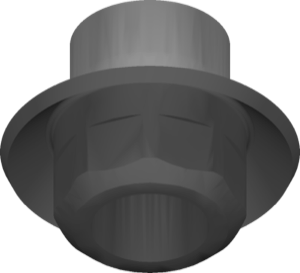
Abutment library, ELOS variant, for designing custom abutments on Straumann implants in exocad.
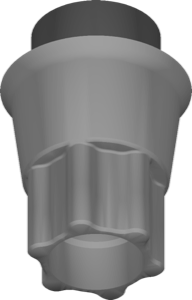
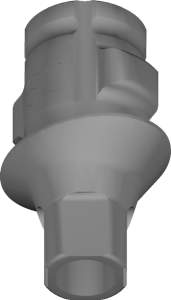
Ti-base library for exocad, implant restorations on centrally manufactured Variobase components.
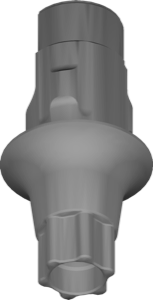
Implant library with Variobase-XC geometry, angulated screw channel, local milling, for exocad.
Pre-milled abutment blank geometry in AG holder for local milling in exocad.
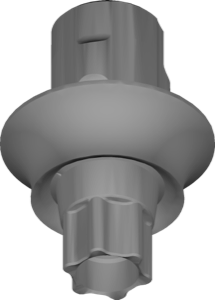
Restoration library on Angled Hybrid Abutment interface for local milling, exocad.
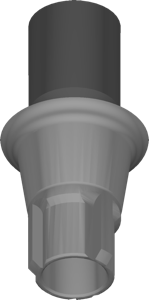
Implant library for exocad with d 2gen geometry for digital restoration planning.
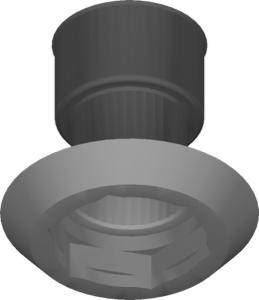
Geometry for designing implant-supported restorations, i 2gen centralized connection, exocad.
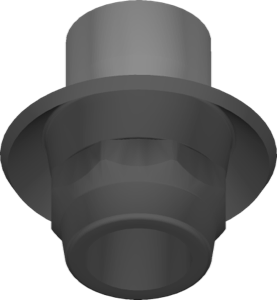
Pre-milled abutment blank geometry, Medentika holder, local milling of custom abutments, exocad.
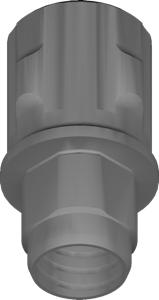
Abutment geometry for PUREbase platform, in-house custom abutment modeling in exocad.
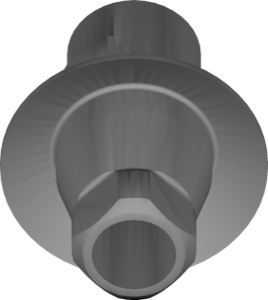
Geometries for designing implant-supported tissue-level restorations in exocad.
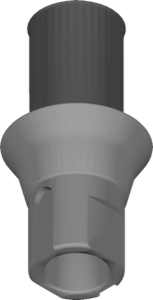
Implant library with l 2gen geometry for prosthetic design in exocad.
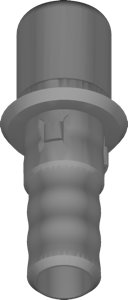
Implant library for exocad providing restoration geometry on centralized platform
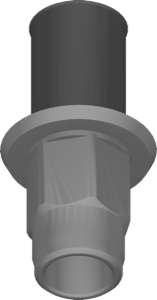
exocad implant library, h 2gen geometry, centralized connection for implant-supported restorations
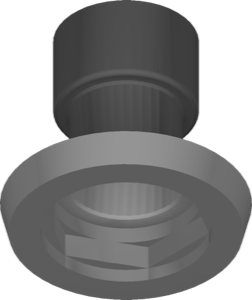
Library with k 2gen geometry in centralized layout for implant-supported restorations in exocad.
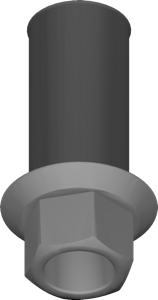
Implant library defining interface geometry for crowns and bridges in exocad.
Cuttable Ti-Base geometry for crowns and bridges, exocad DentalCAD
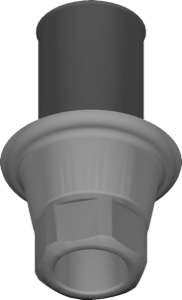
Implant library for exocad with f 2gen geometry for implant-supported restorations.
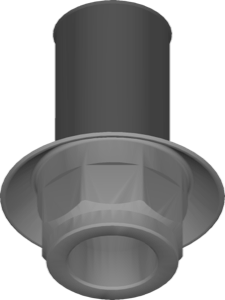
Implant library with centralized layout for modeling restorations in exocad.
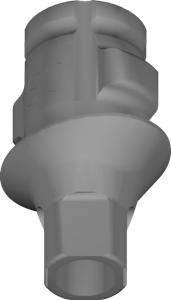
exocad library for implant restorations on Variobase interface, centralized milling production.
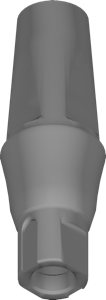
Library of cementable bridge frameworks on standard Straumann components for exocad.
AHA abutment geometry for custom abutments, centralized milling workflow, exocad.
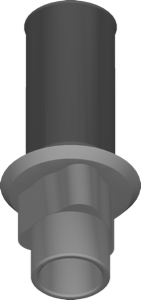
Implant library for exocad, models restorations of centralized family on implants.
Hybrid abutment-platform to implant connection library for restoration design in exocad
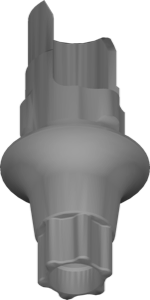
Implant library with ASC interface, AHA configuration, local milling, exocad.
Bar geometries for designing implant bars milled locally, for exocad.
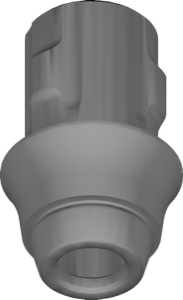
Bar bridge library on Variobase-XC interface for local milling in exocad.
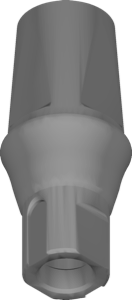
Cementable crown library for single implant restorations on standard components, exocad
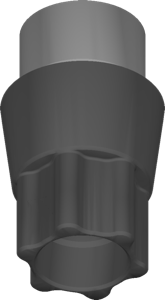
Pre-milled abutment library for Medentika holder, local milling in exocad
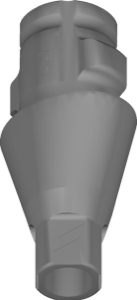
Variobase abutment library for exocad, ELOS in-house milling configuration for restorations
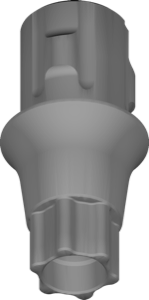
Implant library with standard geometry prepared for local milling, for exocad.
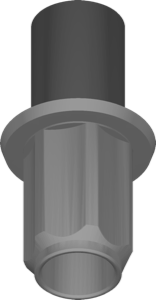
Geometries for designing implant-supported restorations aligned to implant interface in exocad.
Ti-Base library for designing crowns, bridges and hybrid abutments in exocad.
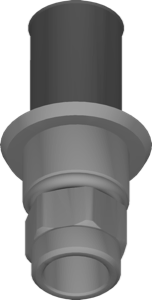
Implant library for exocad defining interface geometry for implant-supported restorations.
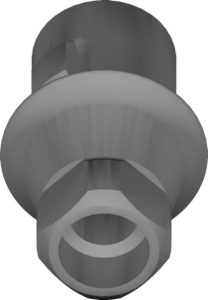
Digital geometries for designing implant-supported restorations with conical connection in exocad.
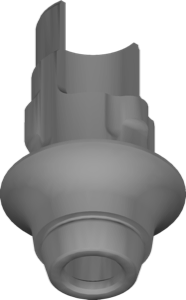
Bar geometry for Variobase-XC ASC platform, screw-retained bridge structures, exocad.
Angulated Ti-Base geometry for implant-supported restorations in exocad.
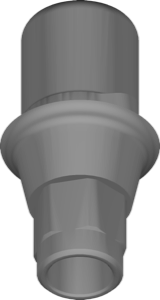
Implant library for exocad, cx 2gen geometry, centralized family, crown and bridge design.
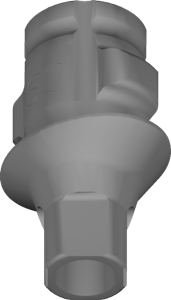
Ti-base library with Variobase abutment geometries for exocad DentalCAD
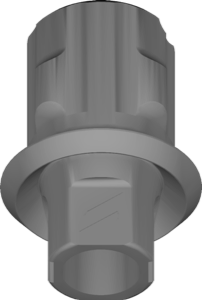
Abutment library with angulated screw channel for local milling in exocad.
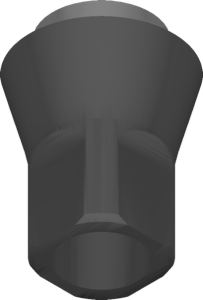
Abutment library for designing custom suprastructures on Straumann implants in exocad.
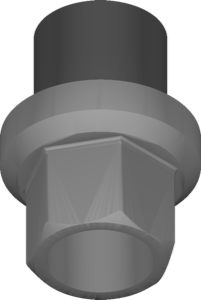
Custom abutment geometry library for designing individual abutments in exocad.
Library for screw-retained bars and bridges (SRBB) on implant connections, exocad.
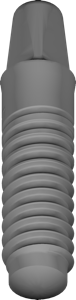
Implant geometry library for restorations on ceramic implant connection, stock components, exocad
Hybrid Bone Level interface library for implant-supported restoration design in exocad.
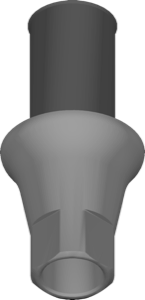
Implant library combining microcone and quattrocone 2gen geometries for exocad.
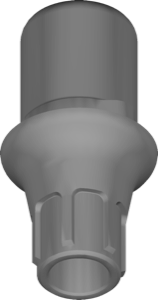
Implant library with ev 2gen geometry for designing implant-supported restorations in exocad
This library is part of PRO. Access opens downloads for all 2,983 libraries.