BEGO · exocad DentalCAD — Implants Implants 54 Free PRO

BEGO CADAbut 0 5 D

BEGO_CADAbut_0_5_D.zip · 7.8 МБ
Register to downloadDownload (PRO)DownloadGet PRO Quick sign-up in 30 secondsThis library can be downloaded with a PRO subscription.The download will start automatically.This library can be downloaded with a PRO subscription.
Included in PRO
  • Access to all popular brands
  • Help with choosing and installing libraries
  • Updates and catalog additions
Component typeAbutment

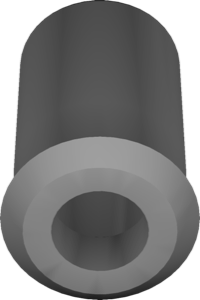
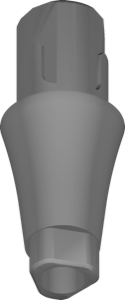
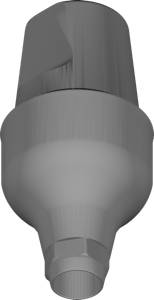
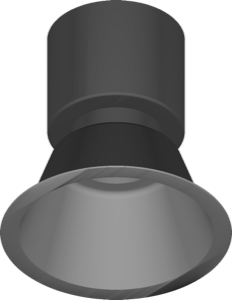
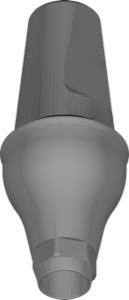
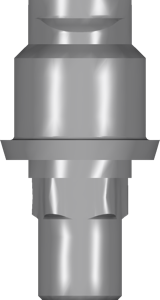
The BEGO CADAbut 0 5 D library brings the implant geometry of the CADAbut 0 5 D variant into exocad DentalCAD. Once active in the implant catalog, it is picked during case definition and serves as the digital reference for the restoration above.

Both single-tooth crowns and small bridge constructions can be designed on top of it, cement- or screw-retained as the plan requires. Because the data behaves like any other implant entry, the established exocad workflow remains unchanged. The library can be downloaded and integrated into the exocad implant catalog.

It is recommended for laboratories with regular BEGO cases that want a clean, dedicated CADAbut 0 5 D definition for their CAD designers.
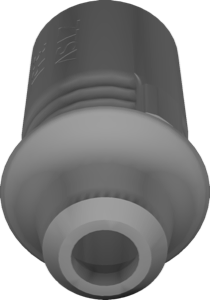
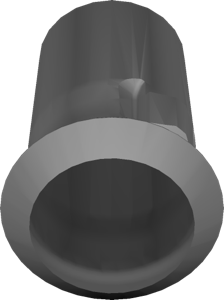
BEGO CADAbut 0 5 D
Report an error
PRO

Unlock PRO access

All popular brands and every catalog update. Pay by card, SBP or crypto.

$50 $30 · 30 days −40%
МИР СБП Secure payment: MIR card, SBP or crypto
Pay after installation

We install any version of digital dentistry software

exocad, exoplan, exocad DentalCAD, RealGUIDE and more — installed and configured on your computer. Pay after installation.

FAQ

How do I install the BEGO CADAbut 0 5 D library in exocad DentalCAD — Implants?
Download the archive with the Download button, unzip it and place the library folder into DentalCADApp\library\implant inside your exocad folder, then restart the program. exocad is portable, so the path is relative to its folder.
What is inside the BEGO_CADAbut_0_5_D.zip archive?
The BEGO_CADAbut_0_5_D.zip archive (7.8 МБ) contains the BEGO CADAbut 0 5 D library files for exocad DentalCAD — Implants.
What is this library used for?
BEGO CADAbut 0 5 D library for exocad DentalCAD, adding the implant geometry of the CADAbut 0 5 D variant to the implant module.
Is the download paid?
Most libraries in the catalog are free after signing in. Some popular libraries are part of the PRO subscription — the current status is shown on the download button.

Similar libraries