Bredent · exocad DentalCAD — Implants Implants 96 Free PRO
Bredent Conus 30
Register to downloadDownload (PRO)DownloadGet PRO Quick sign-up in 30 secondsThis library can be downloaded with a PRO subscription.The download will start automatically.This library can be downloaded with a PRO subscription.
Included in PRO
- Access to all popular brands
- Help with choosing and installing libraries
- Updates and catalog additions
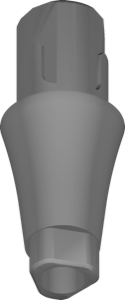
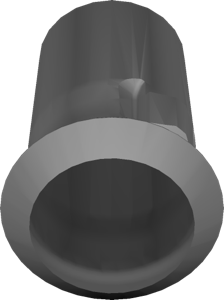
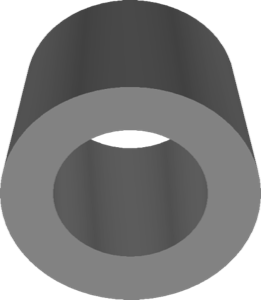
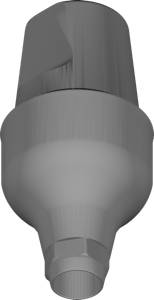
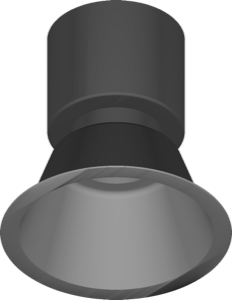
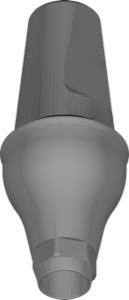
The Bredent Conus 30 library brings the corresponding Bredent geometry into exocad DentalCAD. It is used when the case is built on Bredent implants with the 30° conical interface and the technician needs accurate digital reference data in CAD.
Within the implant wizard the Bredent Conus 30 entry is selected so that restorations follow the correct seating and emergence. The set supports the typical range of cement- or screw-retained restorations that can be planned on this system. It suits laboratories working regularly with Bredent prosthetic components. The library can be downloaded for use in everyday CAD design.