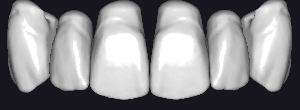
CTD
CTD5
Tooth anatomy library for exocad: reference morphologies for crowns, bridges, full-contour work.
5 libraries · exocad DentalCAD — Tooth Anatomy
CTD — 5 libraries for exocad DentalCAD — Tooth Anatomy in the catalog.
The CTD hub gathers tooth anatomy libraries for exocad DentalCAD, delivering reference morphologies that guide the design of crowns, bridges and full-anatomy restorations. The catalog currently offers 5 CTD lines, including CTD1, CTD2, CTD3 and CTD4, each providing a distinct morphology set that technicians can load as a reference shape when building restorations within the DentalCAD design environment.
Tooth anatomy library for exocad: reference morphologies for crowns, bridges, full-contour work.
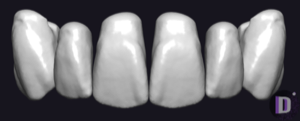
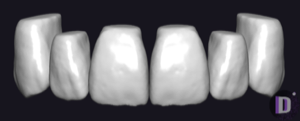
Tooth anatomy library for exocad; reference morphologies for crowns, bridges, full-anatomy restorations.
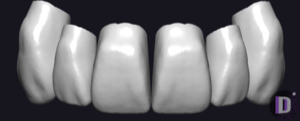
Tooth anatomy library for exocad: alternative morphologies for crowns, bridges, full-contour restorations.
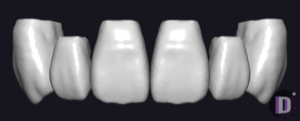
Tooth anatomy with alternative morphologies for modeling crowns and restorations in exocad.
This library is part of PRO. Access opens downloads for all 2,983 libraries.