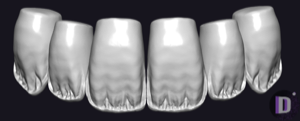
AIDA exocad anatomy library
2 libraries · exocad DentalCAD — Tooth Anatomy
AIDA — 2 libraries for exocad DentalCAD — Tooth Anatomy in the catalog.
The AIDA anatomy library brings a distinctive morphological reference to exocad DentalCAD, offering technicians a refined set of tooth forms for designing crowns, bridges and full-anatomy restorations. The catalog includes two lines — AIDA and AIDA-Air — each providing reference shapes loaded as a starting morphology and adapted to the clinical case. Used inside DentalCAD's tooth library system, these sets help streamline the digital design workflow.
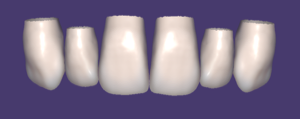
AIDA
AIDA
Tooth anatomy morphology library: reference shapes for crowns, bridges, full-contour restorations in exocad DentalCAD.
Nothing found
FAQ — AIDA
How do I install an AIDA library in exocad DentalCAD?
After signing in, click the Download button to receive the file directly. Unzip the archive and place the library folder into the exocad DentalCAD tooth library directory, or add it through exocad Library Manager, then restart the program so the new morphology set appears in the list.
How many AIDA libraries are in the catalog?
The catalog contains two AIDA lines — AIDA and AIDA-Air — each offering a distinct reference morphology for DentalCAD design work.
What are AIDA libraries used for in the DentalCAD workflow?
They provide reference tooth shapes that serve as a starting morphology when designing crowns, bridges and full-anatomy restorations. The form can be adapted to the clinical case, helping standardize anatomy across cases while keeping room for individual customization.
What format do AIDA libraries come in and are they compatible with exocad?
The libraries are delivered as a ZIP archive containing the exocad DentalCAD tooth library files. They are installed into the DentalCAD tooth library folder and are compatible with the standard exocad DentalCAD workflow.