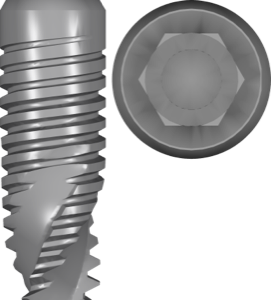
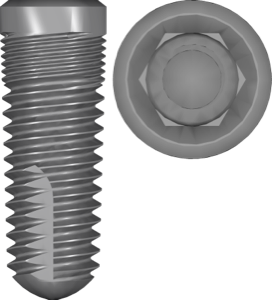
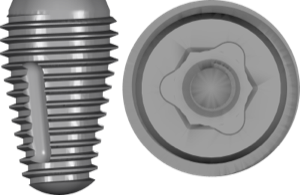
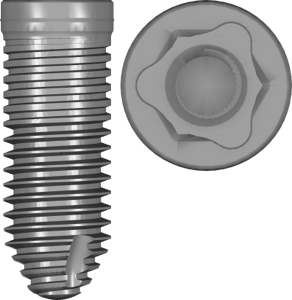
Dentium · exocad exoplan Implants Internal conical 82 Free PRO

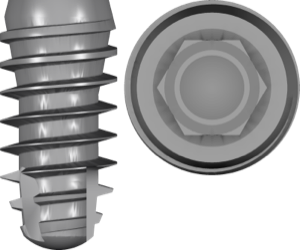
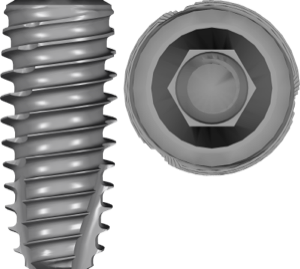
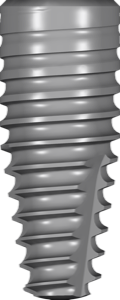
Dentium bright BL

Dentium_bright_BL_plan.zip · 7.2 МБ
Register to downloadDownloadGet PRO Quick sign-up in 30 secondsThe download will start automatically.This library can be downloaded with a PRO subscription.
Included in PRO
  • Access to all popular brands
  • The whole catalog in one link
  • Updates and catalog additions
ConnectionInternal conical
PlatformNP/RP

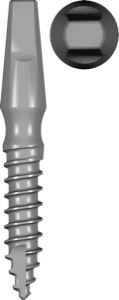
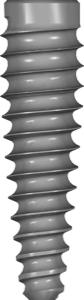
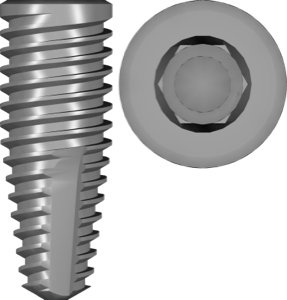
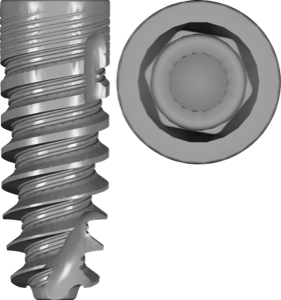
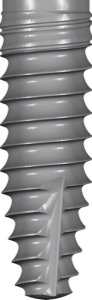
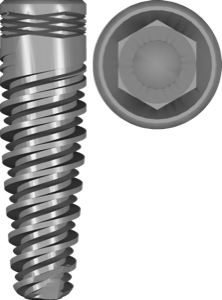
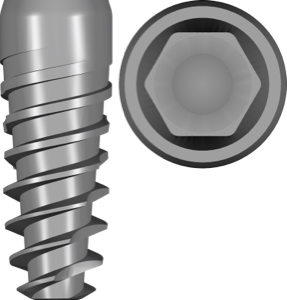
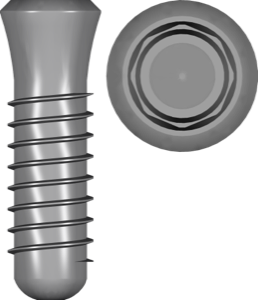
The Dentium bright BL plan library is designed for exocad exoplan and enables accurate digital planning of Dentium bright BL implants with Internal conical connection. The Dentium_bright_BL_plan.zip file contains implant geometries and related components required for virtual positioning, axis evaluation, length and diameter selection, and surgical guide design.

Suitable for single, partial and full-arch implant-supported restorations using the Dentium system. Intended for implantologists, digital prosthodontists and dental labs working with guided surgery protocols. Fully compatible with exoplan and the Guide Creator module, ensuring precise integration of CBCT and intraoral scan data for predictable clinical outcomes.
Dentium bright BL
Report an error
PRO

Unlock PRO access

All popular brands and the whole catalog in one link. Pay by card, SBP or crypto.

$30 · 2400 ₽ · 30 days
МИР СБП Secure payment: MIR card, SBP or crypto
Pay after installation

We install any version of digital dentistry software

exocad, exoplan, exocad DentalCAD, RealGUIDE and more — installed and configured on your computer. Pay after installation.

FAQ

How do I install the Dentium bright BL library in exocad exoplan?
Download the archive with the Download button, unzip it and place the library folder into the implant library directory of your exoplan installation, then restart the program. The brand will appear when you create a guided surgery project.
What is inside the Dentium_bright_BL_plan.zip archive?
The Dentium_bright_BL_plan.zip archive (7.2 МБ) contains the Dentium bright BL library files for exocad exoplan.
Which connection does Dentium bright BL support?
The library is designed for the Internal conical connection. Analogues with the same connection type are listed on the connection page in the catalog.
Is the download paid?
Most libraries in the catalog are free after signing in. Some popular libraries are part of the PRO subscription — the current status is shown on the download button.

Analogs — same connection

Internal conical →
Free PRO
Zimmer Biomet

Certain PREVAIL 3iT3DCD Parallel Walled Navigator

Titanium implants with conical DCD connection, guided surgery planning in exoplan.

Similar libraries