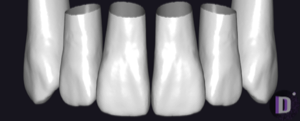
Tribos
Tribos - 1
Tooth anatomy library for exocad DentalCAD: modeling crowns, bridges, full-anatomical restorations.
3 libraries · exocad DentalCAD — Tooth Anatomy
Tribos — 3 libraries for exocad DentalCAD — Tooth Anatomy in the catalog.
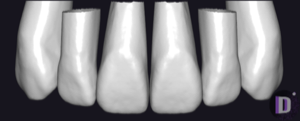
Tribos offers a collection of tooth-anatomy libraries for exocad DentalCAD, supplying reference morphologies that guide the design of crowns, bridges and full-anatomy restorations. The catalog holds 3 Tribos lines — including Tribos - 1, Tribos - 2 and tribos-27 — each providing a distinct set of tooth shapes used as a starting form for anatomical modelling in the DentalCAD workflow.
Tooth anatomy library for exocad DentalCAD: modeling crowns, bridges, full-anatomical restorations.
Tooth anatomy library for exocad: starting morphologies for crowns, bridges, full-contour restorations
This library is part of PRO. Access opens downloads for all 2,983 libraries.