psarris
psarris
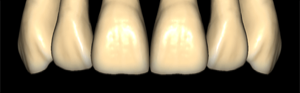
Tooth anatomy library for exocad: reference morphologies for crowns, bridges, restorations.
3 libraries · exocad DentalCAD — Tooth Anatomy
psarris — 3 libraries for exocad DentalCAD — Tooth Anatomy in the catalog.
The Psarris hub collects tooth anatomy libraries for exocad DentalCAD authored by Psarris, best known for the Elderly morphology set tailored to older patients and denture-style full-anatomy work. Loaded as a reference shape in DentalCAD, the Psarris forms give CAD technicians a characterful, age-appropriate starting morphology for crowns, bridges and full-anatomy restorations. The catalog currently lists 3 Psarris libraries, including the Psarris - Elderly set and its variants.
Tooth anatomy library for exocad: reference morphologies for crowns, bridges, restorations.
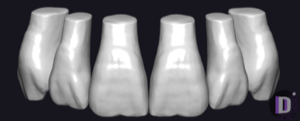
Tooth anatomy library with age-related morphology for crown modeling in exocad.
This library is part of PRO. Access opens downloads for all 2,983 libraries.