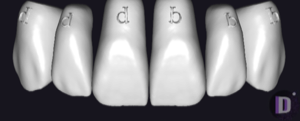
Paulo
Paulo Giovanny 1
Tooth morphology library for crowns, bridges, restorations in exocad; natural surface.
3 libraries · exocad DentalCAD — Tooth Anatomy
Paulo — 3 libraries for exocad DentalCAD — Tooth Anatomy in the catalog.
The Paulo collection brings designer Paulo Giovanny's tooth morphology libraries to exocad DentalCAD, offering three reference anatomy sets — Paulo Giovanny 1, Paulo Giovanny 2 and Paulo Giovanny 3 — for crafting full-anatomy crowns and bridges with a natural, expressive character. Each set works as a reference shape inside DentalCAD, helping technicians reproduce consistent morphology across cases. The catalog currently lists three Paulo libraries available for download.
Tooth morphology library for crowns, bridges, restorations in exocad; natural surface.
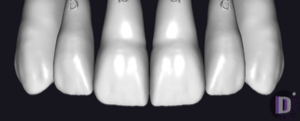
Tooth anatomy library for exocad: reference morphologies for crowns, bridges, restorations
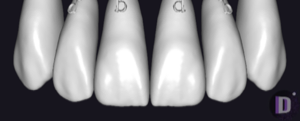
Tooth anatomy library for exocad, reference morphologies as starting shapes for crowns
This library is part of PRO. Access opens downloads for all 2,983 libraries.