Marcelo
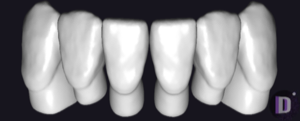
Marcelo Almeida FI1
Tooth anatomy library for exocad DentalCAD, full-anatomy morphology for crowns and bridges.
6 libraries · exocad DentalCAD — Tooth Anatomy
Marcelo — 6 libraries for exocad DentalCAD — Tooth Anatomy in the catalog.
The Marcelo hub collects six exocad DentalCAD tooth anatomy libraries designed by Marcelo Almeida, including the Marcelo Almeida FI1, Marcelo Almeida MC1, Marcelo Almeida MC2 and Marcelo Almeida MC3 morphology sets. Each set supplies reference tooth forms that CAD designers load in DentalCAD as a starting morphology for full-anatomy crowns and bridges, then refine to match the patient's dentition and occlusal scheme.
Tooth anatomy library for exocad DentalCAD, full-anatomy morphology for crowns and bridges.
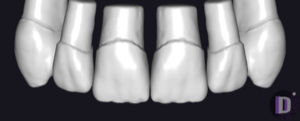
Tooth anatomy library for exocad, reference for metal-ceramic restorations: crowns, bridges, full anatomy.
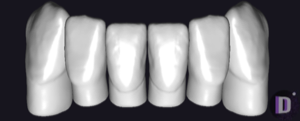
Tooth anatomy library for exocad: crowns, bridges, full-anatomy reconstructions.
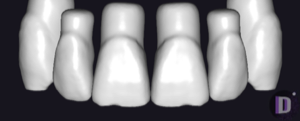
Tooth anatomy set for crowns, bridges and full-anatomy restorations in exocad.
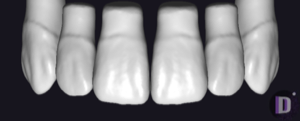
Tooth anatomy library for exocad: natural morphology for crowns, bridges, full-contour restorations.
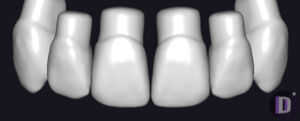
Tooth anatomy library for exocad: coordinated morphologies for modeling crowns and bridges.
This library is part of PRO. Access opens downloads for all 2,983 libraries.