Lorant
Lorant Stumpf 07
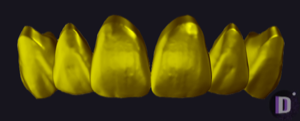
Tooth anatomy with detailed morphology for modeling crowns and restorations in exocad.
20 libraries · exocad DentalCAD — Tooth Anatomy
Lorant — 20 libraries for exocad DentalCAD — Tooth Anatomy in the catalog.
The Lorant hub brings together 20 exocad DentalCAD tooth anatomy libraries authored by Lorant Stumpf, including the Lorant Stumpf 01, Lorant Stumpf 02, Lorant Stumpf 03 and Lorant Stumpf 04 morphology sets. These libraries provide reference tooth shapes that dental technicians load in DentalCAD as a starting morphology when designing full-anatomy crowns, bridges and monolithic restorations, then adapt to the individual case.
Tooth anatomy with detailed morphology for modeling crowns and restorations in exocad.
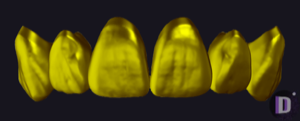
Anatomical tooth library: reference morphology for crowns, bridges, full-anatomy modeling in exocad.
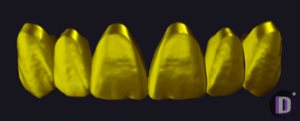
Tooth anatomy library for exocad, reference morphologies for crowns, bridges, full-anatomy restorations.
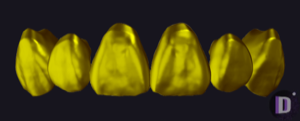
Tooth anatomy library: starting morphology for crowns, bridges, full-anatomy in exocad.
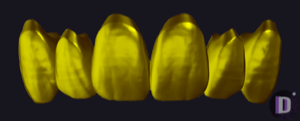
Tooth anatomy library, upper left central incisor master tooth for exocad crowns.
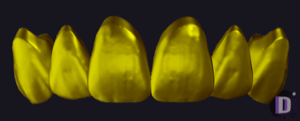
Tooth anatomy library: reference morphology for crowns, bridges and full-anatomy restorations in exocad.
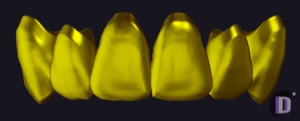
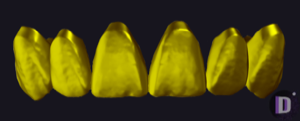
Anatomical upper left first molar, reference morphology for modeling in exocad DentalCAD.
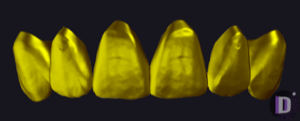
Tooth anatomy library for exocad; reference geometry for crowns, bridges, restorations.
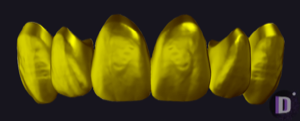
Anatomical exocad library: reference tooth for crowns and small anterior bridges.
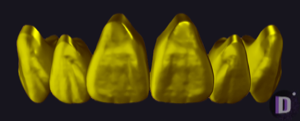
Tooth anatomy library for exocad DentalCAD; crown, bridge, full-anatomy proposals.
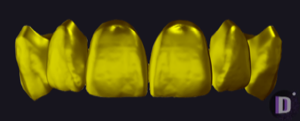
Tooth anatomy library: crown morphology as starting proposals for full-anatomy exocad restorations.
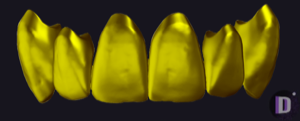
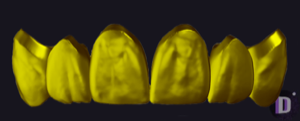
Anatomy library: reference morphology for crowns, bridges and full-contour restorations in exocad.
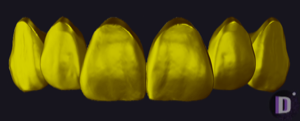
Tooth anatomy library with reference morphology for modeling crowns and bridges in exocad.
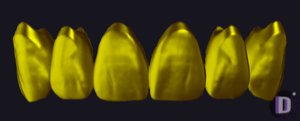
Upper left second premolar, reference master-tooth morphology for exocad DentalCAD.
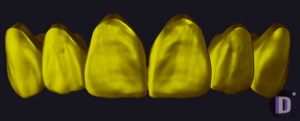
Tooth anatomy set, master morphology for crowns, bridges and full-anatomy proposals in exocad.
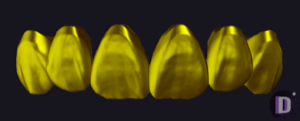
Anatomical library of reference tooth shapes, starting morphology for crowns and bridges in exocad.
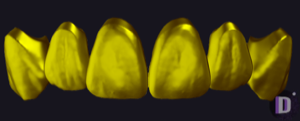
Reference tooth anatomy library, master shapes for crowns, bridges and restorations, exocad.
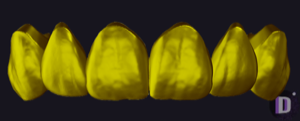
Tooth anatomy set with alternative cusp morphology, master form for exocad DentalCAD.
This library is part of PRO. Access opens downloads for all 2,983 libraries.