Jan
Jan Haito M7
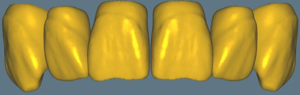
Tooth anatomy library, masculine M7 morphology, crown and bridge references for exocad.
11 libraries · exocad DentalCAD — Tooth Anatomy
Jan — 11 libraries for exocad DentalCAD — Tooth Anatomy in the catalog.
The Jan hub brings together the tooth morphology libraries authored by Jan Haito for exocad DentalCAD, offering eleven reference shape sets that technicians can load when designing crowns, bridges and full-anatomy restorations. The catalog includes lines such as Jan Haito F1, Jan Haito F26 and Jan Haito M5, each presenting a distinct morphology family that serves as a starting reference for the digital wax-up and final anatomy within the DentalCAD workflow.
Tooth anatomy library, masculine M7 morphology, crown and bridge references for exocad.
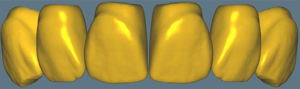
Anatomical tooth library for exocad, author morphology for crowns, bridges, restorations.
Anatomical tooth library with author's morphology for modeling crowns, bridges in exocad DentalCAD.
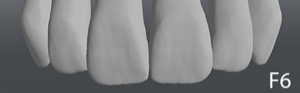
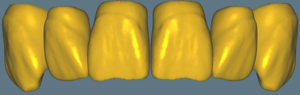
Tooth anatomy library based on M7 morphology for designing crowns and restorations in exocad.
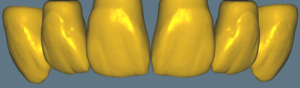
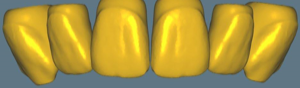
Tooth anatomy library, morphological variant M5, for modeling crowns and restorations in exocad.
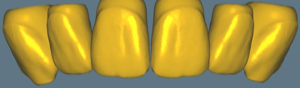
Tooth anatomy library with masculine M5 morphology for exocad DentalCAD; crowns, bridges, full-anatomy restorations.
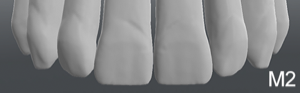
Tooth anatomy library with reference forms for modeling crowns and restorations in exocad.
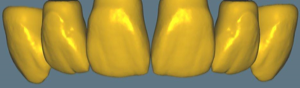
Tooth anatomy library for exocad, feminine morphology, reference for crowns and bridges
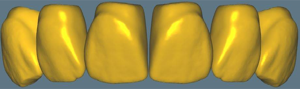
Tooth anatomy library based on F26 morphology, starting shapes for crowns and bridges in exocad DentalCAD.
This library is part of PRO. Access opens downloads for all 2,983 libraries.