Gebdi
Gebdi Tribos L3
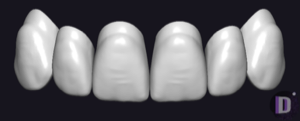
Tooth anatomy library, L3 character forms, reference morphology for crowns and bridges in exocad; pronounced relief, sharp incisal edge.
7 libraries · exocad DentalCAD — Tooth Anatomy
Gebdi — 7 libraries for exocad DentalCAD — Tooth Anatomy in the catalog.
Gebdi is a dental morphology author whose Tribos tooth-anatomy sets serve as reference shapes for designing crowns, bridges and full-anatomy restorations in exocad DentalCAD. The catalog contains 7 Gebdi lines, including Gebdi Tribos L1, Gebdi Tribos L2 and Gebdi Tribos L3, offering CAD technicians a structured morphology family that can be applied as a natural reference across anterior and posterior restorations.
Tooth anatomy library, L3 character forms, reference morphology for crowns and bridges in exocad; pronounced relief, sharp incisal edge.
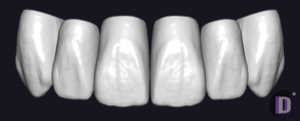
Tooth anatomy library, expressive L6 morphology; reference for crowns and bridges in exocad.
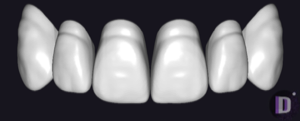
Tooth anatomy library, L4 character, reference for crowns and restorations in exocad.
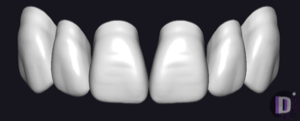
Tooth anatomy library, L2 forms for modeling crowns and restorations in exocad.
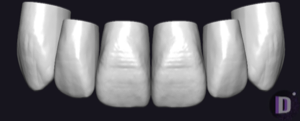
Tooth anatomy library with pronounced occlusion, reference form for crowns and bridges in exocad.
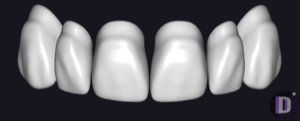
Tooth anatomy library, L1 character, soft rounded relief, reference for exocad restorations.
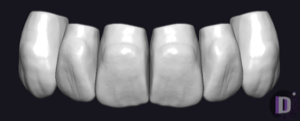
Tooth anatomy library, L5 character: reference shapes for crowns, restorations in exocad.
This library is part of PRO. Access opens downloads for all 2,983 libraries.