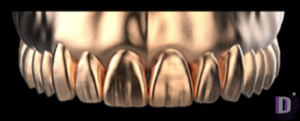
Expression
Expression V2
Tooth anatomy library for exocad DentalCAD, reference morphology for crowns and bridges
25 libraries · exocad DentalCAD — Tooth Anatomy
Expression — 25 libraries for exocad DentalCAD — Tooth Anatomy in the catalog.
Expression is a tooth morphology library line for exocad DentalCAD, offering reference tooth shapes for designing crowns, bridges and full-anatomy restorations. The catalog includes 25 Expression sets, among them Expression D1, Expression D2 and Expression G1, each defining a distinct morphology variant for anterior and posterior teeth.
In DentalCAD these libraries load as reference anatomy, giving the CAD designer a ready starting form to adapt to the clinical case.
Tooth anatomy library for exocad DentalCAD, reference morphology for crowns and bridges
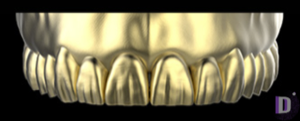
Tooth anatomy library defining unified morphology for crowns and bridges in exocad
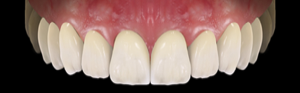
Tooth anatomy library: young morphology, distinct cusps, reference forms for exocad DentalCAD.
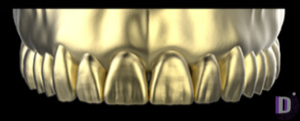
Tooth anatomy library for exocad: reference morphology for crowns, bridges, full-contour restorations.
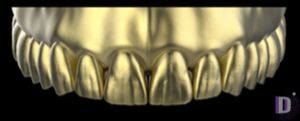
Tooth anatomy library with aged, slightly worn morphology and smoothed occlusal relief for exocad.
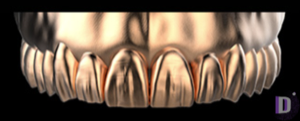
Tooth anatomy library for exocad: reference morphology for crowns, bridges, full-anatomic restorations.
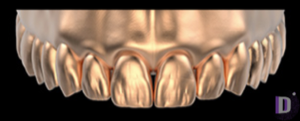
Tooth anatomy library, S character variant 2, reference morphology for crowns and bridges in exocad DentalCAD.
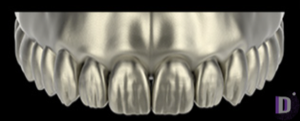
Tooth anatomy library for exocad DentalCAD: crowns, bridges, full-anatomy restorations.
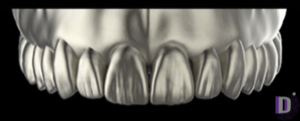
Tooth anatomy library with reference morphology for crowns and bridges in exocad.
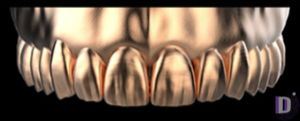
Tooth anatomy library for exocad DentalCAD: shape source for crowns, bridges, full-contour restorations.
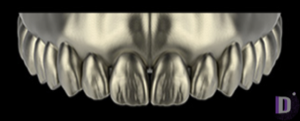
Tooth anatomy library, S character morphology, for crowns and bridges in exocad DentalCAD.
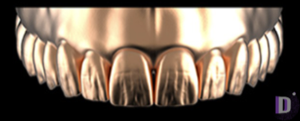
Tooth anatomy library, second P-line variant; reference morphology for restorations in exocad.
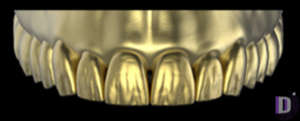
Tooth anatomy, reference jaws for crowns and restorations in exocad DentalCAD.
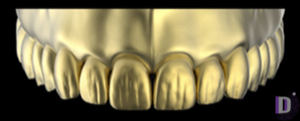
Tooth anatomy library with soft organic occlusion for crown modeling in exocad.
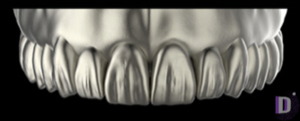
Tooth anatomy library with universal morphology for exocad, neutral cusp and fissure pattern.
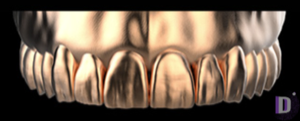
Reference tooth anatomy for designing crowns, bridges and restorations in exocad.
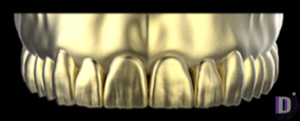
Tooth anatomy library with reference morphologies for crowns, bridges, restorations in exocad DentalCAD.
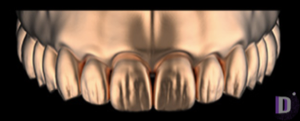
Tooth anatomy library for exocad DentalCAD: crowns, bridges, full-anatomy restorations.
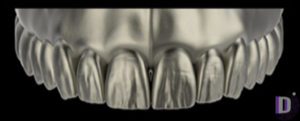
Tooth anatomy library for exocad, pronounced occlusion, reference for crowns and bridges.
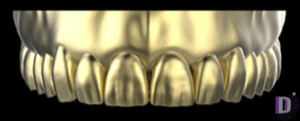
Tooth anatomy library for exocad DentalCAD; morphological reference for crowns and bridges.
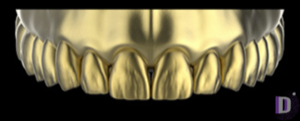
Tooth anatomy library for exocad, softened occlusal relief, crowns and bridges.
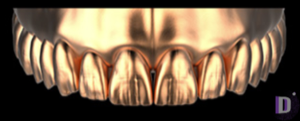
Tooth anatomy library for exocad, balanced moderate morphology for crowns, bridges.
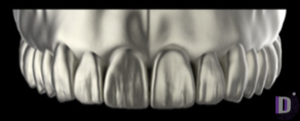
Tooth anatomy library with reference morphologies for crowns and bridges in exocad.
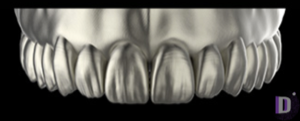
Tooth anatomy library for exocad DentalCAD, shaping full-contour crowns and bridges.
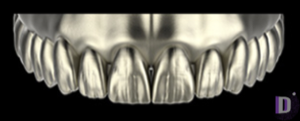
Tooth anatomy library with pronounced relief morphology for crown modeling in exocad.
This library is part of PRO. Access opens downloads for all 2,983 libraries.