SGS
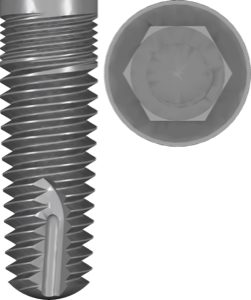
Dental P1
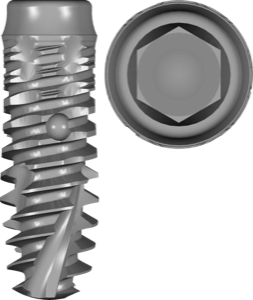
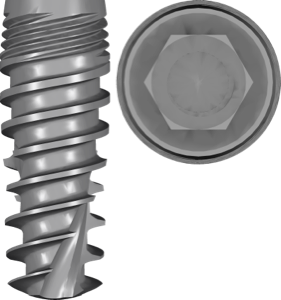
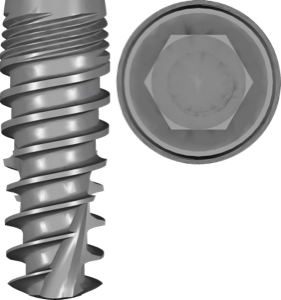
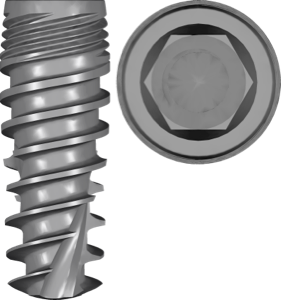
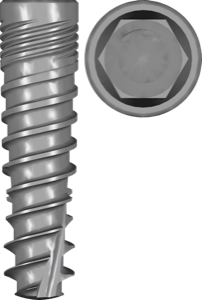
Implant library for exoplan planning, internal hex with Morse taper connection, FDA-marked.
15 libraries · exocad exoplan
SGS — 15 libraries for exocad exoplan in the catalog.
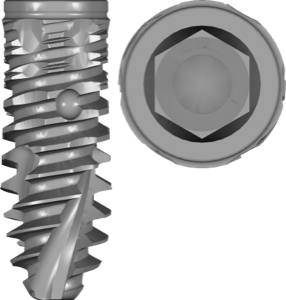
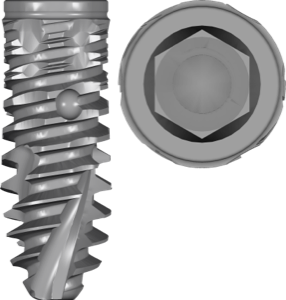
SGS Dental Implant System Holding is a Swiss manufacturer of dental implants, developing comprehensive systems for implant and prosthetic treatment. The exoplan catalog includes the Dental P1D, P5D, P5G and P7 lines, along with auxiliary Dental sleeve and Dental fixation components, covering a wide range of implant diameters and lengths. SGS systems support the fully guided implantation protocol when used with compatible surgical kits.
Implant library for exoplan planning, internal hex with Morse taper connection, FDA-marked.
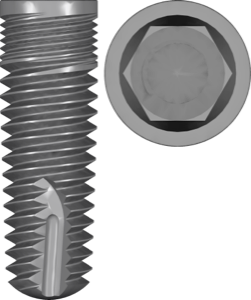

Surgical guide library for exoplan: sleeves, drill kit, anchor pins for implant planning.

Opens the whole catalog: 2,983 libraries.
Not sure? Ask support
Enter your email and the download starts right away.
No password needed. Next time you sign in with a code sent to your email.