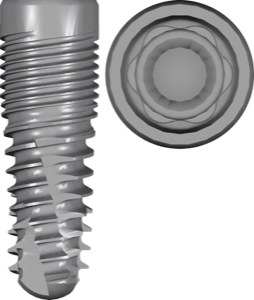
Keystone exocad library
21 libraries · exocad exoplan
Keystone — 21 libraries for exocad exoplan in the catalog.
Keystone Dental Group (USA) is a manufacturer of dental implant systems, best known for its Genesis line featuring an internal conical connection with a hex anti-rotational interface. The company also offers the Paltop family (Dynamic, Advanced Classic, Advanced Plus, PCA) and fixation solutions, covering a wide range of clinical protocols — from classic two-stage implantation to fully guided surgery.

Keystone
Genesis kit
Surgical guide library for exoplan, conical internal hex connection, fully guided implant placement.
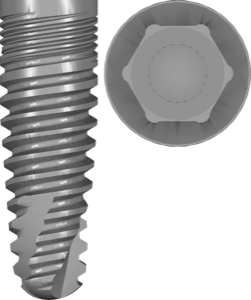
Keystone
Paltop Advanced Classic
Implant library, conical Morse taper connection, titanium, exoplan guided planning; Ti, DC, PM, MU components.
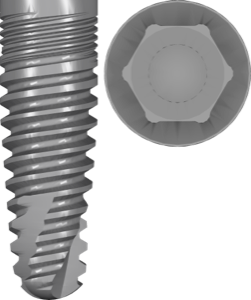
Keystone
Paltop Advanced Classic
Implant library with internal hex connection, titanium, planning in exoplan, FDA-marked.
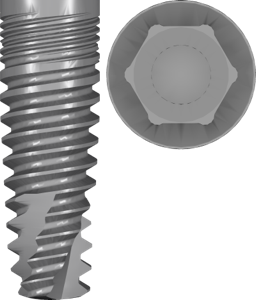
Keystone
Paltop Advanced Plus
Advanced+ implant system library with digital planning components for exoplan.
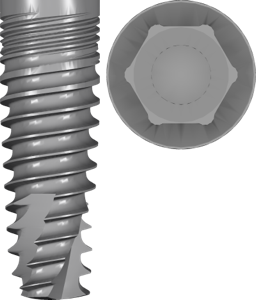
Keystone
PaltopDynamic
Implant library with conical internal-hex connection for exoplan surgical planning
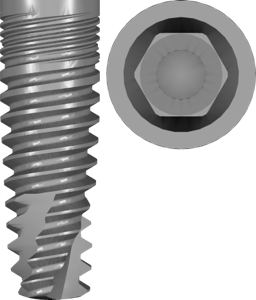
Keystone
PaltopPCA
Paltop Conical Active implant library with Morse taper conical connection for exoplan planning.
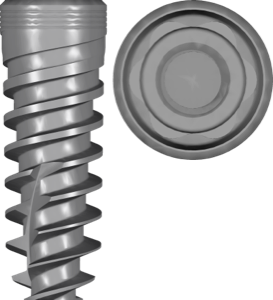

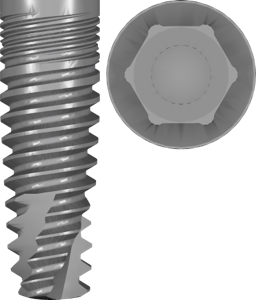
Keystone
Paltop Advanced Plus
Implant library, conical connection with internal hex, titanium Grade 5, for exoplan

Keystone
Paltop fixation
Surgical guide library for exoplan supporting fixation pins in guided surgery.

Keystone
Paltop FullyGuided kit
Surgical guide library for exoplan enabling fully guided implant placement.

Keystone
Paltop Pilot kit
exoplan library: pilot surgical guide for guided pilot drilling and planning.
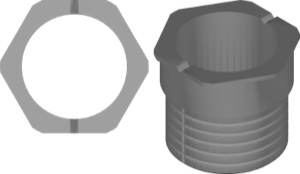
Keystone
Paltop sleeve
Surgical guide sleeves for exoplan, fully guided implant placement, Paltop system.
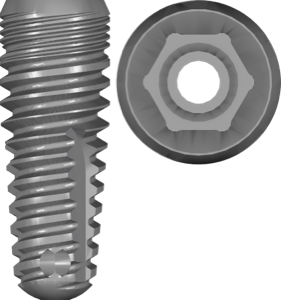
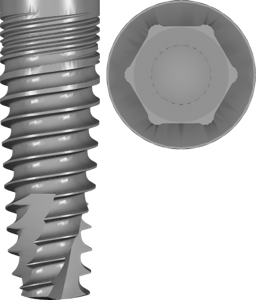
Keystone
PaltopDynamic
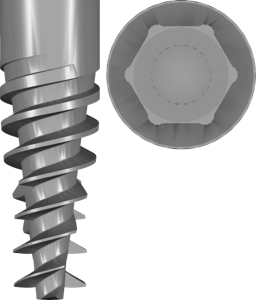
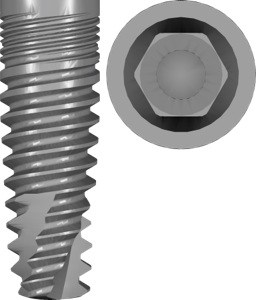
Implant planning library for exoplan, internal hex, titanium, FDA-cleared, guided sleeves
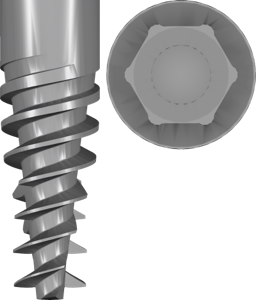
Keystone
PaltopPCA
Implants with internal conical Morse taper connection for digital planning in exoplan.

Keystone
PrimaPlus kit
Surgical guide library, Morse taper conical connection, implant planning in exoplan
Nothing found
FAQ — Keystone
How do I install the Keystone library in exocad exoplan?
Unzip the archive and place the library folder into the exoplan directory: ...\DentalCADApp\library\implant (or the corresponding guided surgery section), then restart the program. For help installing any version, contact us via support in your account.
Which versions of exocad exoplan are the Keystone libraries compatible with?
The libraries are compatible with current exoplan releases (DentalCAD Galway, Rijeka and newer). Adaptation for earlier versions is possible — contact us.
Are these original Keystone libraries?
Yes, these are original libraries from Keystone Dental Group, intended for guided surgery planning with the Genesis and Paltop systems.
How much does the download cost?
Free; after you sign in, the file downloads directly.