C-Tech exocad library
6 libraries · exocad exoplan
C-Tech — 6 libraries for exocad exoplan in the catalog.
C-Tech Implant is an Italian manufacturer based in Bologna, specializing in implantology solutions since 2007. The brand is known for its C-Guide guided surgery system and a broad implant portfolio, including Narrow Diameter and EstheticLine ranges with internal conical connections. C-Tech components feature precise connection geometry and protocols adapted to different bone density types.
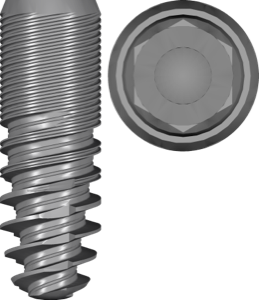
C-Tech
EstheticLine
Conical implant library for exoplan; Morse taper with internal hex, platform switching.

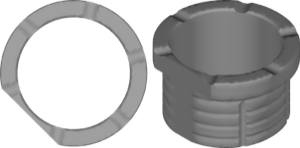
C-Tech
fixation
exoplan surgical guide library for designing guides with fixation pins, guided surgery.
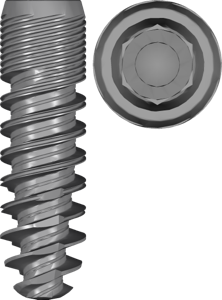
C-Tech
NarrowDiameter
Two-piece narrow titanium implants, internal connection, for narrow ridges, exoplan.

C-Tech
C Guide hard bone kit
Surgical guide library for exoplan; guided implant placement, hard-bone drilling protocol.

C-Tech
C Guide soft bone kit
Guided surgery sleeve library for exoplan, fully guided protocol for soft bone
Nothing found
FAQ — C-Tech
How do I install the C-Tech library in exocad exoplan?
Unzip the archive and place the library folder into the exoplan directory: ...\DentalDB\library\implant-kits (or the corresponding path for sleeves). After restarting exoplan, the library will appear in the list. Help with installing any versions — via support in your account.
Which versions of exocad exoplan are compatible with C-Tech libraries?
The libraries are compatible with current exoplan releases (Galway, Rijeka, DentalCAD 3.x and newer). For earlier versions, adaptation support is available via support in your account.
Are these original C-Tech libraries?
Yes, these are original libraries released by C-Tech Implant for use with the C-Guide system and the brand's surgical protocols.
How much does the download cost?
Free; the file downloads directly after sign-in.