Cortex exocad library
8 libraries · exocad exoplan
Cortex — 8 libraries for exocad exoplan in the catalog.
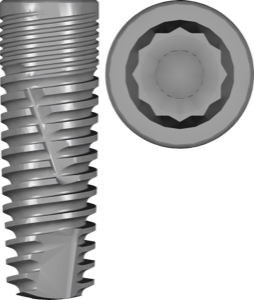
Cortex Dental Implants Industries is an Israeli manufacturer of dental implants with FDA 510(k) clearance, known for a broad portfolio of systems with conical and internal hex connections. The catalog includes CLASSIX, DYNAMIX and MAGIX lines in Conical and Internal Hex platforms, as well as the FullyGuided kit for fully guided surgery. The CLASSIX Conical line delivers strong primary stability thanks to its tapered body design.
Cortex
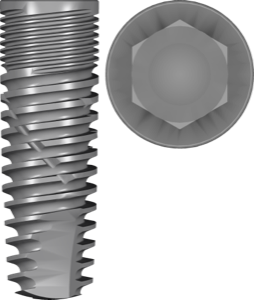
CLASSIX IntHex
Implant library for exoplan, internal hex, CLASSIX series, FDA version, implant planning.
Cortex
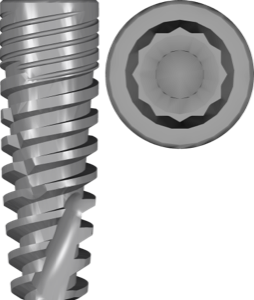
DYNAMIX Conical
Titanium implant library for exoplan; internal Morse taper conical connection, FDA-cleared.

Cortex
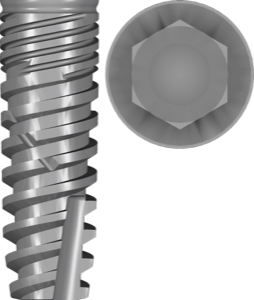
fixation
Surgical guide fixation components for digital planning and guide stabilization in exoplan.

Cortex
FullyGuided kit
Surgical guide library for exoplan, fully guided workflow with sleeves and stoppers.

Cortex
FullyGuided sleeve
Sleeve library for exoplan enabling fully guided implant placement and surgical guide design.
Nothing found
FAQ — Cortex
How do I install the Cortex library in exocad exoplan?
Unzip the archive and place the library folder into the exoplan implants directory (DentalCADApp/library/implants), then restart exoplan. For installation help on any version, contact us via support in your account.
Which versions of exocad exoplan are compatible with Cortex libraries?
The libraries are compatible with current exoplan releases (Galway, Rijeka, Matera and newer). If you need a build for a specific version, just contact us.
Are these original Cortex libraries?
Yes, these are original libraries from Cortex Dental intended for digital planning in exoplan.
How much does the download cost?
Free of charge; after you sign in, the file downloads directly.