Camlog
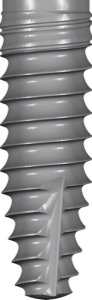
CAMLOG PROGRESSIVE LINE PROMOTE PLUS GSM
Progressive-Line implant library with conical connection for surgical planning in exoplan.
24 libraries · exocad exoplan
Camlog — 24 libraries for exocad exoplan in the catalog.
CAMLOG is a German manufacturer of dental implants featuring the proprietary Promote Plus surface, known for its reliable Tube-in-Tube connection in the CAMLOG system and the conical connection in CONELOG. The catalog includes ScrewLine and ProgressiveLine ranges with RegularBone protocols and pilot drill kits, along with components for guided surgery and SnapIn temporary fixation.
Progressive-Line implant library with conical connection for surgical planning in exoplan.
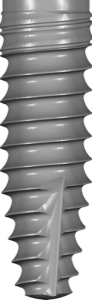
PROGRESSIVE-LINE implant library with SnapIn post and Tube-Line connection for exoplan
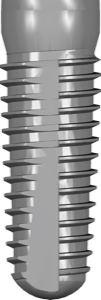
Implant library with internal hex connection for exoplan surgical planning
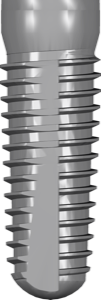
Implant library with internal hex and snap-in post for exoplan planning
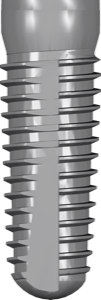
Implant library with SCREW-LINE SnapIn connection for exoplan planning
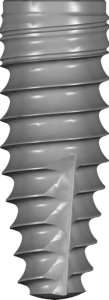
Titanium implant library for exoplan, conical Morse 6.5° connection, SnapIn, FDA-marked.
Surgical guide library for exoplan, pilot guided drilling planning, PROGRESSIVE-LINE system.
Surgical guide library: guided pilot drills, internal trilobe connection, exoplan planning.
Surgical guide library for guided implant placement, ProgressiveLine platform, Guide System tools, exoplan.
Surgical guide library for exoplan, internal hex 2.5 mm connection, Roxolid
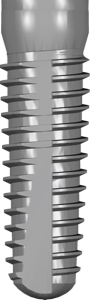
SCREW-LINE Promote plus implants for guided surgery planning in exoplan
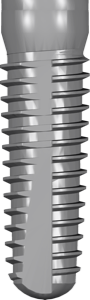
Surgical guide library for implant planning workflow in exoplan
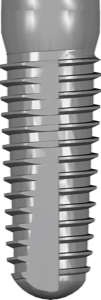
SCREW-LINE Promote implant library with internal hex connection for exoplan
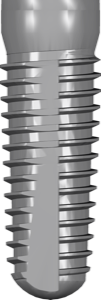
SCREW-LINE Promote Plus implant library, internal hex connection, for exoplan planning
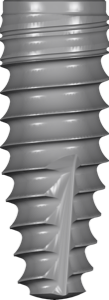
Implant library, internal conical hex connection, digital planning in exoplan.
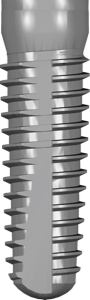
Implant library for exoplan, internal Morse taper 3.5° connection, titanium, FDA-marked
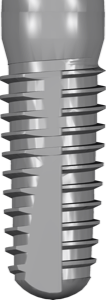
Implant library with conical Morse taper connection for guided surgery in exoplan.
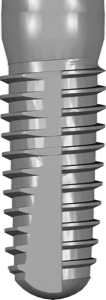
Titanium implants with conical Morse taper connection, for exoplan planning.
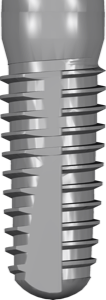
Implant library for exoplan, conical Morse taper connection, Promote plus surface, snap-in.
Surgical guide library in exoplan for PROGRESSIVE-LINE implants, dense bone drilling.
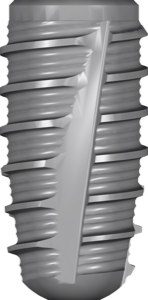
Titanium implant library for exoplan, internal Trilobe connection, FDA version for US implant planning
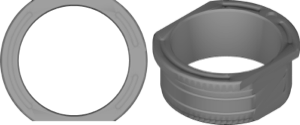
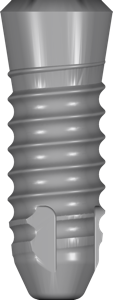
Zirconia implant library with Hexalobe internal connection for planning in exoplan.
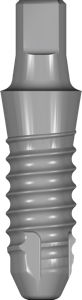
Monobloc zirconia implant library with integrated abutment for exoplan planning.
Opens the whole catalog: 2,983 libraries.
Not sure? Ask support
Enter your email and the download starts right away.
No password needed. Next time you sign in with a code sent to your email.