Arum Dentistry exocad library
3 libraries · exocad exoplan
Arum Dentistry — 3 libraries for exocad exoplan in the catalog.
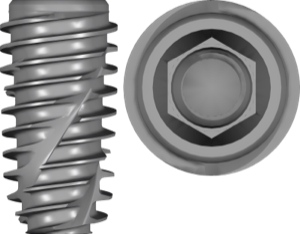
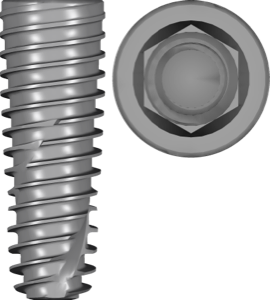
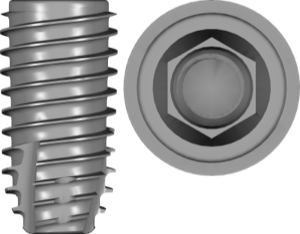
Arum Dentistry is a South Korean manufacturer of implant systems and CAD/CAM solutions, best known for its NB implant series. The catalog includes NB1 and NB2 models for standard clinical cases, as well as NB Mini — designed for mini-implants and situations with limited interdental space. Arum implants feature precise connection geometry and full compatibility with digital planning workflows.
Nothing found
FAQ — Arum Dentistry
How do I install the Arum Dentistry library in exocad exoplan?
Unzip the archive and copy the library folder into the exoplan implant library directory (typically DentalCADApp/library/implant), then restart the program and check Library Finder. For installation help with any version, contact us via support in your account.
Which exocad exoplan versions are compatible with Arum Dentistry libraries?
The libraries are compatible with current exoplan releases, including Galway and DentalCAD 3.x. If you need adaptation for earlier versions, contact us.
Are these original Arum Dentistry libraries?
Yes, these are original libraries from the ArumDentistry generic release libraries package for exoplan.
How much does the download cost?
Free; after you sign in, the file downloads directly.