AB Dental exocad library
16 libraries · exocad exoplan
AB Dental — 16 libraries for exocad exoplan in the catalog.
AB Dental is an Israeli manufacturer of dental implants, surgical and prosthetic components, and digital dentistry solutions, including its AB Guide guided-surgery protocol. The portfolio includes I6 NarrowIntegral, I22 ScrewType and I10 Trapeze implant lines, Fully and Partially Guided sleeves, and the TKD Guided surgical kit, covering narrow, standard and trapezoidal implants with proprietary internal connections.
AB Dental
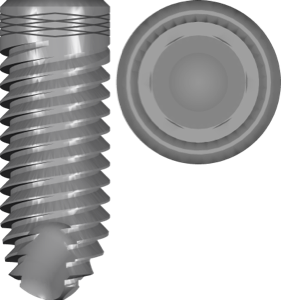
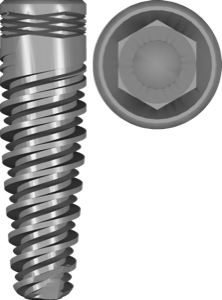
I55 Conical
Conical implant library with internal hex connection for exoplan surgical planning
AB Dental
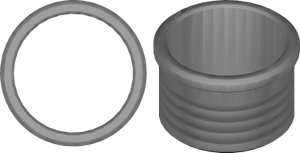
Partially Guided sleeve
Sleeves for partially guided surgical templates in exoplan, ABGuided protocol.

AB Dental
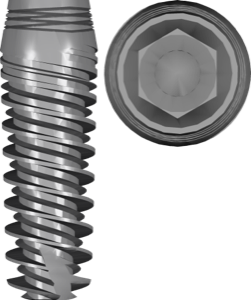
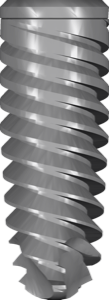
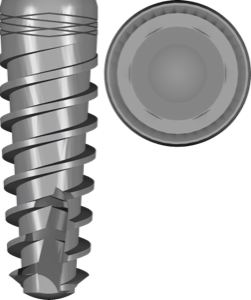
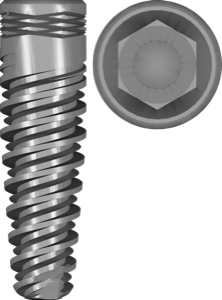
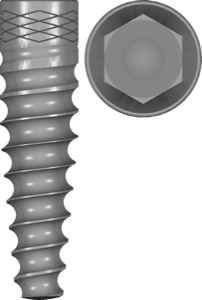
I6 NarrowIntegral
One-piece narrow implant for thin ridges, internal hex connection, exoplan
AB Dental
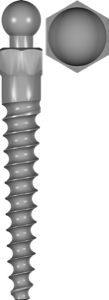
I6b One Piece Ball
One-piece implant with integrated ball attachment for overdentures, exoplan.

AB Dental
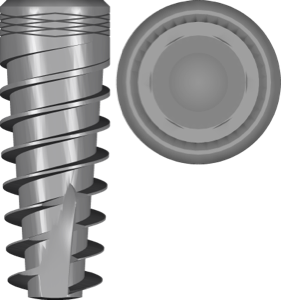
I7 Integral
Monoblock conical implant with integrated abutment for exoplan implant planning

AB Dental
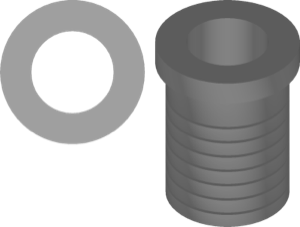
TKD Guided kit
Guided surgery sleeve and instrument library for ABGuide protocol in exoplan.
Nothing found
FAQ — AB Dental
How do I install the AB Dental library in exocad exoplan?
Unzip the archive and place the library folder into exocad\DentalCADApp\library\implant (for implants) or the corresponding exoplan folder for sleeves and surgical kits, then restart the software. For installation help with any version, contact us via support in your account.
Which exocad exoplan versions are the AB Dental libraries compatible with?
The libraries work with current exoplan releases (Galway and newer) and with previous builds when the folder structure is preserved. If incompatibility occurs, we will help select a working version.
Are these original AB Dental libraries?
Yes, these are original files from AB Dental, intended for use in exocad exoplan without any geometry modifications.
How much does the download cost?
Free; after you sign in, the file downloads directly.